

2026-10-25T15:12:48+00:00October 25, 2026|
2026-10-25T14:51:00+00:00October 25, 2026|
2026-10-25T14:41:18+00:00October 25, 2026|
LED screen signal backup is an alternative video or data path that can take over when a defined part of the primary path fails. Its protection depends on where the alternative path begins and ends. A spare input, a redundant output loop, and a second processor cover different faults; none automatically protects the entire installation.
For a rental-system buyer preparing live-event equipment, the phrase “backup supported” is therefore an incomplete specification. Ask which failure the proposed configuration is intended to survive, what shared components remain, and how the changeover has been verified. This explanation defines those boundaries without prescribing a wiring procedure for an unidentified controller.
LED screen signal backup protects a defined part of the path
A screen’s signal chain may include a source, switcher, processor, distribution hardware, cables, receiving electronics, and the display itself. An alternative route around one part does not eliminate dependence on the other parts. Mark the protected segment on a signal diagram before reviewing the equipment list.
For example, a second video input on the same processor may provide another input path when supported and configured. Both inputs still depend on that processor. Similarly, a loop returning from the last cabinet to a second output can provide a second data route, but the arrangement still depends on the equipment shared by both feeds.
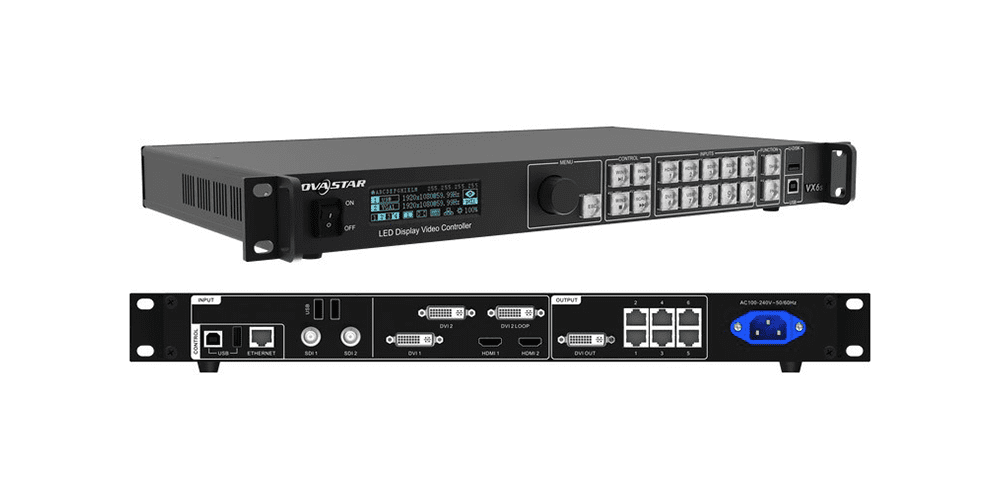
LED screen signal backup should be specified as a response to a named fault. “Continue displaying after loss of the primary data feed” is more useful than “redundant system” because the former can be mapped to a configuration and a test. The supplier should then explain which faults remain outside that commitment.
Inputs, cable loops, and processors solve different problems
The terms used by manufacturers vary, so read the relevant manual for the exact model and firmware. The following categories describe protection boundaries rather than universal product features. They are not interchangeable upgrades that every controller can support.
| Concept | Alternative provided | What to confirm | Dependency that may remain |
|---|---|---|---|
| Input backup | Another source or input feed into the processing chain. | Supported input combination, trigger, and switching behavior. | The same processor and downstream display chain. |
| Data-link or loop redundancy | Another supported route from output hardware toward the cabinets. | Required port pairing, topology, configuration, and capacity. | Shared source, processor, or cabinet electronics. |
| Processor backup | A second configured processor capable of taking over. | Model support, distribution compatibility, failover criteria, and image settings. | Shared upstream source, distribution, power, or display hardware. |
Brompton’s Tessera redundancy documentation makes this distinction explicit. It describes closed-loop redundancy using paired outputs and a return cable, then separately describes processor failover for the SX40. The documented processor configuration can momentarily lose the picture while panels reconnect. This is why a general claim of seamless changeover needs configuration-specific evidence.
The same documentation notes capacity implications for redundant output pairs. Do not assume that every physical port remains available as extra independent image capacity after backup is configured. Request the usable capacity of the proposed redundant arrangement at the required resolution and frame rate, rather than counting connectors on the rear panel.
These examples describe that manufacturer’s published system, not the capabilities of the controller pictured here or every EagerLED proposal. When purchasing LED screen signal backup, obtain the matching documentation for the actual processor, receiving hardware, and firmware included in the bill of materials.
Two paths can still have a shared point of failure
When evaluating LED screen signal backup, a shared point is a component or condition that both the primary and alternative routes need. Two processors receiving their content from one source do not create an independent second source. Likewise, two data cables following the same exposed route may both be affected by one physical incident.
Draw the proposed paths and mark shared sources, distribution devices, power dependencies, and cable routes. The goal is to understand the remaining risk, not to claim that duplicating one item creates complete independence. The appropriate design depends on the event’s continuity requirement and the equipment’s supported architecture.
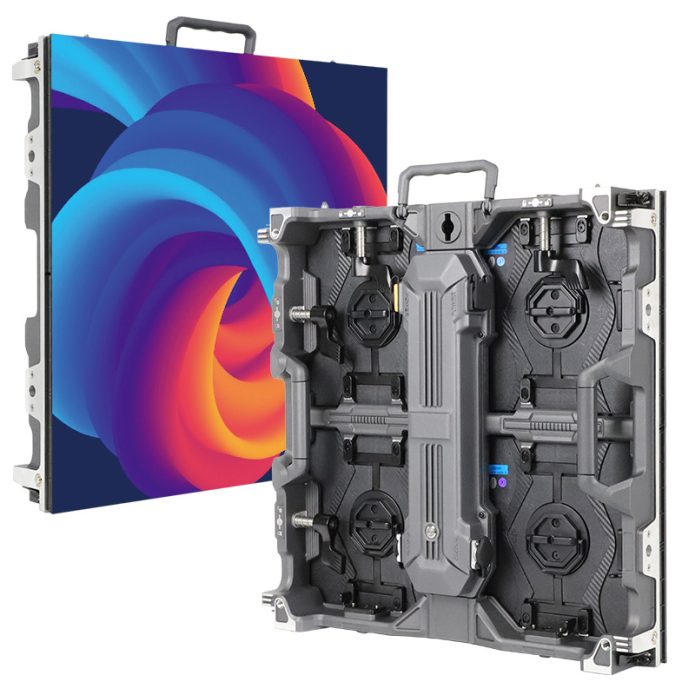
Separate signal continuity from power continuity. A cabinet without the electrical power required for operation cannot display the backup video merely because another data cable is present. Any power-resilience requirement needs its own qualified design and documented scope; it should not be inferred from a signal-backup line item.
For a rental LED screen package, identify the operator’s role as well. An automatic changeover, a manual input selection, and replacing a failed unit are different responses. A spare processor packed in a case can be useful, but it is not the same as a configured processor that is already connected and ready to take over.
Ask for a demonstrated failure response
A useful acceptance record for LED screen signal backup states the fault introduced, the expected response, the observed result, and the final configuration. Arrange the test with the system supplier and trained crew before the live event. Do not improvise electrical disconnections or change production settings during a show to prove a general marketing claim.
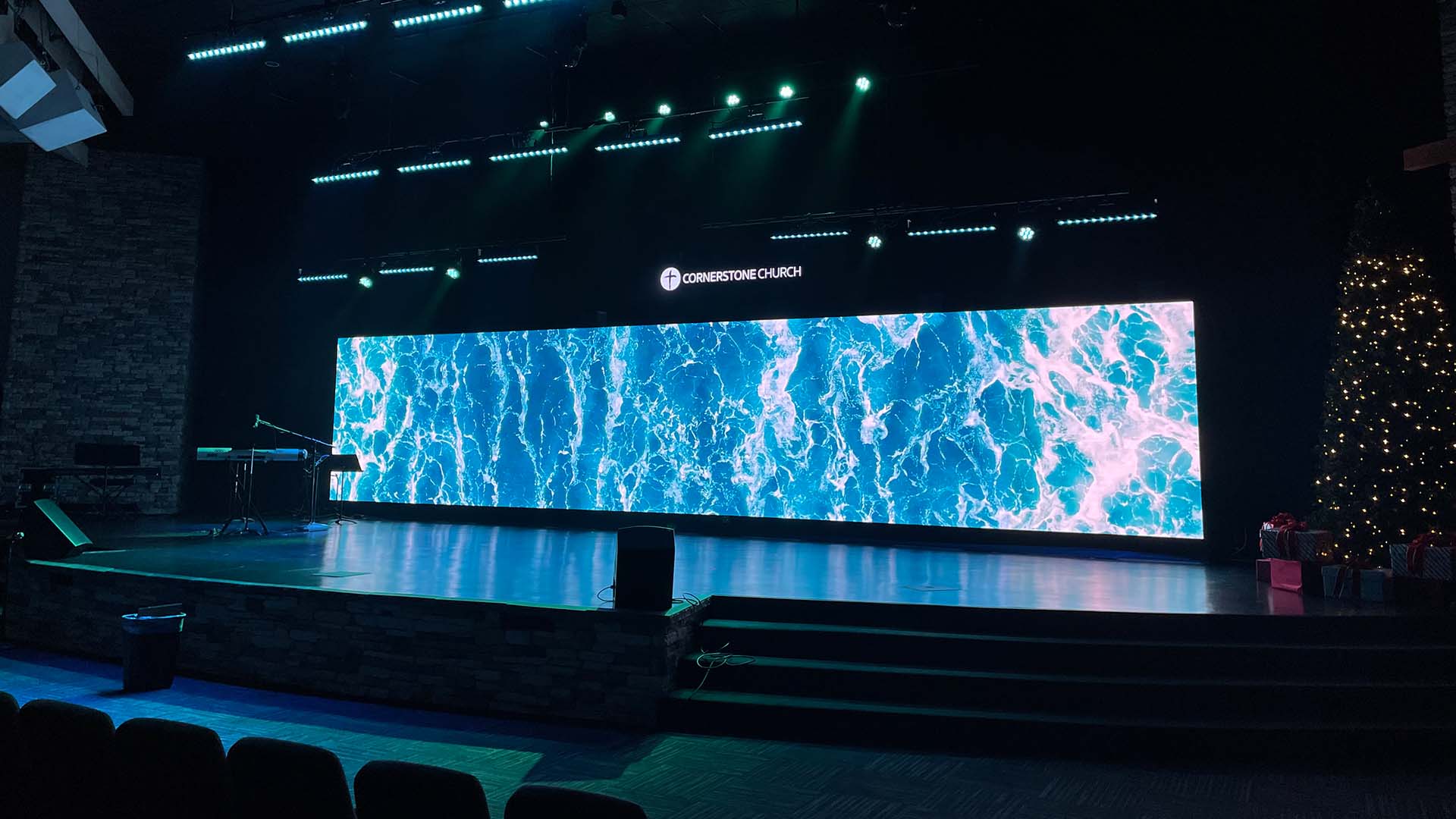
Include these items in the LED screen signal backup review:
- Named failure: the source, feed, cable segment, or processor condition covered by the test.
- Proposed configuration: equipment identities, firmware, output mapping, enabled backup modes, and usable capacity.
- Changeover behavior: automatic or manual action, visible interruption, and the basis for any timing claim.
- Picture consistency: content, geometry, color settings, and the expected image after changeover.
- Recovery: the approved process for restoring the primary route and confirming backup readiness again.
Test the required image, not only a connection-status indicator. A backup path can be present while using a different image position, source, or color configuration. Ask the supplier to preserve the accepted configuration and document any deliberate differences rather than assuming the two paths synchronize all settings automatically.
Also distinguish changeover time from normal video delay. They answer different questions. The site’s explanation of system-latency measurement boundaries can help specify the delay before and after failover. A fast changeover alone does not establish equivalent steady-state delay on both routes.
Frequently asked questions
Does a frozen picture always trigger automatic changeover?
No. A frozen image can still be carried by a valid video signal. A system monitoring signal loss may not recognize that the content has stopped updating. Ask what the actual trigger detects and whether the required failure is covered.
Will adding an ordinary Ethernet switch create a backup route?
Do not assume so. LED output networks have manufacturer-specific topology rules. Brompton’s documented closed-loop arrangement explicitly prohibits using Ethernet switches to split the signal. Use only the architecture approved for the proposed system.
Is a spare cable the same as an active backup feed?
No. A disconnected spare supports replacement after a fault. An active backup arrangement requires supported connections and configuration before the fault. The quotation should distinguish supplied spares from operating redundancy.
Describe the continuity your event requires
Send the installation country, screen dimensions, indoor or outdoor conditions, viewing distance, native resolution, source equipment, and required frame rate. Identify the failure scenarios that matter and the visible interruption, if any, that the project can accept.
Ask EagerLED to review the screen and signal-path requirements and request a diagram, equipment schedule, and acceptance plan for LED screen signal backup. Keep shared dependencies and excluded faults visible in the proposal so the purchased protection matches the event requirement.

 LED Screen Black Level: Why Black Can Look Gray