

EagerLED LED stage screens for sale
LED stage screens are modular video walls used for live images, scenic backgrounds, lyrics and presentations at events. Compare the cabinet layout, nearest viewing distance, installation method and camera requirements before selecting a system. EagerLED can prepare a configuration for your project requirements.
Planning a touring backdrop? Read our touring stage LED screen specification guide to prepare your project requirements and compare supplier proposals.


Customer feedback on EagerLED LED stage screens
EagerLED LED stage screens in USA
EagerLED LED display stage shines in France
EagerLED LED display in Democratic Republic
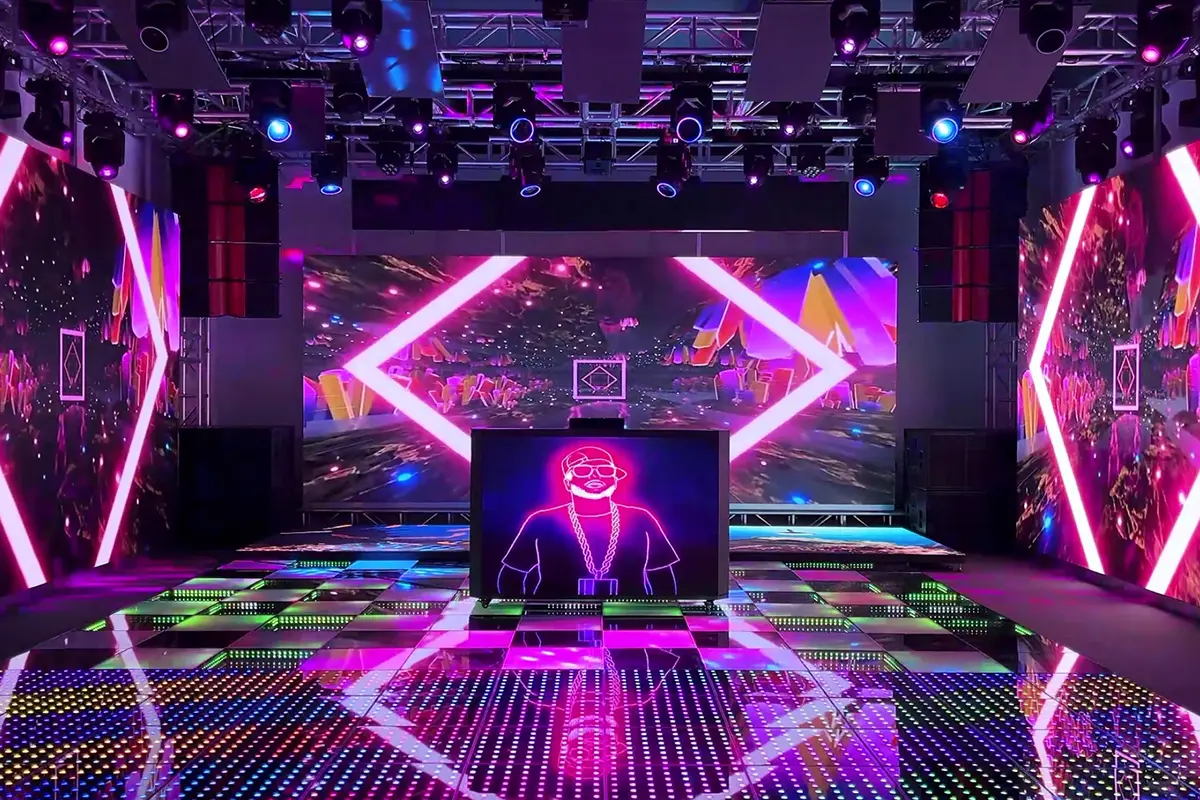
EagerLED stage LED screen——made for professional performances
Before selecting LED stage screens, compare the exact cabinet configuration and service requirements. Confirm brightness adjustment, receiving cards, processor compatibility and the available front or rear maintenance access for the quoted model.
For touring work, request a demonstration of cabinet alignment, locking, handling and packing. Curved layouts require compatible cabinets and approved rigging; the screen dimensions alone do not establish the permitted hanging or stacking arrangement.
Ask the supplier to include the factory test record, spare-parts list, warranty scope and support procedure in the proposal. Validate the complete signal chain with your show content and cameras before acceptance.
Plan Your Stage LED Screen Project
EagerLED LED stage screens solution
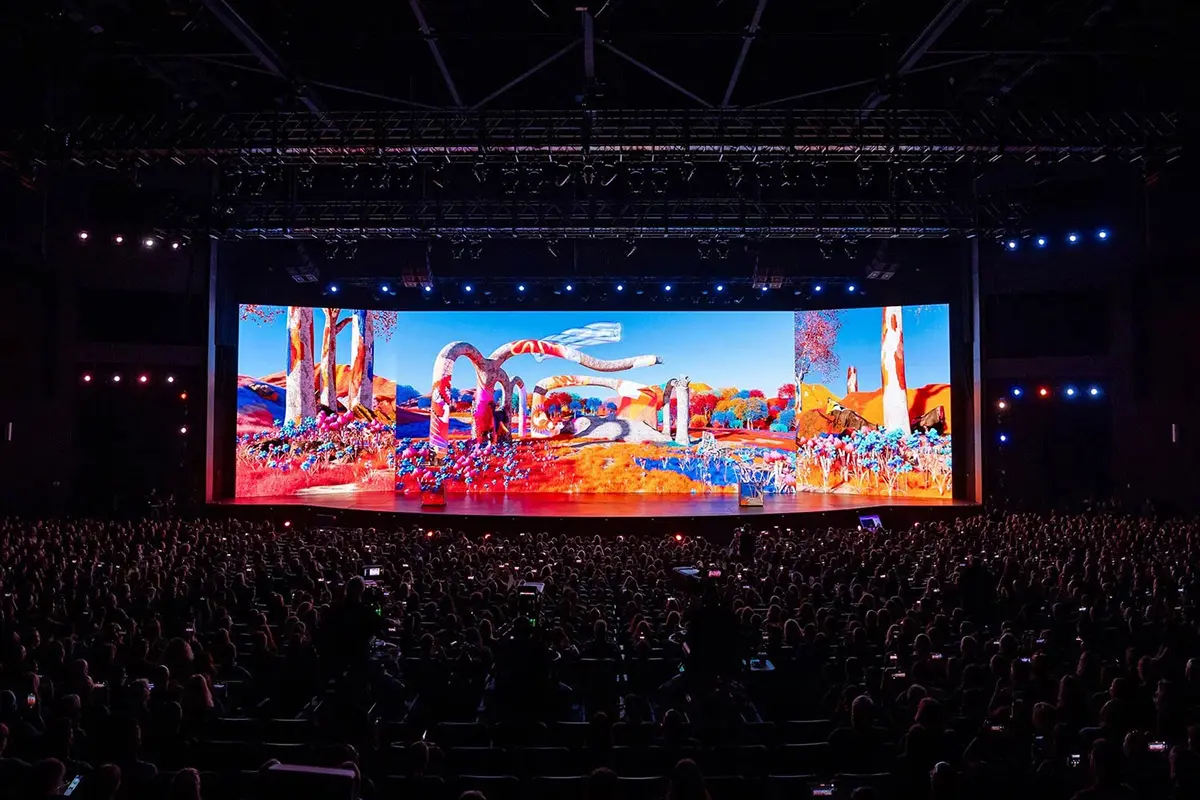
Main Screen of stage
The core visual presentation on stage, typically displaying key visuals, performance footage, and live broadcast content.
Buying tips:
- High-definition, fine-pitch screens: P1.9, P2.6, and P2.9, suitable for close-up viewing and HD live broadcasts.
- Camera suitability: validate the quoted configuration at the intended frame rate, shutter settings and brightness; refresh rate alone is insufficient.
- High brightness screens: 5000–6000 nits (lower for indoor use), suitable for strong stage lighting.

Side Screens of stage
Auxiliary information displays, such as lyrics and subtitles, live close-ups, and interactive graphics.
Buying tips:
- Medium pixel pitch: P2.9 and P3.9, which maintain clarity while reducing costs.
- Ceiling/stacked screens: Lightweight structures allow for flexible assembly and quick disassembly.
- Small size: Secondary stage screens are generally small and primarily serve a supporting purpose.

stage backdrop screen
Create atmosphere, create stage effects, and interact with lighting and special effects.
Buying tips:
- Medium pixel pitch screens: P3.9 and P4.8, focusing on stage effects rather than extreme clarity.
- Transparent screens/mesh screens (LED mesh screens): Lightweight, with good ventilation and heat dissipation, commonly used in large concerts.
- Curved/flexible screens: Can be used as curved stage backdrops to create an immersive experience.

Floor LED Screen
It features interactive stage flooring, creating visual effects when actors step or walk.
Buying tips::
- Floor-rated cabinets: confirm documented point and distributed loads, slip resistance and the approved supporting structure for the selected model.
- Interactive floor tiles: Built-in sensors allow real-time tracking of actor movements, creating interactive effects.
- Pixel pitch: Typically P3.9 or P4.8 are used, ensuring both visual quality and durability.
Plan Your Stage LED Screen Project
EagerLED LED stage screen recommendations
Stage LED Screens Buying Guide: Specifications and Quote Scope
To create a stage that truly impresses the audience, professional guidance and precise control over technical details must not be overlooked when selecting LED stage screens. Even a slight deviation in parameters can significantly impact the visual experience—improper pixel pitch may cause visible graininess for front-row viewers, while insufficient brightness can lead to washed-out and distorted images under stage lighting.
Don’t worry! This article offers a one-stop professional guide to help you fully understand all the key aspects of choosing the right LED display for your stage. We break down technical specs in plain language and share practical tips to simplify your decision-making. If you’re planning a concert, commercial event, or wedding celebration and need to pick the perfect LED screen—this guide is for you!
catalogue
- 1.Introduction to Stage LED Screens
- 2. Why Choose LED for Stage Displays?
- 3. What is the Cost of LED Stage Screens?
- 4. Key Factors to Consider When Buying LED Stage Screens
- 5. Choosing the Right LED Stage Screen for Different Events
- 6. Maintenance and Care for LED Stage Screens
- 7. How to Deal with LED Stage Screen Accidents
- 8. Best Brands and Suppliers for Stage LED Screens
- 9. FAQs
- 10.Conclusion
1.Introduction to Stage LED Screens
1.1 What are LED Stage Screens?
Stage LED Screens are high-brightness, high-definition displays designed specifically for stage and live events. Compared to traditional LCD or projection screens, LED screens offer higher brightness, wider viewing angles, and better performance under ambient light—making them ideal for dynamic and complex stage environments. These screens are typically made up of multiple LED modules that can be customized and flexibly assembled to fit different event needs.
Key Features of LED Stage Screens:
- Easy and flexible installation.
- Scalable size options.
- High brightness levels.
- Wide viewing angles.
- Diverse creative shapes.
Common Types of LED Stage Screens:
Rental LED Screen: Lightweight and easy to install/dismantle. Perfect for short-term events like concerts and product launches.
Fixed Installation LED Screen: Built with a durable structure. Ideal for long-term use in theaters, TV studios, and event venues.
Curved LED Display: Great as a main stage backdrop, offering creative and immersive visual experiences.
Transparent LED Screen: Provides a see-through effect, perfect for creating dreamlike and dynamic stage atmospheres.
LED Floor Screen: Not only displays content and expands visual impact alongside the main screen, but also allows performers to walk or dance on it, enabling interactive experiences.
1.2 Match LED Stage Screens to the Production
Stage LED screens can serve different production roles. Define the role before selecting a cabinet or pixel pitch:
- Live image magnification: check camera-to-screen delay and whether faces remain readable from the farthest seats.
- Scenic backdrop: verify the content resolution, aspect ratio, color appearance and permitted curved layout.
- Lyrics or presentation text: test the smallest intended text from representative audience positions.
- Touring system: confirm handling, transport cases, rigging documentation and replacement-part compatibility.
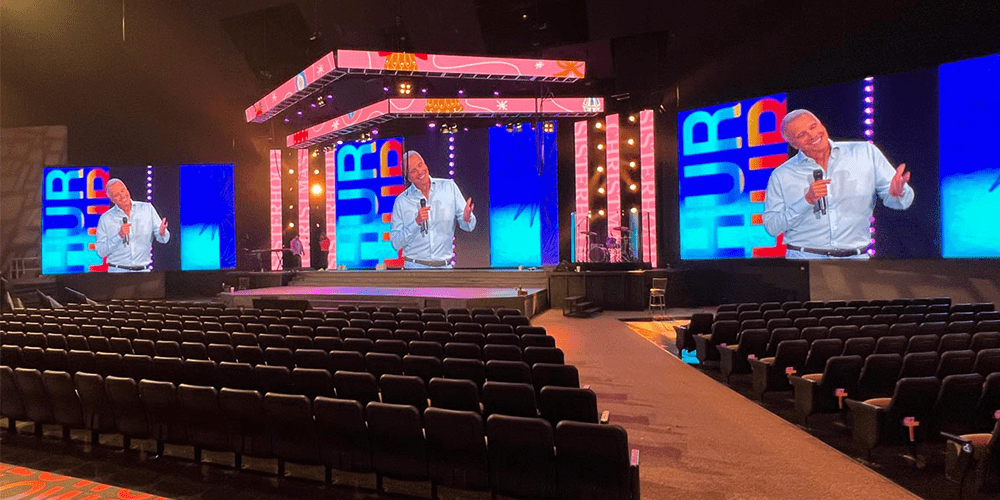
2. Why Choose LED for Stage Displays?
Among various display technologies, why have LED screens become the top choice for modern stages? Is it just because they can be made very large? The answer goes far beyond that.
Here are the key advantages that make LED technology dominate the stage:
Visual Performance
Brightness: select an operating range for the venue lighting and check image quality at the actual dimmed level. An outdoor maximum-brightness rating does not establish suitability for a dark theater.
Panel alignment: inspect seams, cabinet flatness and color consistency across the assembled wall. Curves and special shapes require cabinets designed for that layout.
Color and camera performance: compare the supplied configuration using your content and cameras. Pixel pitch, processing, calibration and viewing position all affect the result.
Flexibility & Creativity
LED stage screens aren’t limited to flat surfaces. They can easily form curves, circles, waves, and even 3D shapes. This gives stage designers endless creative freedom.
Interactive Capability
With LED Floor Screens, performers can interact in real-time with graphics under their feet. This turns the entire stage into a dynamic, responsive space—something very hard to achieve with other technologies.
Imagine a dancer stepping across the stage, and flowers blooming beneath their feet. That’s the kind of unforgettable art Stage LED Screens make possible.
Long Lifespan & Easy Maintenance
LED pixels are long-lasting. Thanks to their modular design, if one module or power supply fails, it doesn’t shut down the whole screen. Parts can be replaced quickly on-site, making LED both durable and easy to maintain.
3. What is the Cost of LED Stage Screens?
LED stage screens need a project-specific quotation. Compare proposals for the same wall size, pixel pitch, cabinet configuration and delivery scope. A panel-only price per square meter cannot establish the installed or rented project cost.
The checklist below helps identify what each proposal includes; it is not a current price list.
| Quote item | Information to compare |
|---|---|
| Display cabinets | Model, pixel pitch, cabinet quantity, finished dimensions and spare modules |
| Video system | Processor, receiving cards, source inputs, supported canvas and camera test requirements |
| Installation package | Approved rigging or ground support, mounting accessories, cabling and power distribution scope |
| Delivery and service | Transport cases, freight terms, installation labor, training, warranty exclusions and spare-part support |
What Makes Up the Cost?
Purchase: request both the display price and the complete system total, with the included equipment listed.
Rental: confirm the event dates, setup and strike periods, crew, transport, standby support and any damage conditions.
Installation and transport: ask who supplies structural design, access equipment, power distribution and freight. Record taxes and other exclusions separately.
Maintenance: compare warranty coverage, replacement-part availability and service responsibilities in writing.
How to Choose Based on Your Needs?
Limited Budget?Go for a Mid-Range Indoor Display (e.g., P3.0–P3.9). It offers great value and works well for most events.
Want Top Visual Quality?Choose a High-End Display (e.g., P1.8–P2.9). Perfect for virtual productions and high-end events.
Using Outdoors?Pick an Outdoor LED Display with a high IP65+ rating for weather resistance.
4. Key Factors to Consider When Buying LED Stage Screens
Choosing the right stage LED screen is a technical decision that directly affects the success of your event and your return on investment. Here are the key factors to keep in mind when making your choice:
Pixel Pitch
Pixel Pitch is one of the most important technical specs. It refers to the distance (in millimeters) between the centers of two adjacent LED pixels. A smaller P value means higher pixel density and a sharper image. Your choice should be based on the average viewing distance of your audience:
- Long viewing distance (e.g., main screen at a big concert): P4–P6 or higher.
- Medium viewing distance (e.g., theaters, auditoriums): P2.5–P4.
- Short viewing distance (e.g., meeting halls, stage floors): P1.2–P2.5.
If the audience is far away, choosing too small a Pixel Pitch will waste your budget. If the audience is close, too large a pitch will make the image look pixelated. Always measure the average distance between the audience and the screen before deciding.
Brightness
Brightness is measured in nits or cd/m². It determines how well the screen performs under different lighting conditions:
- Indoor use: 800–1,500 nits.
- Indoor with strong lighting (e.g., hallways, bright venues): 1,500–2,500 nits.
- Outdoor use: ≥5,000 nits (must withstand direct sunlight).
Low brightness can make the image look washed out. Too high brightness may cause viewer discomfort and increase energy consumption.
Refresh Rate
A specified refresh rate such as 3840 Hz does not by itself guarantee camera performance. Test the quoted LED stage screens, receiving-card settings and processor with the production cameras at the intended frame rate, shutter settings and screen brightness. Check for bands, scan lines and low-brightness artifacts before acceptance.
Installation & Usage
- Protection and loading: confirm the front and rear IP ratings for outdoor use, including connectors and cable entries. Floor use also needs documented load and slip-resistance requirements; an IP rating does not establish these.
- Brand & Warranty: Choose a reputable brand with industry experience. Good after-sales service, responsive support, and a clear warranty policy are all important.
5. Choosing the Right LED Stage Screen for Different Events
Different types of events have different needs for LED stage screens. Choosing the right display based on your event’s specific requirements can greatly enhance the stage impact and audience experience.
Concerts & Live Shows
Concerts and live performances demand high brightness, high resolution, and excellent dynamic performance from LED screens. They need to display music videos, animated backgrounds, and sync with lighting and sound effects.
We recommend:
- Pixel Pitch: P1.8 – P3.0 for high clarity, especially for close-up viewing.
- Brightness: 2,000 nits or higher.
- Shape: Custom shapes like curved or hanging screens for an immersive experience.
Example:
Artists like Taylor Swift and Adele often use massive LED screens to show live footage, lyrics, and creative visuals—making the show more engaging.
Corporate Events & Exhibitions
For brand promotion, ads, and live interaction, clarity, color performance, and wide viewing angles matter most.
We recommend:
- Pixel Pitch: P3.0 – P5.0 for mid-distance viewing. Good balance of quality and cost.
- Brightness: Around 1,500 nits for indoor use. Avoid overly bright screens to prevent eye strain.
- Shape & Size: Straight or large-format video walls for a strong visual presence.
Example:
For an exhibition presentation, test the smallest slide text, brand colors and source switching before the event.
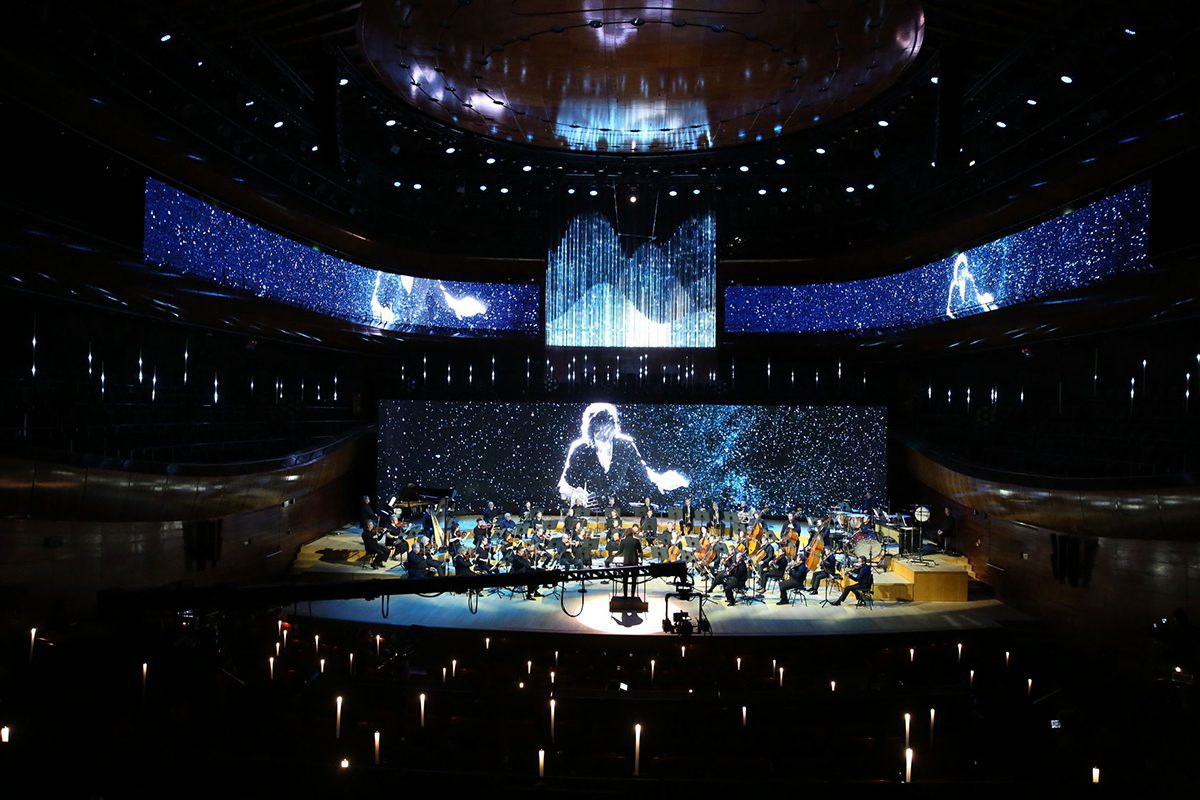
Outdoor Events & Sports
Outdoor LED screens must be bright, weatherproof, and perform well under direct sunlight or harsh conditions.
We recommend:
- Pixel Pitch: P6.0 – P10.0. Ideal for long-distance viewing and cost-effective.
- Brightness: 5,000+ nits to stay clear even in daylight.
- IP Rating: IP65 or higher for dust and water resistance.
Example:
The 2018 FIFA World Cup used waterproof and dustproof LED screens in stadiums to deliver a stunning visual experience.
Theater & Large-Scale Events
Stage plays and big events often use complex backgrounds, video effects, and lighting. LED screens here need high resolution, rich colors, and design flexibility.
We recommend:
- Pixel Pitch: P2.0 – P3.9.
- Brightness: 1,500 – 3,000 nits.
- Customization: Flexible curved or transparent LED options for creative staging.
Example:
For a theater production, check dimmed image quality, noise requirements, sightlines and the permitted scenic layout.
Churches & Religious Events
In worship settings, LED screens are used for backgrounds, lyrics, sermons, and live feeds. Natural colors and stable performance are key.
We recommend:
- Pixel Pitch: P3.0 – P5.0 for comfortable viewing from a distance.
- Brightness: 1,000 – 1,500 nits for indoor environments.
- Installation: Wall-mounted or hanging options.
Example:
For a worship service, test lyrics from the back rows and confirm how the screen image will appear on recording and streaming cameras.
6. Maintenance and Care for LED Stage Screens
If you want your LED Stage Screens to last longer, regular maintenance is essential. The good news is that maintaining LED displays isn’t difficult and doesn’t require deep technical knowledge. By following a few simple steps for regular inspection and care, you can significantly extend your screen’s performance and lifespan.
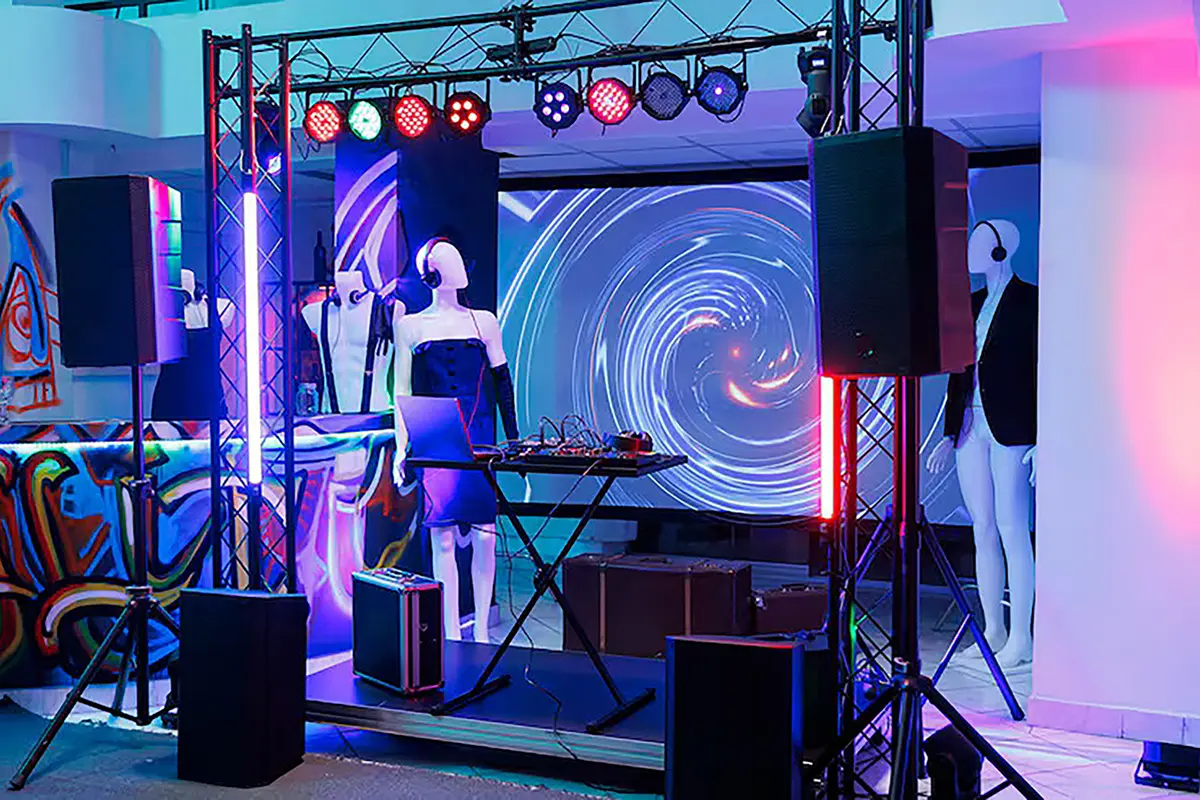
Regular Inspection & Cleaning
- Clean and inspect your screen regularly, even when not in use.
- Use a soft, dedicated cloth and non-corrosive cleaning solution.
- For high-density areas (with closely packed pixels), use a vacuum cleaner on a gentle setting to remove dust.
- Perform a deep clean every 3–6 months, especially if used outdoors or in dusty environments.
- Regularly check all power cables, signal lines, and connectors for any signs of looseness or damage.
Software & Firmware Updates
- Regularly visit the manufacturer’s website to check for software and firmware updates. These often fix bugs and add new features.
- Back up data and settings from your control system periodically to prevent unexpected loss.
Regular Troubleshooting & Repairs
- Regularly check the display effect of your LED screen. Look for issues like color distortion, black spots, or bright dots.
- Calibrate screen brightness and color regularly to ensure consistent performance.
- If you notice dead pixels, contact the supplier or technical support as soon as possible for repair.
- In case of module failure (e.g., a damaged LED module), replace the faulty part immediately instead of waiting for larger issues. Keeping spare modules on hand is a good practice.
- By following these easy steps, you can keep your LED Stage Screens looking bright, performing well, and serving your events reliably for years to come.
7. How to Deal with LED Stage Screen Accidents
Even with the most professional Stage LED Screens, unexpected issues can happen during a live show. While you can’t prevent every accident, you can reduce their impact with the right preparation and quick response.
Here are three common LED screen emergencies and how to handle them:
Partial Blackout, Dead Pixels, or Color Blocks
Immediate Response:
- Locate the problem module using your control software.
- Try a software reboot first—restart the specific panel or the entire screen. This often fixes temporary signal or power issues.
- Have qualified technicians isolate power and follow the manufacturer’s service procedure before replacing a module. Do not assume that a rental cabinet supports live replacement.
- Check signal cables connected to the module—reconnect or replace if loose or damaged.
Prevention Tips:
- Test all modules before the event.
- Keep 5–10% spare modules and cables on hand.
Total Screen Blackout – “No Signal”
What you see: The entire screen is black, showing “No Signal” or flickering.
Immediate Response:
- Check the video source (laptop or switcher): Is it on? Is the output resolution correct? Is the HDMI/SDI/DP cable firmly connected?
- Check the video processor and sending card: Are they powered? Are indicator lights on? Try restarting them.
- Check receiving cards and cables: Are the Ethernet cables from sender to first receiver—and between cabinets—properly connected? Try swapping with a backup cable.
Prevention Tips:
- Use backup equipment for key devices like processors and switches.
- Use high-quality, shielded cables.
Flickering, Glitching, or Screen Tearing
What you see: Irregular flickering, stripes, or torn images.
Immediate Response:
- Match refresh rates and sync settings between the video source and LED controller.
- Check power supply: Is voltage stable? Use a meter to measure output.
- Check grounding—this is a very common cause! Make sure all devices (computer, processor, screen) share the same ground to avoid interference.
- Replace data cables that might be low-quality or affected by electromagnetic interference.
Prevention Tips:
- Always follow proper grounding procedures.
- Use well-shielded cables.
- Avoid running signal cables parallel to high-voltage power lines.
Stay calm, act fast, and always have a backup plan. That’s how pros keep the show going!
8. Best Brands and Suppliers for Stage LED Screens
Evaluate suppliers against the same technical and service requirements. Request the exact bill of materials, installation documentation and a demonstration of the quoted LED stage screens. A brand name alone does not establish camera suitability, rigging limits or support coverage.
When requesting an EagerLED proposal, include the intended venue, wall dimensions, nearest viewing distance, event schedule and camera workflow. Ask for the configuration and any exclusions to be recorded in the quotation.
- Review pixel pitch, cabinet layout and the resulting pixel canvas.
- Confirm the approved installation method and the division of structural and electrical responsibilities.
- Agree on acceptance checks for alignment, color consistency, camera artifacts and backup switching.
- Compare warranty scope, spare parts, training and the support process before ordering.
9. FAQs
10.Conclusion
To compare LED stage screens for your event, prepare the wall dimensions, nearest viewing distance, indoor or outdoor conditions, installation method and camera requirements. Send your stage screen project requirements and request an itemized proposal covering cabinets, processing, rigging, power distribution, spare parts and support.