

EagerLED schools digital signage for sale
Plan school digital signage around the message and campus location: reception notices, library information, auditorium video or outdoor event displays. Match LED or LCD hardware with a compatible player, content-management system and support plan.
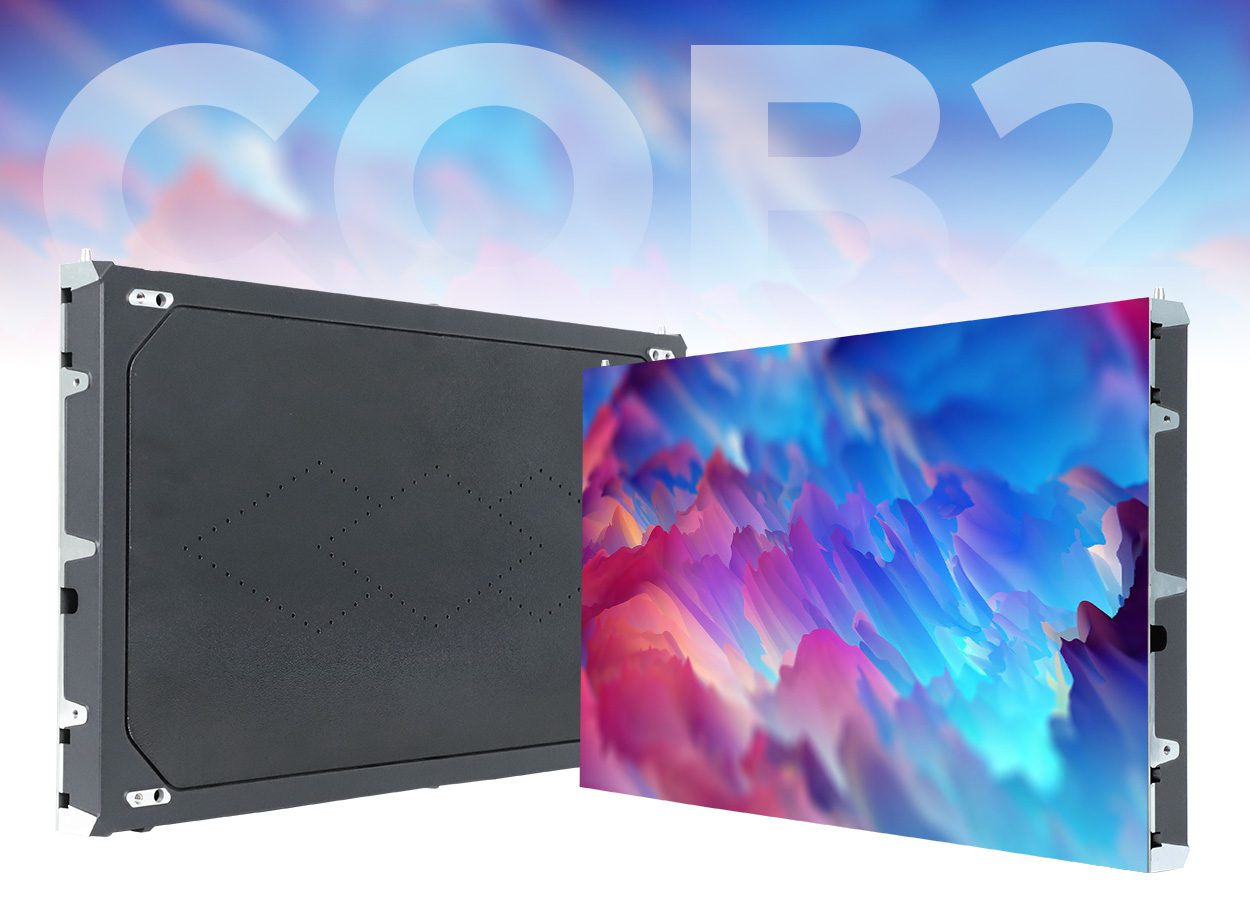
- 2K/4K/8K resolution support
- COB tech for sharp and efficient visuals
- only 38mm thick and weighing just 5.5kg
- Bright, high-contrast display
- Strong protection, long lifespan

- High refresh rate (3840Hz)
- Seamless splicing technology
- 750x250mm, 1000x250mm, and 500x500mm
- Independent modules with front maintenance
- Perfect for exhibitions, conference rooms, stages

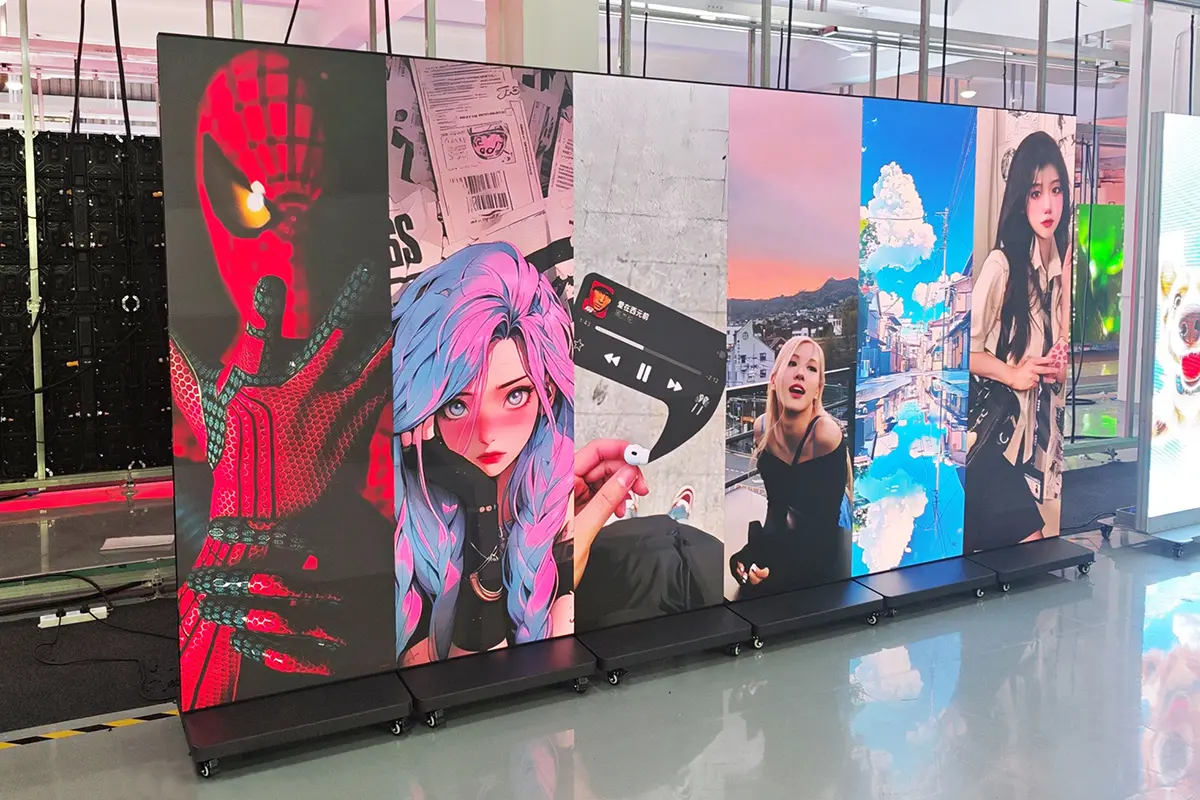
- Double-Sided display for enhanced visibility
- Lightweight and durable die-cast aluminum frame
- Standardized 320x160mm modular size
- Quick-lock system for fast installation
- Space-saving suspended mounting option
Advantages of EagerLED schools digital signage
Choose the format for the location:
- Indoor LED screens suit larger seamless displays when pixel pitch and text size are appropriate for the viewing distance.
- Outdoor screens require model-specific brightness, ingress protection, temperature limits and structural design. An IP rating does not establish wind resistance.
- For a small corridor noticeboard, compare LCD signage with LED instead of assuming one technology is always preferable.
- Curved displays require compatible modules and an approved supporting structure.
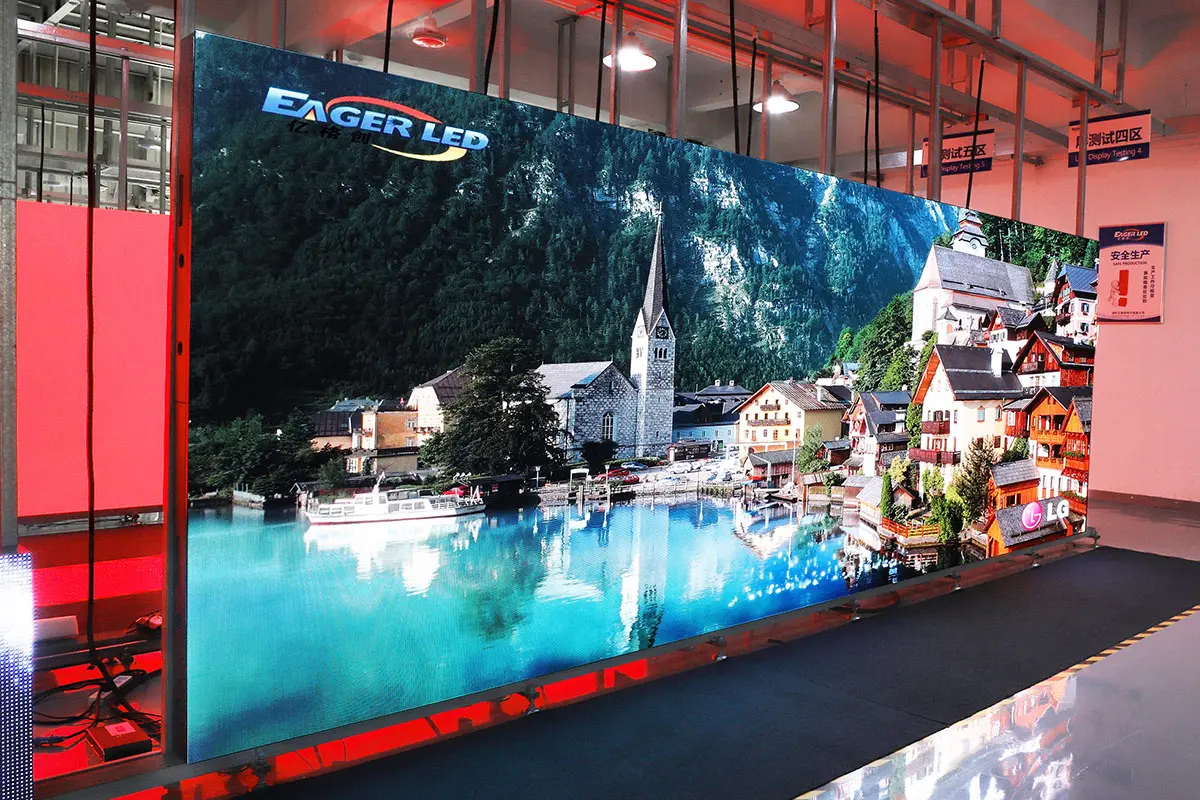

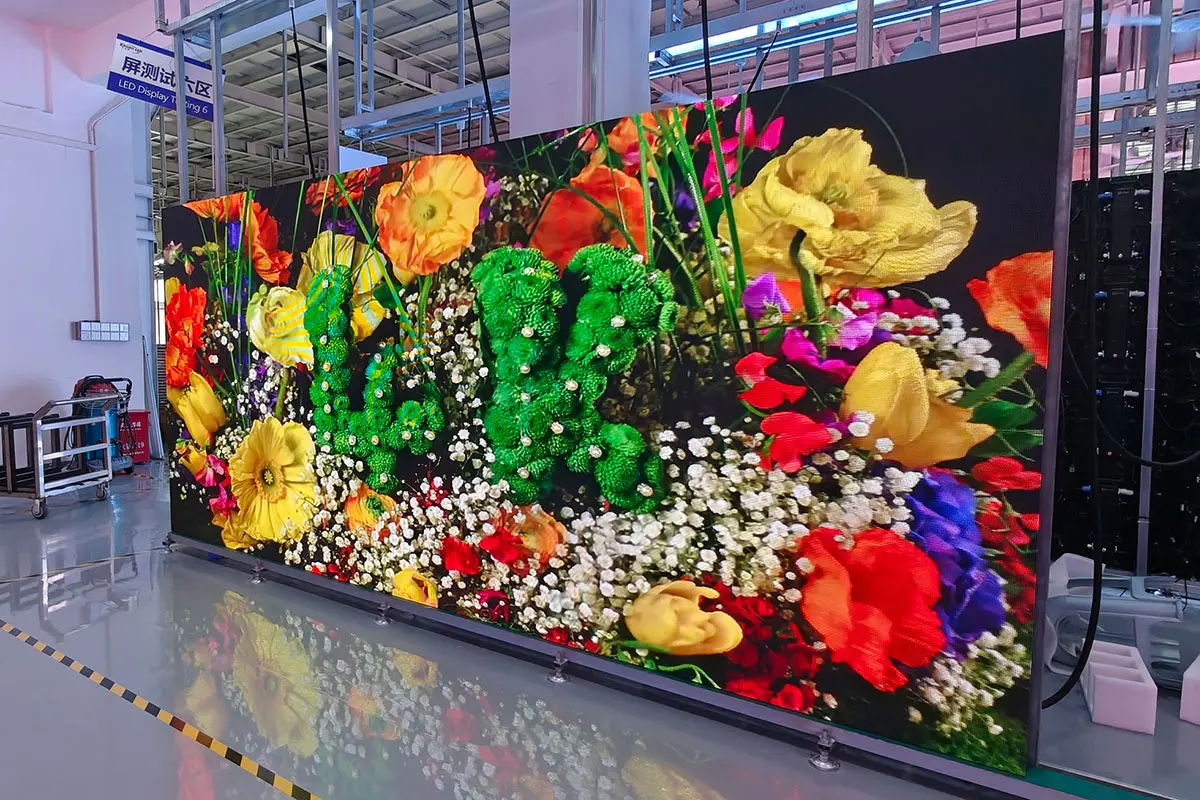
Quality documentation: request the proposed model datasheet, inspection record and warranty. Confirm the actual factory test procedure rather than relying on a blanket burn-in duration.
Public-area safety: assess secure mounting, edges, cable protection and access around students. An LED coating or cabinet material alone is not proof of impact safety.
Energy use: compare measured consumption at the same brightness, image area, content and operating hours. No fixed saving over LCD or DLP applies to all projects.
Support: agree service hours, time zone, response process, local installer responsibilities and available spare parts in writing.
Plan Your Campus Display Project
digital signage for education Solution
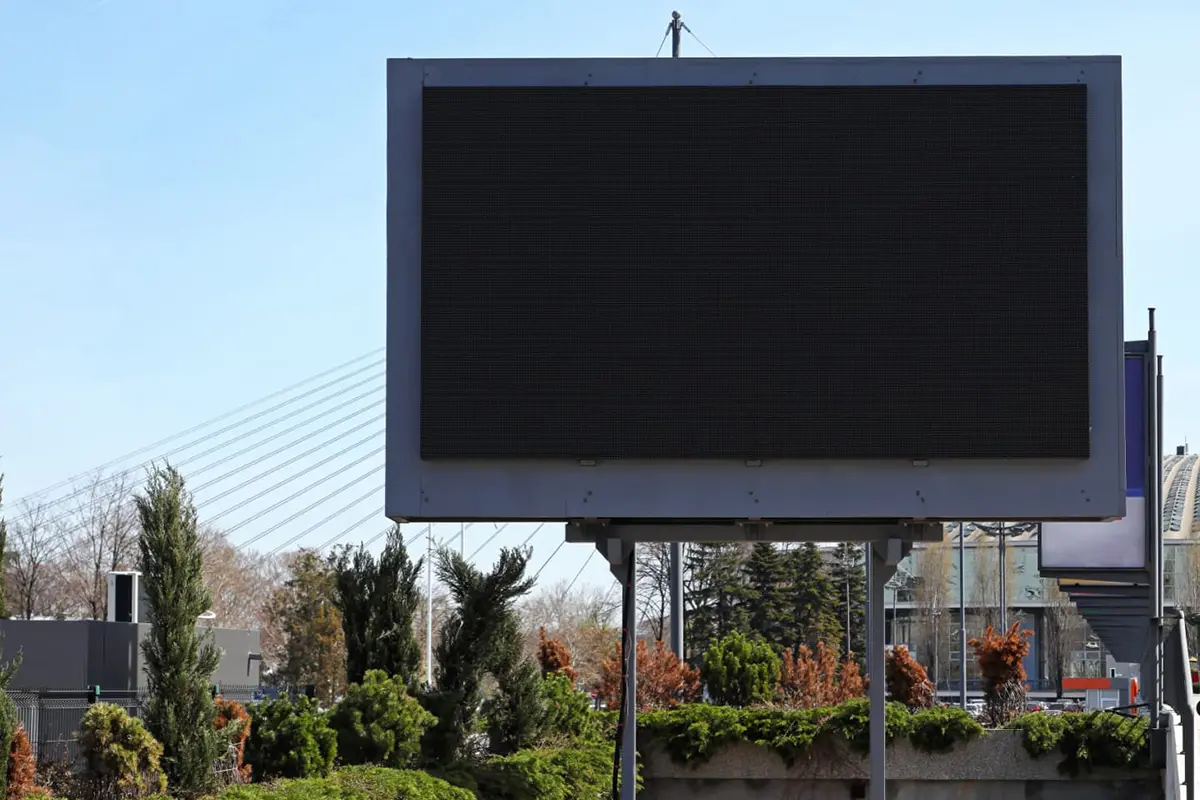
Outdoor High-Brightness Full-Color LED Display
Location: School Main Entrance / Outside the Gate
Core Purpose: The school’s “face,” used for image display and public information release.
Specific Applications:
- Scrolling welcome messages, school honors, and important announcements.
- Displaying traffic safety tips and weather information during peak school hours.
- Serving as a promotional window for events like new student orientations, leadership visits, and school anniversaries.
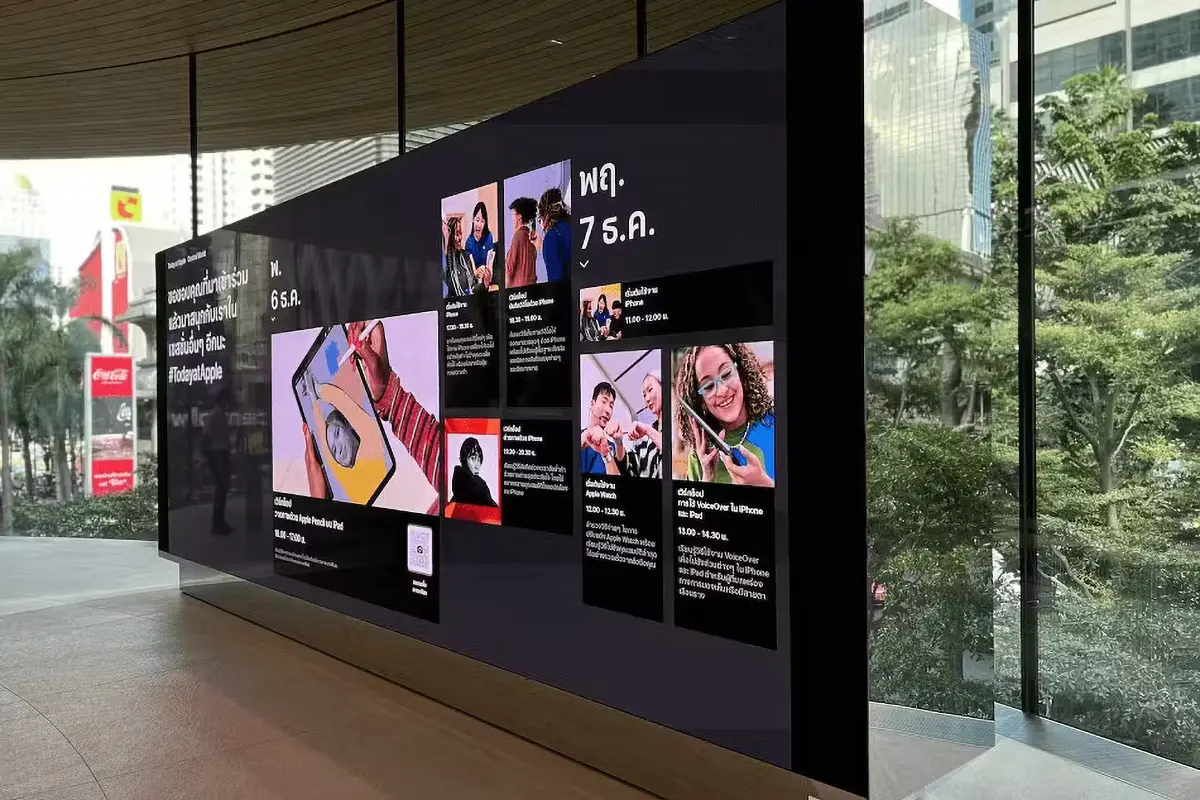
Campus information screen
Location: Teaching Building Lobby / Main Corridor
Core Purpose: The “information hub” within the campus, covering the areas with the highest foot traffic.
Specific Applications:
- Announcing daily notices, meeting schedules, and event previews.
- Showcasing achievements of outstanding students and teachers, academic accomplishments.
- Displaying real-time clock and weather updates.
- Broadcasting major events such as the opening ceremony, sports meets, and expert lectures.
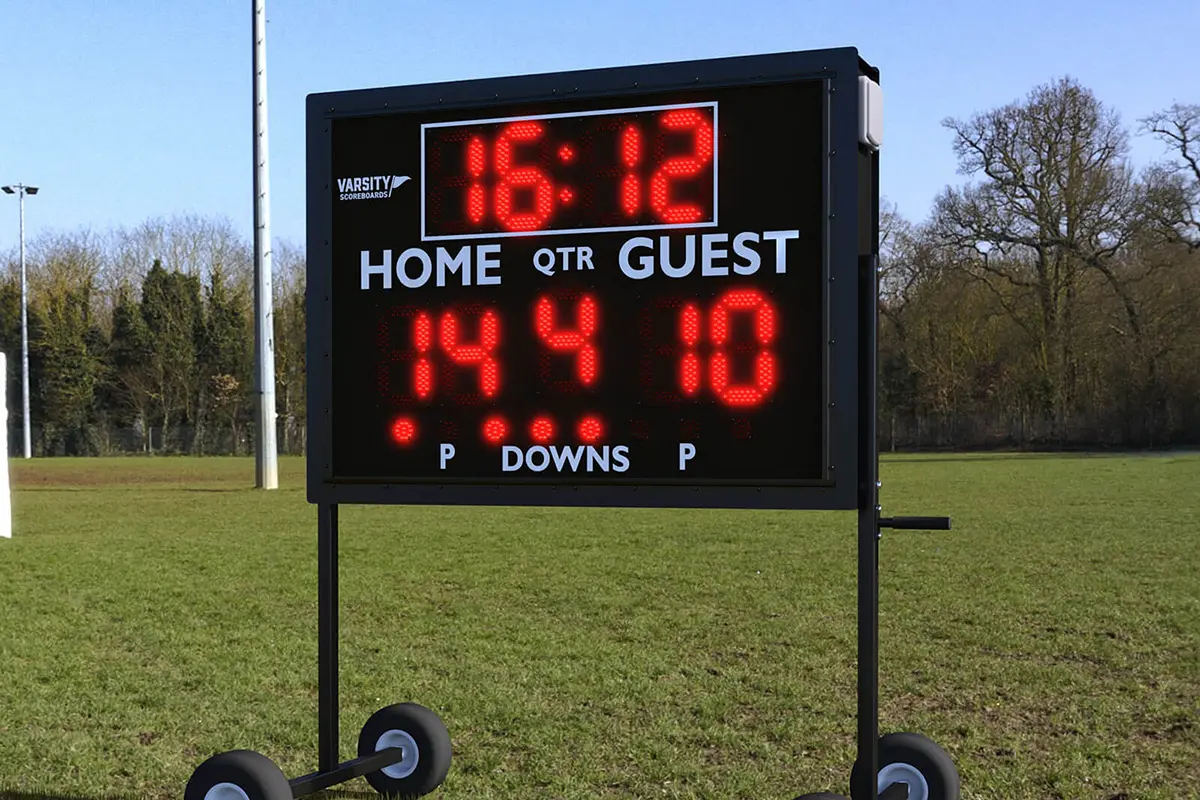
LED Scoreboard or Event Display
Location: Gymnasium / Sports Field
Core Purpose: The essential equipment for sports events and large-scale activities.
Specific Applications:
- Displaying real-time scores, times, and team information.
- Playing slow-motion replays to enhance the viewing experience.
- Used for live interaction and creating atmosphere during school sports events, concerts, and gatherings.

Library Display Screen
Location: Library
Core Purpose: Creating a quiet and orderly study environment, providing digital guidance.
Specific Applications:
- Displaying library rules, new book recommendations, and borrowing rankings.
- Showing real-time seat occupancy in various areas for smart guidance.
- Announcing academic lectures and book club activities.
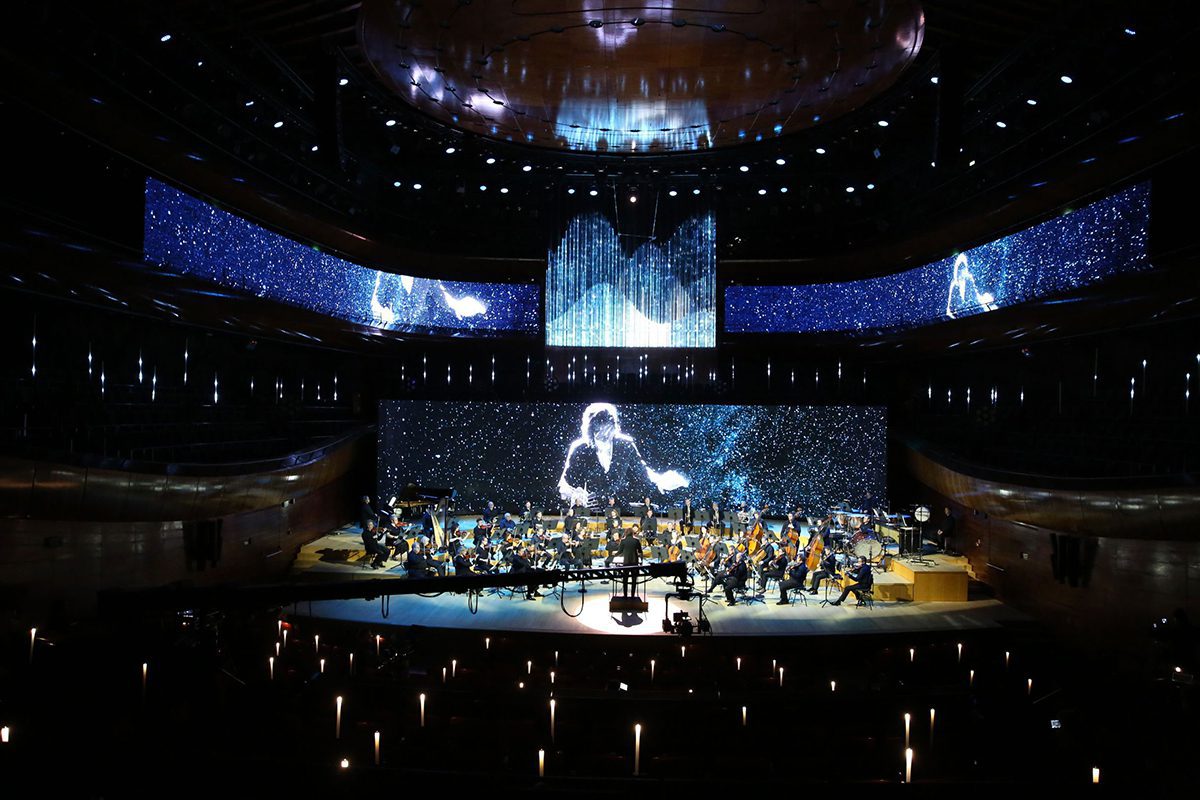
Stage Background Screen
Location: Auditorium / Lecture Hall
Core Purpose: Serving as a dynamic background for the stage, providing HD and seamless visual experiences.
Specific Applications:
- Used as the dynamic backdrop for meetings, speeches, and cultural performances.
- Real-time synchronization of the speaker’s PowerPoint or video materials.
- Creating an immersive atmosphere for event attendees.
Discuss Your School Display Requirements
schools digital signage recommendations
School Digital Signage: Selection, Deployment and Operations
A useful campus display makes the right message readable at the right location. Define the audience, content owner, update schedule and outage procedure before choosing screens. This guide explains display selection, deployment checks and ongoing responsibilities without assuming every screen has the same software or capabilities.
Table of Contents
- 1. What is Schools Digital Signage?
- 2. How Schools Digital Signage Improves Information Delivery and Campus Management
- 3. How to Choose the Right Schools Digital Signage for Your Institution
- 4. Exploring Your Options: 5 Main Types of School Digital Signage
- 5. Campus Procurement and Acceptance Checklist
- 6. Operating and Maintaining Campus Signage
- 7.FAQs
- 8.Conclusion
1. What is Schools Digital Signage?
When you hear “Schools Digital Signage,” you might first think of televisions or advertising screens hanging on the wall. But its meaning goes far beyond that.
Schools Digital Signage is an integrated information distribution system that combines hardware, software, and content. It uses high-definition LED or LCD displays, deployed in key areas around the campus (such as building lobbies, cafeterias, libraries, and administrative hallways), to deliver important information in a dynamic, visual format to students, staff, and visitors.
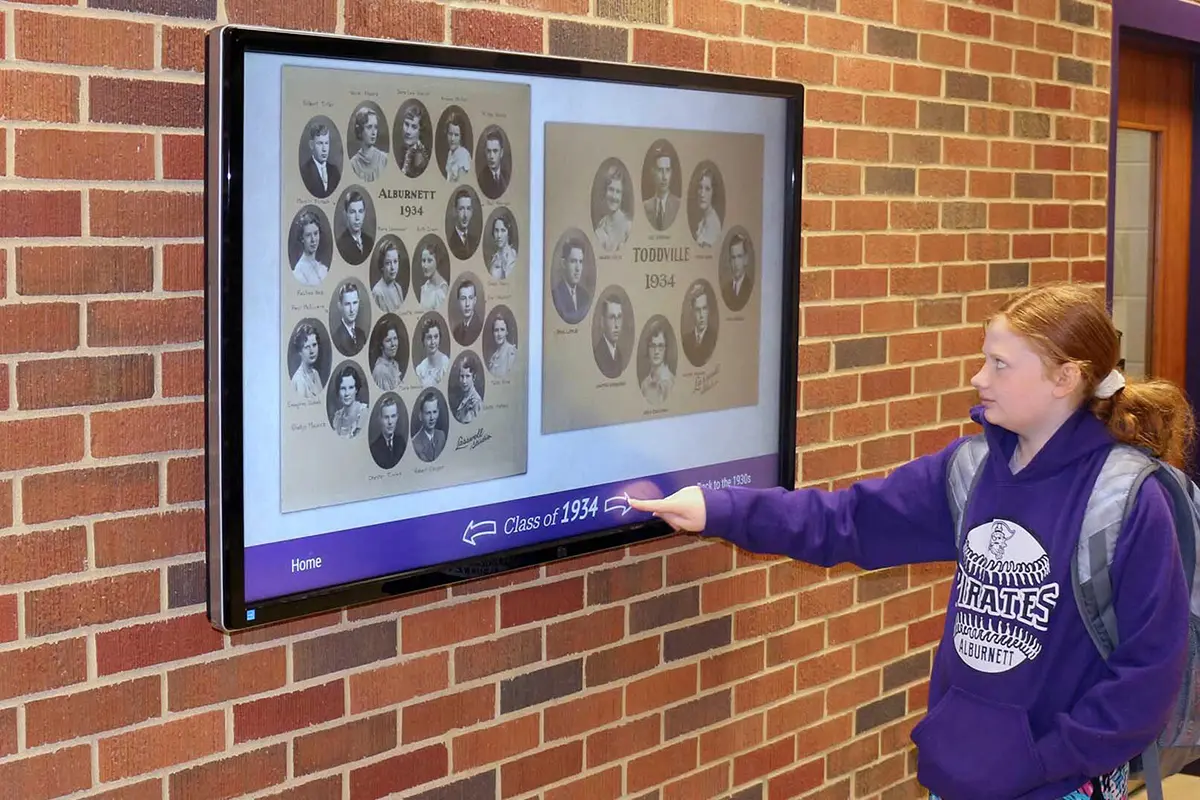
The Three Core Components of Schools Digital Signage Systems
The Hardware (Displays):
This includes indoor and outdoor LED screens, LCD touch-integrated devices, and other types of displays. They are responsible for presenting all content in high quality, from vibrant videos to clear text notifications.
The Software (CMS – Content Management System):
A content-management system may be hosted locally or in the cloud. Confirm compatibility with the selected player and school network. Evaluate scheduling, approval roles, expiry dates, offline playback, monitoring and configuration backups; these capabilities are not automatically included with the display.
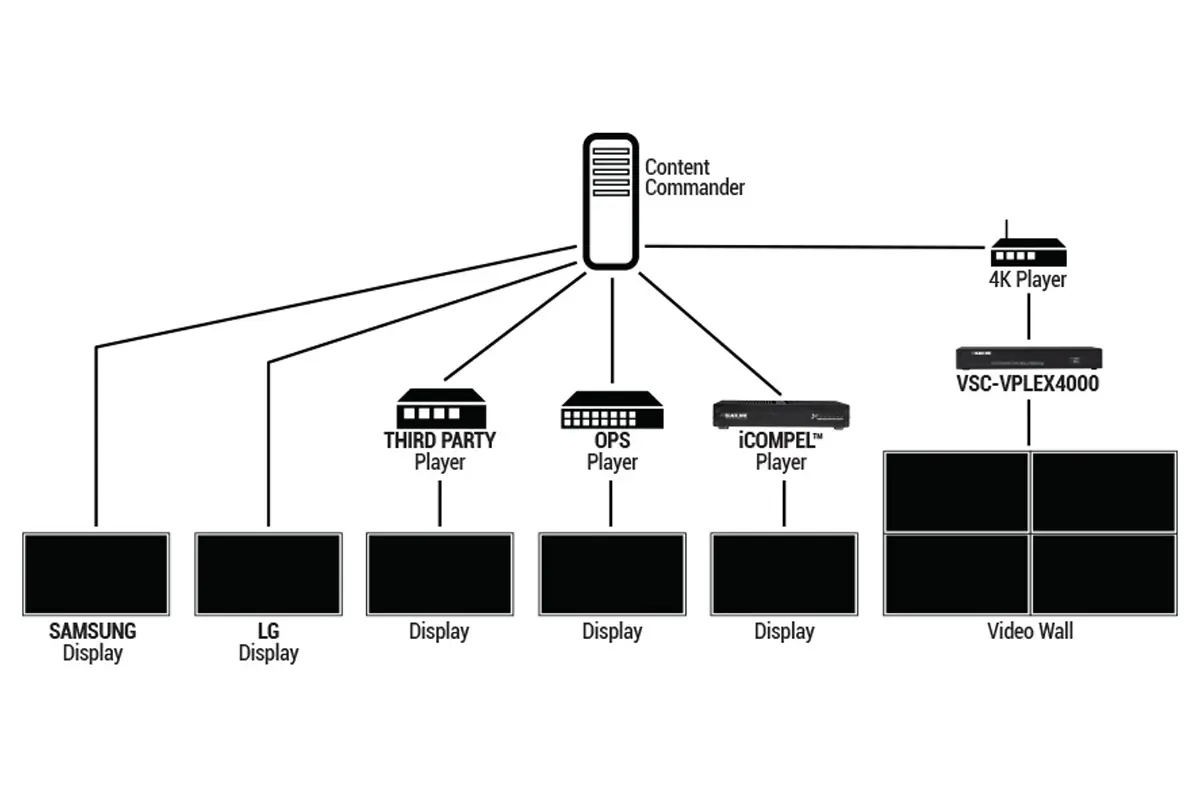
The Connectivity & Content:
Use a school-approved network and named content accounts. Publish only material authorised for the intended audience; avoid exposing private student details or schedules. Plan what each screen displays when its network, player or data feed fails.
2. How Schools Digital Signage Improves Information Delivery and Campus Management
Schools Digital Signage, as an innovative method of information dissemination, is gradually transforming the flow of information and management on and off campus.
Improving the Efficiency of Information Delivery
Traditional bulletin boards and manual notification methods are no longer sufficient to meet the demands of modern campuses, especially when information updates are frequent or urgent. With Schools Digital Signage, schools can achieve real-time information updates. Administrators can remotely control all displays through the content management system and instantly publish important notifications. For example, schedule changes, campus events, emergencies, or other key content can be accurately delivered to all students, staff, and visitors within a short time.
Enhancing the Convenience of Campus Management
Schools Digital Signage is not just a tool for information delivery; it can also optimize the management processes of the school. By dynamically displaying important data or notifications, school administrators can reduce the workload associated with paper notices and verbal communication, as well as minimize errors or delays in information transmission. The digital signage system also supports scheduling features, allowing content to automatically switch based on specific times, ensuring that departments such as cafeterias, libraries, and classrooms receive the information they need when they need it.

Boosting Overall School Efficiency and Interactivity
One of the highlights of digital signage is its interactivity. Schools Digital Signage can enable smarter campus management through interactive features like touchscreens. For example, students can use the touchscreen to check their class schedules, event schedules, or even book meeting rooms.
Supporting a Variety of Content Displays
LED Digital Signage goes beyond traditional notices and announcements. It can display a wide range of dynamic content, such as school news, real-time announcements, weather forecasts, student activities, sports events, and more.
Optimizing Emergency Management and Safety
Signage can supplement approved emergency communications, but must not replace required alarms, exit signs or the school emergency plan. Have the responsible safety team approve any alert integration, test coverage and failure modes, and document alternative communication during power or network outages.
3. How to Choose the Right Schools Digital Signage for Your Institution
Start with a site and content brief: screen locations, closest and farthest viewing positions, smallest text, opening hours, network access and responsible staff. Test the same sample slide on proposed hardware before procurement.
For large LED walls, use the pixel pitch calculator and verify the native cabinet matrix; do not choose from a nominal 4K or 8K label alone.
Define Your Needs: Basic Notifications or Interactive Experience?
Before choosing a Schools Digital Signage system, it’s essential to clarify your institution’s needs. Do you simply need it to display notifications and announcements, or do you require more complex interactive features, such as class schedules, student feedback, etc.?
For schools where information dissemination is the primary function, a simple static content display may suffice. However, for schools that focus on interaction between students and staff, touchscreen functionality and dynamic content displays are essential.
Choose the Right Display Hardware: LED vs. LCD
LED can provide a large seamless canvas, while LCD may be appropriate for smaller noticeboards or detailed close-view text. Compare readability, reflections, maintenance access, energy use and total system requirements under the same conditions. Outdoor suitability must be confirmed for the exact product, not inferred from the technology name.
Consider the Ease of Use of the Content Management System (CMS)
An easy-to-use content management system (CMS) is a crucial factor when choosing Schools Digital Signage. Make sure that the system allows for remote management of all displays and supports operation via web browsers or mobile devices. The interface should be simple and intuitive, so that even non-technical staff can easily manage content publishing, scheduling, and emergency notifications.
Network Connectivity and Compatibility
Ask school IT to approve the network, remote access and account permissions. Confirm supported operating systems, content formats, playback when offline and how device health is monitored. Pilot the intended network configuration before a campus-wide rollout.
Consider the Budget and Maintenance Costs
Budget is an important consideration when choosing a digital display board for schools. Beyond the initial purchase cost, it’s important to evaluate the long-term maintenance and operational costs, including content updates, hardware maintenance, and technical support. Choose systems that offer good value for money and reliable after-sales service to ensure stable long-term operation and avoid frequent repairs or updates.
Vendor’s Technical Support and Service
Agree support hours and time zone, response targets, spare-part availability and whether on-site work is included. Do not assume 24/7 service or local installation support unless it is part of the written scope.
4. Exploring Your Options: 5 Main Types of School Digital Signage
Different types of digital display boards are suitable for different scenarios, ranging from basic notification displays to interactive information platforms. Below are five common types of school digital signage, each with its unique features and advantages:
Indoor LED Displays
Indoor LED displays are the most common type of digital signage system. They are typically used in classrooms, hallways, libraries, cafeterias, and other areas to display class schedules, student activities, important notifications, and more. Due to their high brightness and clarity, LED displays provide excellent visual experiences in various lighting conditions.
Advantages: High-definition display, low energy consumption, durable, suitable for all-day use.
Application Areas: Classrooms, hallways, cafeterias, libraries.
Outdoor LED Displays
Outdoor LED displays are specifically designed for outdoor environments, able to withstand harsh weather conditions such as rain and sunlight. These displays are commonly found at school entrances, parking lots, sports fields, and other outdoor areas, where they can display real-time announcements, emergency notifications, weather updates, and more.
Advantages: Weather-resistant, all-weather operation, high brightness, long-distance visibility.
Application Areas: School entrances, sports fields, parking lots.
Interactive Touch Screens
An interactive information kiosk needs compatible touch hardware, application software and accessible installation. A floor LED screen with motion sensors is not equivalent to a touch information terminal. Validate the required interaction and privacy controls before selecting equipment.

Digital Menu Boards
Digital menu boards are a special type of schools digital signage, widely used in school cafeterias and dining areas. These displays can show real-time menus, food choices, nutritional information, prices, and healthy eating suggestions. In addition, digital menu boards can also display advertisements, student activities, and campus news.
Advantages: Real-time updates, easy to manage, paper-saving.
Application Areas: School cafeterias, dining halls, cafes.
Video Walls
A video wall is a massive display array made up of multiple screens, providing stunning visual effects. They are ideal for important school events and venues, such as sports events, graduation ceremonies, and school anniversaries.
Advantages: Ultra-large screens, exceptional visual effects, multiple content displays
Application Areas: Gymnasiums, large lecture halls, graduation ceremonies, school anniversary events.
5. Campus Procurement and Acceptance Checklist
Display and Player Specification
- Record physical dimensions, cabinet matrix, native resolution and viewing positions for each location.
- Confirm brightness range, suitable environmental rating, controller capacity and source connections.
- Specify mounts, service access, spare parts and model-specific documentation.
- Use sample notices and presentation slides to agree minimum readable text before ordering.
Content Management and Ownership
- Name the publisher and approver for each screen group.
- Confirm licences, renewal terms, user permissions and training responsibilities.
- Test scheduled publication, content expiry, emergency override only where approved, and recovery to ordinary content.
- Document data retention and authorisation for student images or personal information.
Installation and Commissioning
- Obtain building approval and qualified structural and electrical design where required; preserve exit routes and service access.
- Verify the cabinet map, smallest text, day/night brightness and media playback in the actual location.
- Test network loss, player restart and power recovery using an approved procedure.
- Hand over drawings, settings backups, operating instructions and service contacts. See the installation planning guide for scope coordination.
Pilot Before Campus-Wide Deployment
Install and assess one representative location before scaling. Record readability, staff publishing time, update failures and maintenance access. Resolve issues and approve a repeatable configuration rather than assuming a single display specification works everywhere.
6. Operating and Maintaining Campus Signage
Avoid Blindly Pursuing High-End Digital Display Boards
Selective Investment: If the school’s primary need is information dissemination rather than interactive experiences, consider opting for standard LED or LCD displays instead of more expensive interactive touch screens or large video walls.
Indoor vs. Outdoor Displays: For outdoor environments, choose LED screens that are suitable for waterproof and dustproof conditions, rather than purchasing high-brightness screens with unnecessary features, thereby reducing unnecessary expenses.
Gradual Upgrades: If the budget is limited, start with a small number of devices and expand gradually. For example, begin with a few displays for trial operation, and after assessing the effectiveness, consider increasing the number of devices.

Evaluate Product Quality and Technical Specifications
While price is an important factor in purchasing decisions, the quality and technical specifications of the products should not be overlooked. Ensure that the equipment offered by the supplier meets the school’s needs:
Display Quality: Check the resolution, brightness, contrast, and other specifications of the displays to ensure they provide clear visibility in the school’s environment.
Software Features: Different CMS systems have various features and user interfaces. Choose systems that are easy to use, support remote management, offer scalability, and come with a wide range of functionalities.
Compatibility: Verify the compatibility of the hardware with the school’s existing equipment to avoid compatibility issues after purchase, which could lead to additional costs and adjustments.
Consider After-Sales Service and Technical Support
After-sales service and technical support are key factors influencing purchasing decisions. Ensure the supplier provides the following:
Warranty Period: Understand the warranty period for hardware and software, and whether it covers equipment repair and software updates.
Technical Support: Confirm the types of technical support the supplier offers, such as phone support, remote assistance, or on-site maintenance. Good technical support ensures quick recovery in case of system failure.
Regular Maintenance Services: Some suppliers offer periodic check-ups and maintenance services to ensure the equipment is always in optimal condition, preventing unexpected failures.
Evaluate Long-Term Costs and Potential Fees
When selecting a supplier, consider not only the initial purchase cost but also the long-term operational and maintenance expenses:
Upgrade and Update Fees: Confirm whether there are additional costs for software updates, hardware upgrades, or content management system expansions.
Renewal and Subscription Fees: If you choose a subscription-based CMS, inquire about the annual renewal fees and whether there’s any risk of price increases.
Hidden Fees: Be sure to ask about any hidden fees, such as installation charges, logistics costs, or additional accessory fees.
7.FAQs
8.Conclusion
Choose campus signage by readability, location, content workflow and serviceability. Pilot the complete system, train its operators and test outage procedures before expansion. For assembly halls review indoor LED screen options; for sports grounds compare stadium LED screens. Ordinary signage remains supplementary to approved safety communications.