
2026-10-25T15:12:48+00:00October 25, 2026|
2026-10-25T14:51:00+00:00October 25, 2026|
2026-10-25T14:41:18+00:00October 25, 2026|
The LED screen moire effect is an interference pattern that can appear when a camera records the screen’s pixel grid. A display can look clean to people in the room while the camera shows ripples or colored patterns. A high refresh-rate specification alone does not guarantee that this optical interaction will disappear.
This explanation is for AV integrators assessing an indoor screen that will appear behind a presenter on camera. The buying decision is whether the proposed panel and planned camera positions work together. It is not a step-by-step processor configuration tutorial or a promise of artifact-free performance.
What causes the LED screen moire effect?
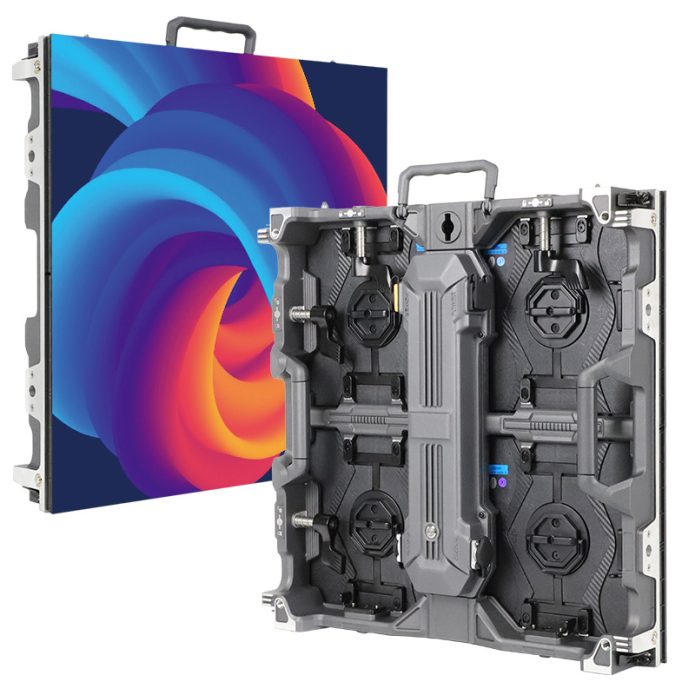
An LED wall presents a repeating pattern of physical pixels. A digital camera samples the light using another array of sensing elements. When those repeated structures interact at particular image scales and orientations, the recorded image can contain a larger pattern that is not part of the intended content.
Brompton Technology’s technical explanation, “Let’s talk about moiré,” published April 6, 2021, describes this interaction between the panel grid and the camera’s photosites. Its later article, “Recreating Reality: Eliminating Artefacts,” published December 1, 2022, distinguishes moiré from timing and scanning problems. The practical consequence is that you must first identify what the camera is recording before choosing a remedy.
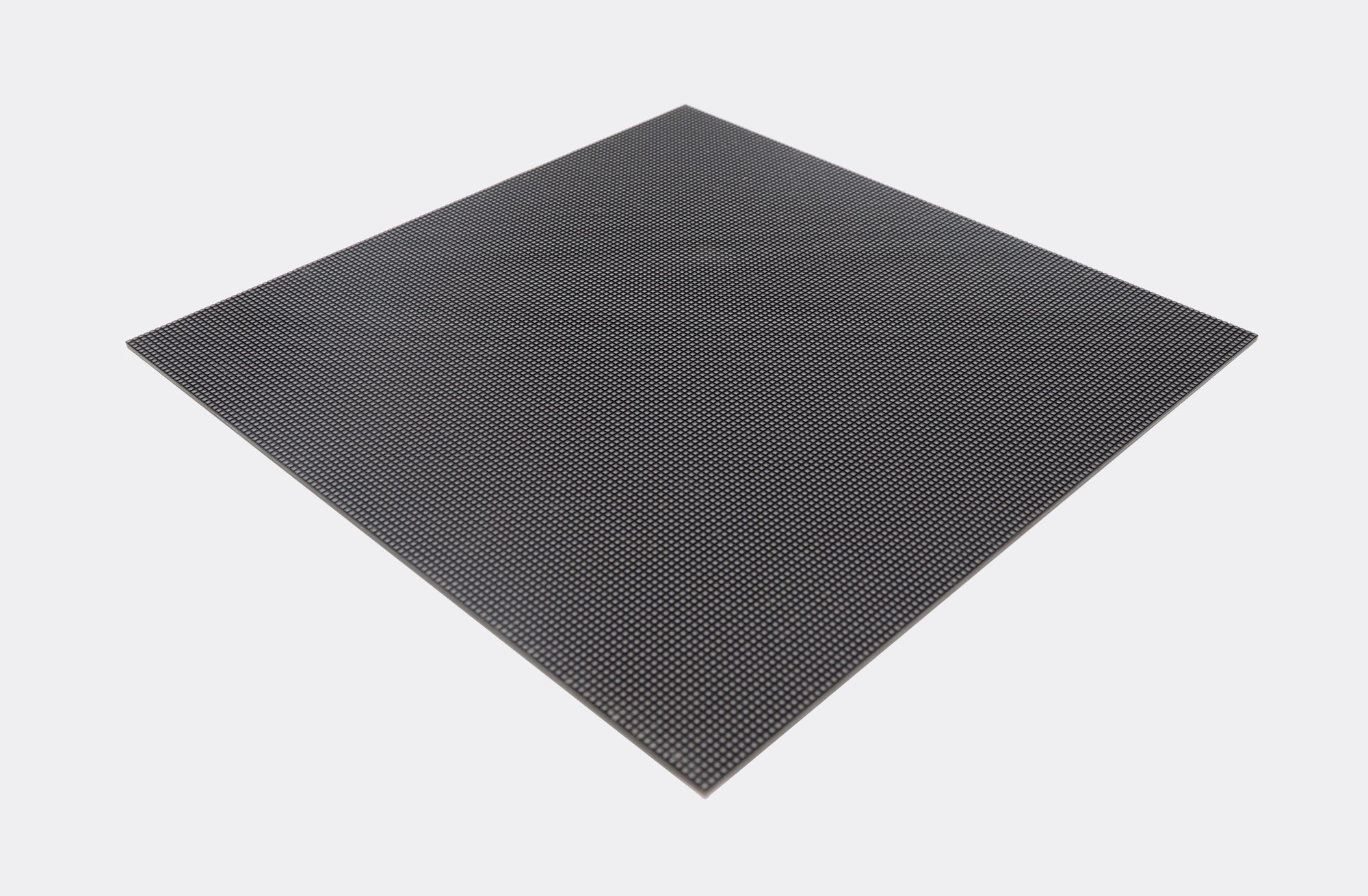
Do not diagnose a panel defect from a compressed screenshot alone. Compare the source image with the camera recording and check what an observer sees directly. If the source already contains repetitive stripes, those graphics may complicate the assessment. Use several content samples so you can distinguish a content problem from an interaction with the screen.
The LED screen moire effect can change when the camera moves or the lens setting changes because the projected pixel pattern occupies a different scale on the sensor. A clean wide shot therefore does not establish that a close shot, a different lens, or a moving camera will also be clean.
Moiré is not a name for every visible line
Optical moiré, rolling bars, and other scan-related artifacts can look confusingly similar in a quick video clip. They do not all have the same cause. Treat the following distinctions as a way to organize a test, not as a remote diagnosis from appearance alone.
| Observation | Possible mechanism | Useful evidence |
|---|---|---|
| Ripples or colored interference that change with framing | Interaction between the screen grid and camera sampling | Clips at planned distances, focal lengths, and focus settings |
| Rolling bars across the recorded screen | Display and camera timing mismatch | Frame rate, shutter setting, synchronization status, and processor configuration |
| Static dark or light lines | Exposure timing relative to LED modulation may be involved | Exact camera exposure and panel operating mode |
| Lines that become obvious during a pan or tilt | Panel scanning behavior may be involved | Recorded camera moves using the exact proposed panels |
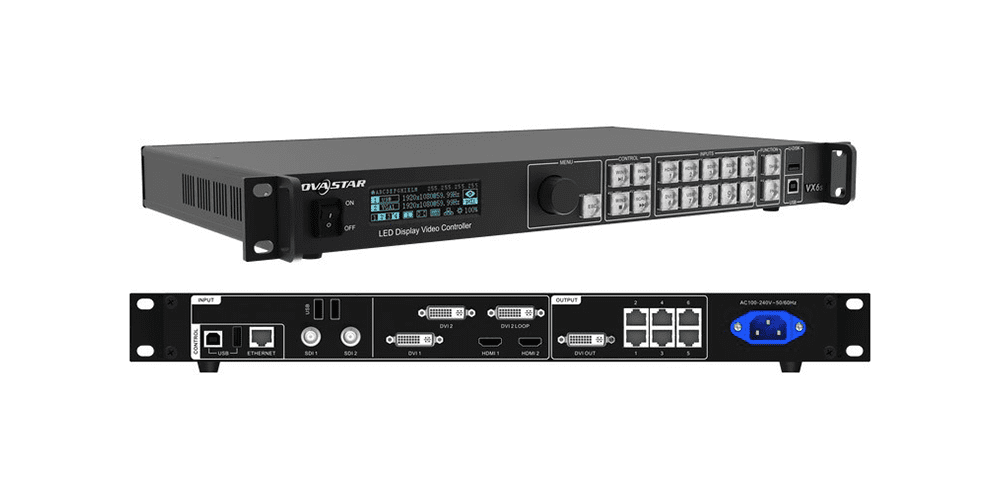
Synchronization and phase controls may help certain timing artifacts when the selected hardware supports them. They do not change the physical spacing of the LED pixels. Likewise, changing focus can soften the visible pixel structure but does not prove that synchronization is correct. Keep optical and timing observations separate in the acceptance record.
When a supplier says a higher refresh rate solves the LED screen moire effect, ask which artifact was observed and request a recording with your camera conditions. A refresh-rate figure is useful technical information, but it is not a substitute for the image that your production team must deliver.
Why the room and lens matter
The relevant distance is not just the distance from the audience to the wall. You also need the camera-to-subject distance, subject-to-screen distance, intended framing, and available lens range. These relationships determine how sharply the screen’s physical structure appears behind the subject.
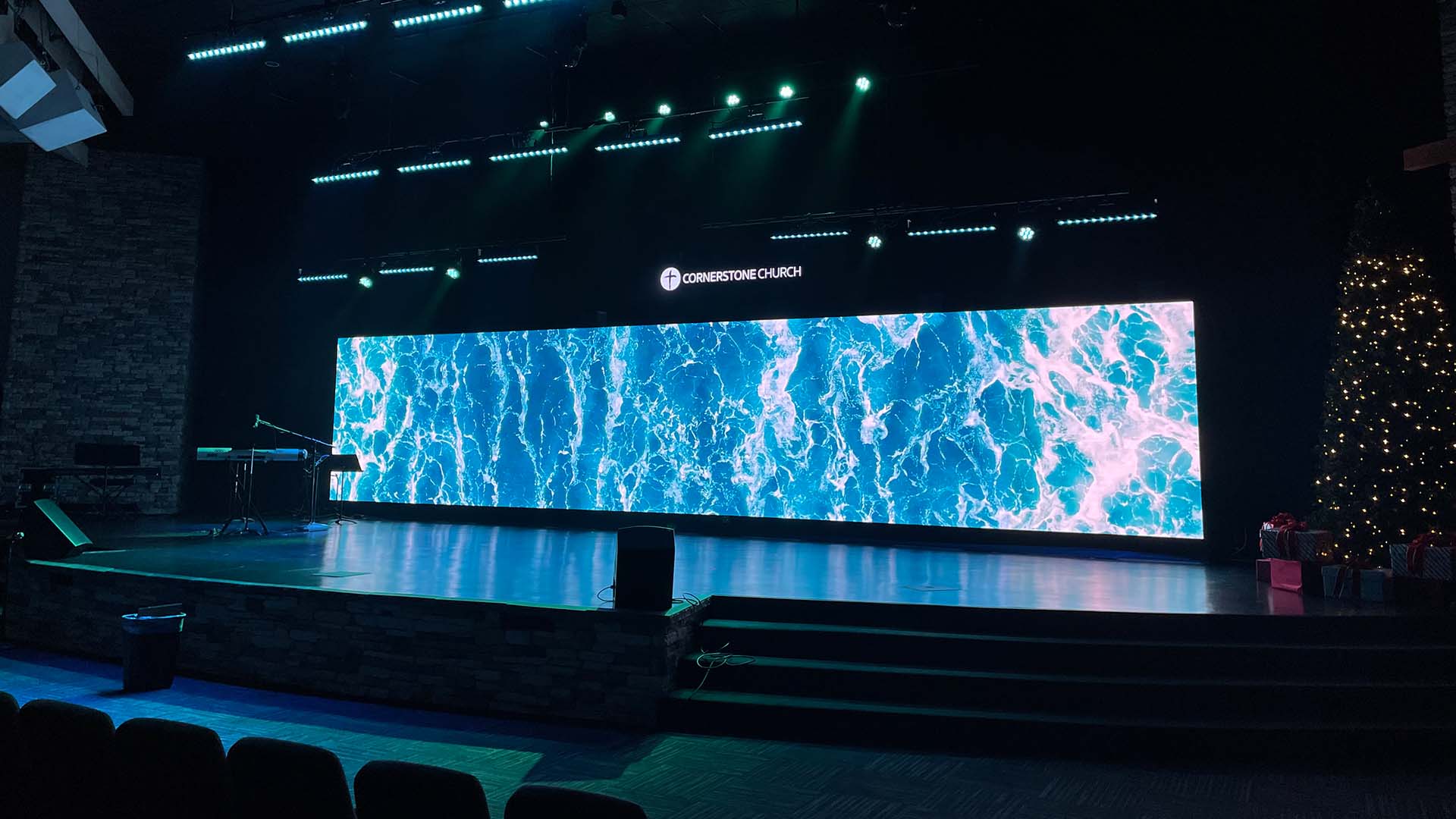
Keeping the LED background outside the sharp focus plane can reduce the visible grid. However, the amount of separation required depends on the camera, lens, aperture, framing, and intended focus. There is no universal distance that guarantees a clean result for every room. A fixed lectern near the wall may leave fewer options than a large stage with flexible presenter positions.
There is also a content tradeoff. A softly focused scenic background may be acceptable, while a backdrop containing small sponsor names, detailed charts, or subtitles may need to remain readable. Decide which information must be legible in the recorded output before treating background blur as a successful solution.
Finer pixel pitch changes the spatial relationship, but it is not a universal guarantee against the LED screen moire effect. Test the proposed pitch at the actual shot scales. The cost of a different panel should be justified by recorded results and the production requirement, rather than by an unsupported claim that one specification prevents all camera problems.
For the wider indoor display brief, use the indoor LED screen overview. Keep this camera-specific acceptance question separate from general brightness, maintenance access, and audience viewing-distance decisions.
What evidence should an integrator request?
A useful LED screen moire effect assessment preserves the conditions behind every clip. Request recordings from the actual proposed panel configuration, with the relevant processor and operating settings identified. A polished demonstration from an unspecified camera or a different panel cannot establish performance for your project.
Include representative wide, medium, and close framing where those shots are planned. Add pans, tilts, and changes of focus if they are part of the production. Check still frames as well as normal-speed playback, because different artifacts become apparent in different viewing conditions.
Before approving the sample, agree on a short recording checklist:
- Camera model, recording format, frame rate, lens, focal length, aperture, shutter setting, and focus target.
- Camera location, presenter position, screen position, and the shot boundaries.
- Panel model and pitch, processor configuration, brightness setting, and synchronization arrangement.
- Test content that includes your real presentation graphics and the expected background styles.
- Original recorded files plus the intended final delivery version, with each test clearly labeled.
- A written description of acceptable results and any camera positions or settings that remain restricted.
Assess the LED screen moire effect in the intended output as well as the camera original. Resizing and compression can change the appearance of fine patterns. Do not rely solely on a small messaging-app preview when the final delivery will be shown at a different resolution.
If the production team must avoid particular zoom settings or camera positions, document those limits before accepting the screen. A system may be suitable for a fixed presenter shot yet unsuitable for an unrestricted roaming camera. The stage backdrop specification guide covers the wider handover information around a stage screen package.
Frequently asked questions
Can a smartphone recording approve a professional camera setup?
It can reveal a problem worth investigating, but it cannot approve a different camera system. Sensor sampling, lenses, processing, and recording settings differ. Use the cameras and recording modes planned for the production whenever possible.
Does a clean test mean every future camera will work?
No. Approval applies to the tested equipment and conditions. A later camera replacement, lens change, new recording mode, or revised room layout can justify another check. Preserve the original test details so the production team knows what was accepted.
Should I plan to remove all interference in postproduction?
Do not base procurement approval on that assumption. The amount that can be corrected depends on the recording and the intended output, and correction may affect useful detail. Ask the production team to assess actual sample files before relying on a postproduction workflow.
Define the camera conditions before selecting the screen
To discuss the LED screen moire effect for your project, provide the installation country, screen dimensions, room layout, camera and lens details, planned shot positions, presenter separation, and sample content. Identify whether the background text must remain readable in the recording.
Share your screen and camera requirements so the proposed configuration and the evidence needed for approval can be discussed together.