
2026-10-27T13:29:34+00:00October 27, 2026|
2026-10-27T13:23:03+00:00October 27, 2026|
2026-10-27T13:12:56+00:00October 27, 2026|
LED screen scan rate describes how the panel’s driver electronics share outputs across groups of LED rows. A label such as 1/16 scan generally means a driver output is multiplexed among 16 row groups. It is not a claim that the video plays at 16 frames per second, and it is not the same number as the screen’s advertised refresh rate.
For an AV integrator comparing display specifications, the useful decision is whether the exact panel configuration performs well for the intended content, brightness, and any cameras. Ask for the scan designation together with the driver/receiving configuration and a test at the proposed operating settings. Do not rank two unfamiliar products by the fraction alone.
LED screen scan rate describes multiplexed row groups
In a multiplexed LED module, driver outputs are shared as different row groups are enabled in rapid sequence. The eye integrates the light into a full image. Brompton’s explanation of scan-line multiplexing gives a concrete example: a 16:1 scan-mux ratio means one driver output serves 16 different lines. Manufacturers may express the same concept as 1/16 scan, but their hardware descriptions should be checked for the exact module.
A NovaStar configuration manual presents scanning type as a module parameter alongside pixel dimensions and driver-chip information, while refresh rate appears separately in performance settings. That separation matters. The row-group design is part of the panel electronics and its approved configuration; changing a software number without the matching hardware information is not a legitimate shortcut to a better specification.
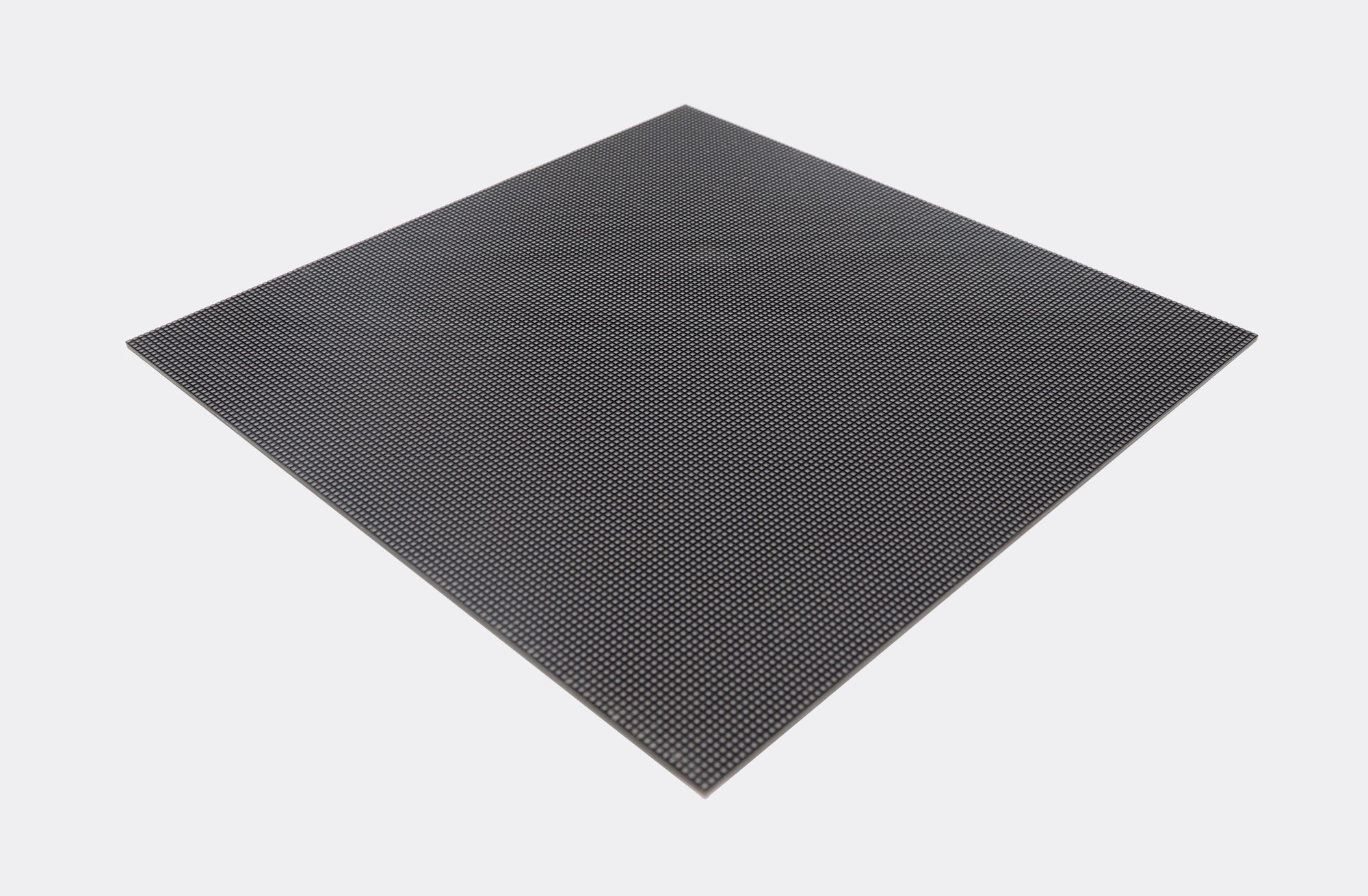
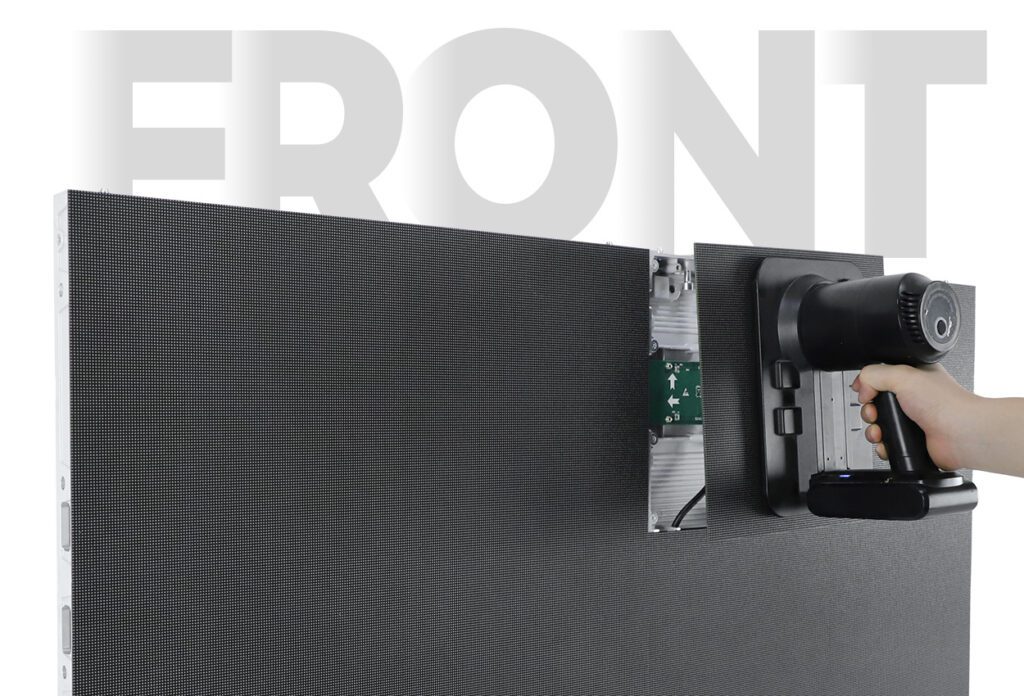
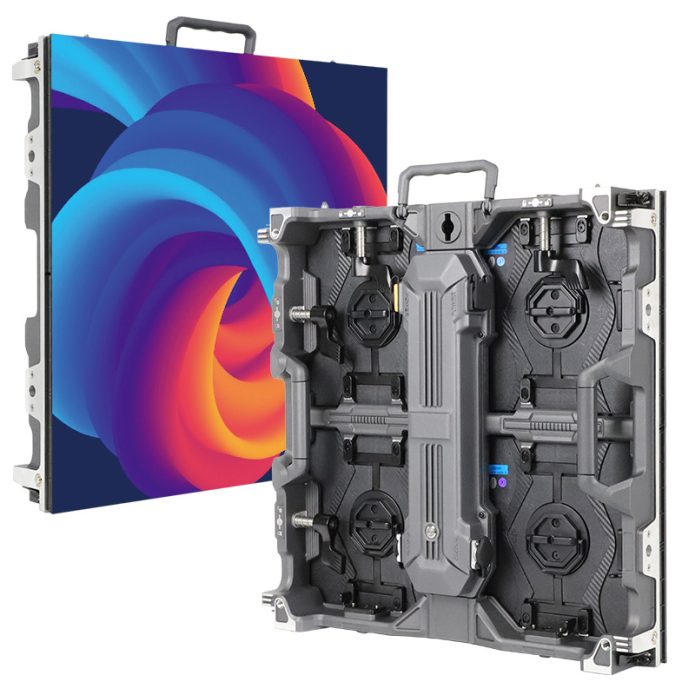
LED screen scan rate is commonly shown as a fraction such as 1/8, 1/16, or 1/32. The denominator counts the multiplexed groups in the stated design; it does not count cabinet rows or the number of modules in an installed wall. Two modules with the same external dimensions or pixel pitch can use different electronics. The buyer should compare the supplied version, not infer a ratio from cabinet appearance.
Do not confuse scan, refresh, and content frame rate
Three specifications answer different questions. The source frame rate describes how many distinct video frames arrive each second. Display refresh describes the panel’s repeating light-output behavior or update cycles under a particular configuration. The scan designation describes how the driver output is shared across row groups. These quantities interact, but one cannot be substituted for another in a purchase order.
| Term | What it describes | Buyer question | Incorrect inference to avoid |
|---|---|---|---|
| Scan designation | How panel-driver outputs are multiplexed among row groups. | Which exact module and driver configuration is quoted? | “1/16 scan means 16 video frames per second.” |
| Panel refresh | The repeated light-output or update behavior in a specified mode. | At what brightness, grayscale, and operating mode was it measured? | “The highest listed number applies to every mode.” |
| Source frame rate | Distinct content frames supplied each second. | What rate will the actual player, switcher, or camera workflow use? | “A faster panel refresh creates new source frames.” |
NovaStar describes refresh rate as the rate at which the LED image is updated and notes that increasing it can reduce visible flicker. Brompton’s operating-mode information warns that prioritizing a faster refresh can involve a PWM bit-depth tradeoff on supported systems. These are configuration-dependent statements, not a universal formula relating a scan fraction to a guaranteed refresh number.
If a supplier quotes “3840 Hz” beside “1/16 scan,” ask whether the two values apply to the same module, receiving-card file, brightness setting, grayscale mode, and firmware. The numbers in this sentence are hypothetical labels for the question, not a measured EagerLED product specification. A comparison that mixes modes or models does not establish which image a buyer will receive.
A smaller denominator is not automatically a better screen
More multiplexed groups can reduce the share of time available to a given row during one cycle, but the delivered image also depends on driver ICs, LED package, current strategy, PWM timing, grayscale handling, thermal limits, and processing. It would be misleading to say that 1/8 scan always looks brighter or films better than 1/16 scan across different products. The relevant comparison is the complete configured system under the intended conditions.
For indoor signage viewed directly, evaluate readable brightness, low-gray detail, flicker perception, color consistency, and service requirements at the actual viewing distance. For a filmed stage or broadcast set, add the intended camera, shutter, frame rate, lighting, and movement to the acceptance plan. An LED screen scan rate figure alone cannot predict every visible or recorded artifact.
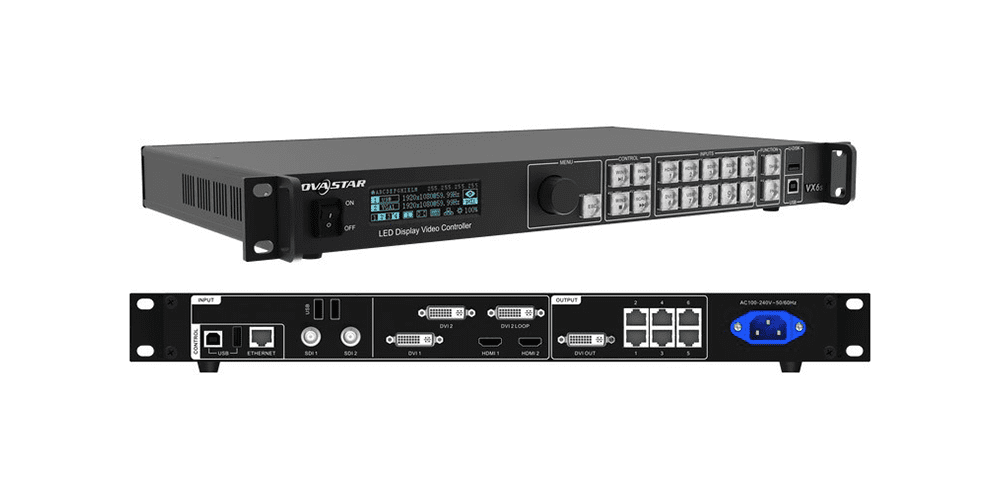
Do not reconfigure the row-scanning parameter to chase a catalog number. A receiving-card file may encode the driver chip, decoding type, module geometry, and timing that belong to the actual panel. Ask the supplier for the approved file and revision. Unverified settings can produce a wrong image or damage the validity of an acceptance comparison.
Ask for the configuration behind the claim
A useful LED screen scan rate review begins with the actual bill of materials and a labeled screenshot or written extract from the approved configuration. It should name the cabinet and module version, driver and receiving electronics, scan designation, source mode, display refresh, brightness, grayscale or bit-depth mode, and firmware where relevant. Record the operating setting in which the advertised figures were obtained.
Then ask for an acceptance test that matches the job. An LED screen scan rate claim should be checked against the approved module, not a generic marketing image. A lobby buyer may prioritize visible stability and image quality under ordinary lighting. A production buyer may need a controlled camera test. The same numerical spec can be less informative than a repeatable observation under the actual content and capture settings. A short phone recording is not a substitute for a camera-specific test because its automatic exposure and shutter may change.
Keep the pixel-resolution calculation separate: cabinet pixels and physical dimensions determine the content canvas, not the scan ratio. If the project also has camera concerns, the site’s moiré explanation addresses spatial pattern interference. A scan-line timing artifact and moiré are different mechanisms, so one remedy does not automatically solve the other.
Test the actual panel with the camera workflow
Brompton explains that a mismatch between a camera shutter period and the panel’s scan-mux period can reveal thin light or dark lines. Camera behavior also depends on synchronization and phase. That makes LED screen scan rate relevant to a filmed project, but it does not turn one ratio into a universal pass/fail threshold. The full panel, processor, and camera combination should be tested.
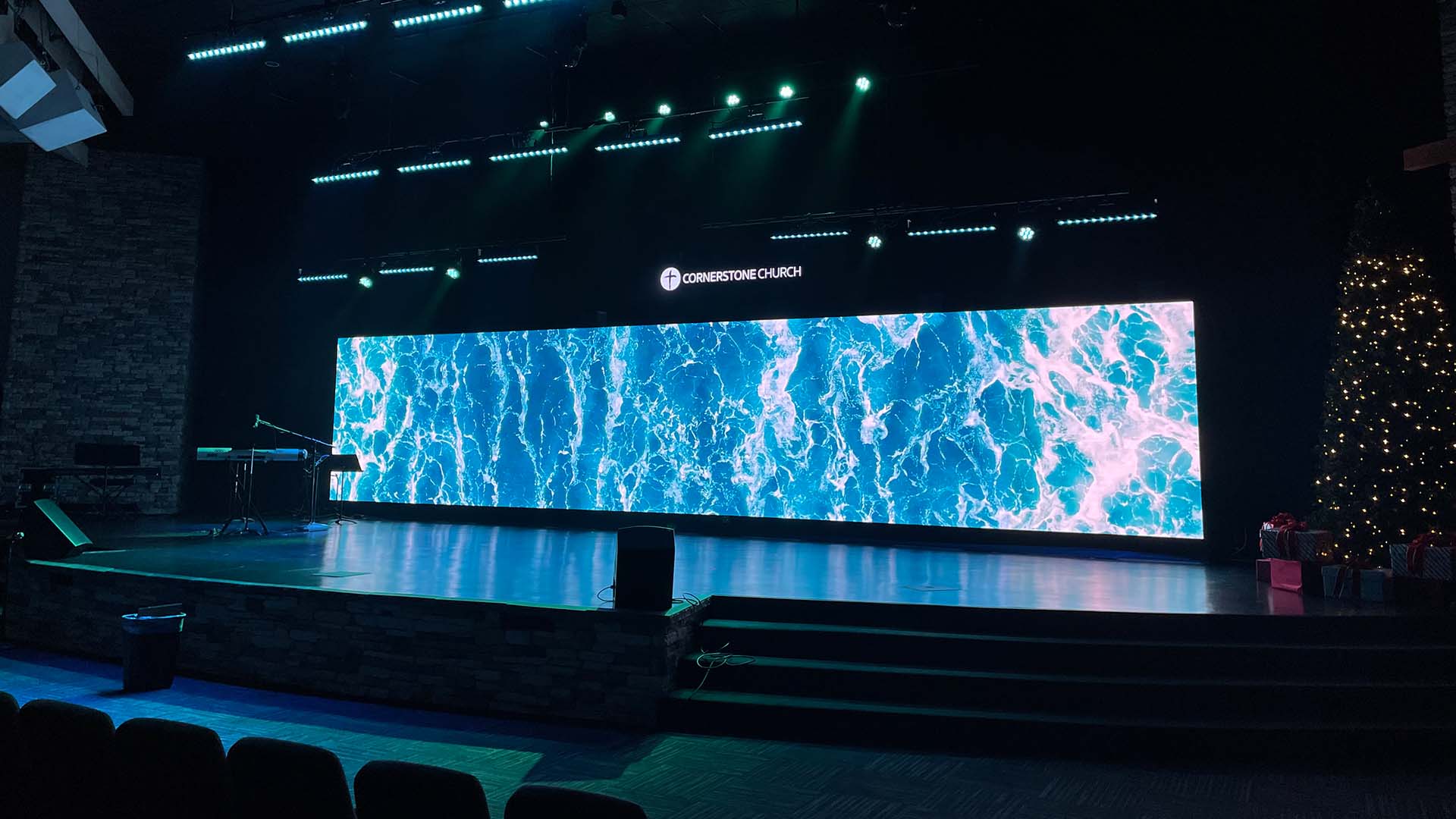
Ask the production team to document camera model, frame rate, shutter angle or speed, movement, content, display settings, and observed result. Include changes between bright and dark content if those scenes matter. If a supplier offers a camera-tuning feature, verify support for the exact processor and panel instead of assuming the feature is available on every controller. This protects the buyer from comparing impressive but unrelated brochure numbers.
Frequently asked questions
Does 1/16 scan mean only one sixteenth of the picture is visible?
No. Row groups are driven rapidly in sequence and the observer perceives a complete image. The fraction describes multiplexing in the electronics, not a permanently missing area of the picture.
Can the scan ratio be changed after purchase?
It is tied to the module and its approved driver/receiving configuration. Do not treat it as a free software quality setting. Any supported hardware or configuration change must be confirmed by the manufacturer for the exact panel.
Will a higher refresh number eliminate all camera lines?
No. Camera shutter timing, scan multiplexing, synchronization, phase, and panel mode can all matter. Test the proposed equipment and capture settings; a catalog refresh figure alone does not guarantee a clean recording.
Specify the image and evidence you need
Provide the installation country, screen size, environment, viewing distance, intended content, brightness conditions, and whether cameras will film the display. For filmed work, include the camera and shutter workflow. Ask EagerLED for the exact module and control-system configuration, then request an LED screen scan rate statement and refresh evidence for that same operating mode before approving the proposal.