

2026-10-23T15:45:02+00:00October 23, 2026|
2026-10-23T15:33:45+00:00October 23, 2026|
2026-10-23T15:22:05+00:00October 23, 2026|
LED spare module compatibility cannot be confirmed from pixel pitch and outside dimensions alone. A replacement also needs the correct mechanical fit, electrical and control requirements, and an acceptable visual match with the installed wall. Before buying a spare, identify the original module and ask the supplier to confirm the exact replacement for that installation in writing.
This article is for a maintenance buyer deciding whether a proposed replacement can be used in an existing indoor LED wall. It explains the compatibility question, rather than providing a live repair procedure. Keep module identification and procurement separate from installation work, which should follow the manufacturer’s instructions and the site’s approved service process.
Why LED spare module compatibility needs more than pitch
Pixel pitch describes the spacing between neighboring pixel centers. It does not uniquely identify a module’s circuit design, connector arrangement, mounting method or control configuration. Two catalog listings can share a pitch and still represent different parts. Likewise, a familiar product family name may cover several revisions.
Outside dimensions answer only part of the mechanical question. Check the fixing positions, connector clearance, cabinet interface and installed orientation. A part that appears to fit the opening may still require different mounting hardware or leave an unacceptable seam. Do not force a candidate into the cabinet simply because its listed width and height match.
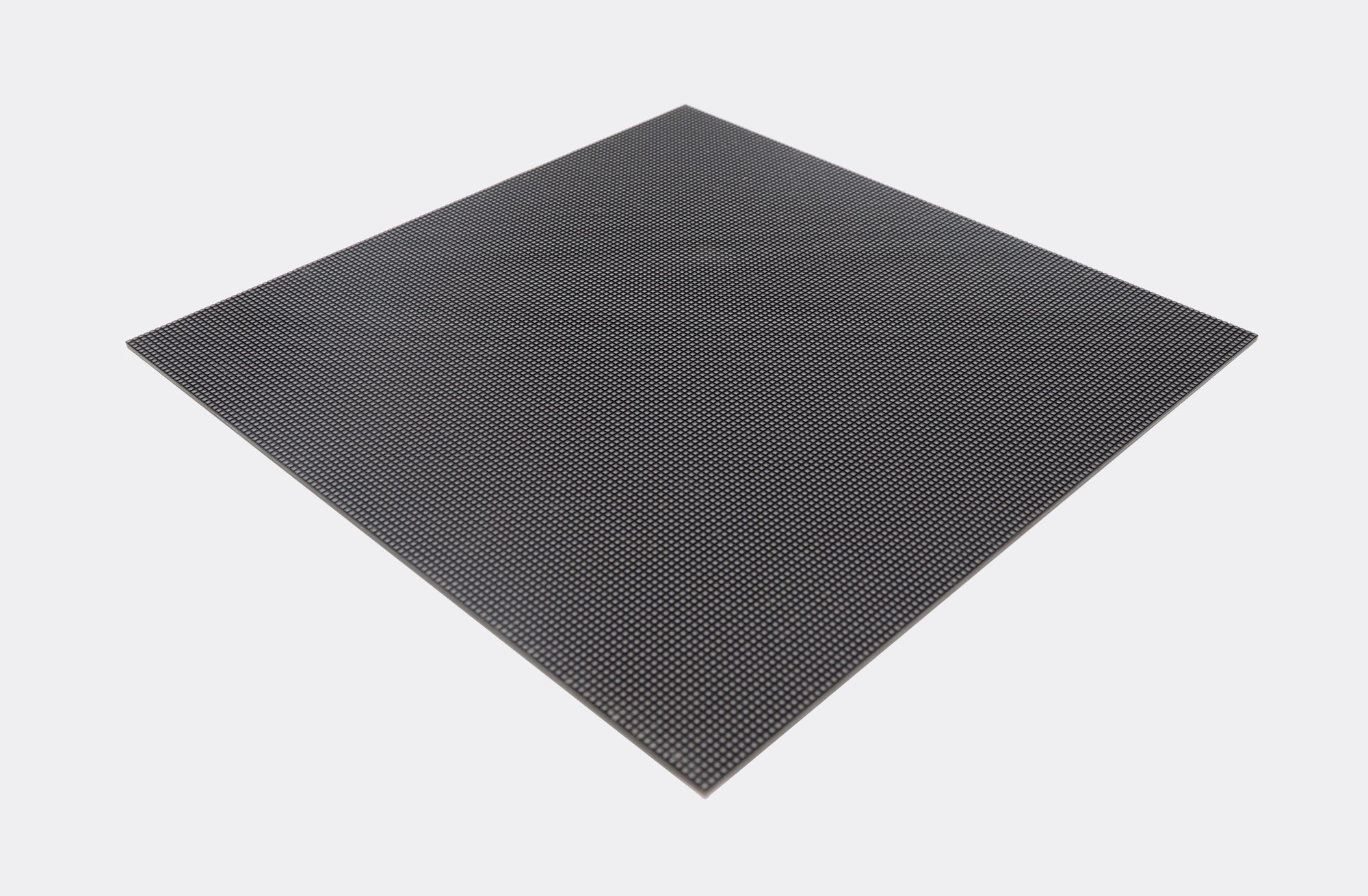
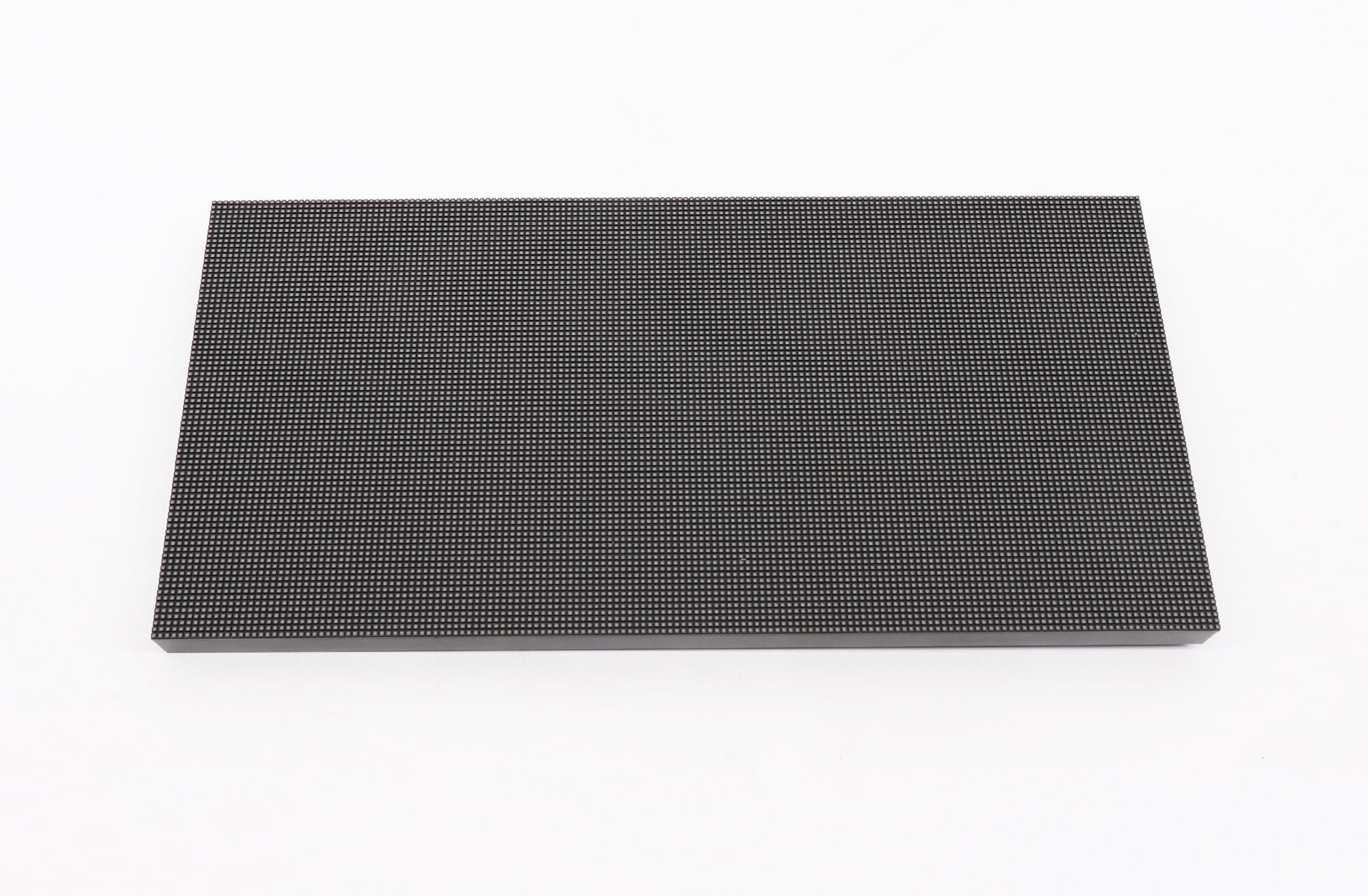
The same caution applies to photographs. A front view can help identify a shape, but it rarely establishes the required electrical or control details. Use photographs to support the part record, not to replace it. Ask the supplier to resolve any missing identification before placing the order rather than treating visual similarity as confirmation.
Build an identification record first
A useful LED spare module compatibility request starts with the original order reference, wall or cabinet model, installation date, module part number and any revision or batch markings. Include clear photographs of the labels and connectors if these can be obtained through the approved service process. Do not remove equipment solely to obtain a photograph without the appropriate service arrangements.
Record where the affected module sits in the wall. Use a simple cabinet-and-module position map that the supplier and technician can both understand. If the site owns several similar displays, include the venue and wall identifier so a spare intended for one installation is not mistakenly allocated to another.
Keep the existing configuration and calibration files with the project documentation where applicable. Note who maintains those files and which version belongs to the current installation. A folder of unnamed exports is much less useful than a dated record connected to the cabinet map and the original equipment list.
When the part number is unclear, send the available evidence and explicitly mark the missing fields. Do not silently substitute a number from another screen. A supplier may be able to identify the part from its order history, but that should be confirmed rather than assumed. Retain the response with the spare-parts purchase record.
Separate mechanical, electrical and visual checks
Evaluate LED spare module compatibility in separate stages. First confirm that the proposed part fits the approved assembly. Next confirm that its electrical and control requirements match the system. Finally evaluate its visual behavior alongside the existing modules. Passing one stage does not prove that the others will pass.
| Check | Evidence to request | Reason to pause |
|---|---|---|
| Part identity | Original and replacement part numbers, revisions and written substitution approval | Supplier confirms only the pixel pitch |
| Mechanical fit | Dimensions, mounting arrangement, orientation and connector clearance | Modified fixings or unexplained gaps are required |
| Electrical and control fit | Manufacturer-confirmed requirements and applicable configuration instructions | Voltage, connector pinout or control compatibility remains unknown |
| Visual match | Batch identification, calibration requirements and agreed test results | A visible difference remains outside agreed acceptance criteria |
Use the table as a procurement checklist, not an instruction to change wiring or experiment with power. A connector that physically mates is not proof that its pinout is suitable. If the proposed substitute needs a different configuration, ask who will supply, validate and maintain it. Include that work in the replacement scope.
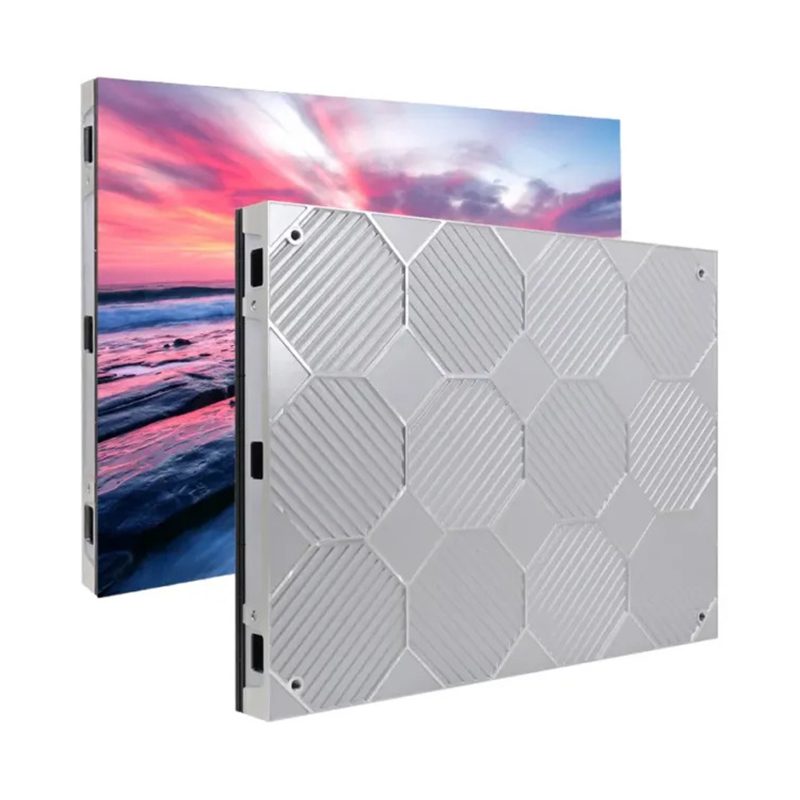
The site’s indoor LED screen overview shows different module and cabinet formats. Those options should not be read as an interchangeability list. For a particular installed wall, the confirmed part record remains more important than a generic product category or a photograph in a catalog.
Why batch and color matching matter
LED spare module compatibility also includes the appearance of the repaired area. Manufacturing batches can differ in color behavior, so the same model name alone does not establish a seamless visual match. AVIXA’s discussion of batch matching highlights this concern when modules are combined or replaced. Keep batch information with both installed equipment and reserved spares.
Ask whether the proposed spare comes from the original production batch and what the supplier requires for calibration. If the original batch is unavailable, request an explanation of the proposed alternative and the acceptance process. Do not assume that a software adjustment can correct every difference between physically different parts.
Even a spare reserved with the original order should be tested through the approved process before the repair is signed off. Compare it within the wall using representative content and agreed test patterns. A successful power-on check only proves that something is displayed; it does not establish that brightness, color and image continuity are acceptable.
For new projects, discuss the spare-parts plan before the main order is finalized. The LED display buying guide provides the wider purchasing context. Ask the quotation to identify the spare parts and quantities explicitly, along with the storage, identification and replacement support arrangements that are actually included.
Make replacement acceptance traceable
Complete the LED spare module compatibility record with the received part number, batch marking, wall position, service date and the technician’s test results. Keep the original identification attached to a removed module so it cannot be mistaken for an unused spare. Separate parts awaiting diagnosis from parts already approved for service.
Agree the visual checks before judging the replacement. Include neutral and colored fields, dark content, normal video and the text layouts used by the venue. Inspect the repaired area with its neighbors under the intended operating settings. Record any remaining difference and the agreed next action rather than describing every powered-on repair as complete.
If a candidate does not pass, preserve the evidence and consult the supplier before changing unrelated wall settings. Broad changes can affect otherwise acceptable areas and make the original problem harder to isolate. The purchasing decision should follow the confirmed diagnosis and replacement proposal, not a sequence of undocumented experiments.
Frequently asked questions
What spare-module percentage should I order?
There is no universal quantity established by this article. Ask the supplier to propose a quantity based on the installed count, acceptable downtime, service access and replenishment time. Compare the cost of holding spares with the operational effect of waiting for a replacement.
Does buying a spare extend the original warranty?
Do not assume so. Ask for the applicable warranty and support terms for the spare and the installed system separately. Keep the written terms with the order. An LED spare module compatibility statement and a warranty commitment answer different questions.
How should unused modules be stored?
Follow the manufacturer’s packaging, environmental and handling instructions. Keep identifiers legible and retain the supplied protective packaging where appropriate. Record the storage location and any inspection requirements so the maintenance team can find the correct part when needed.
Send a precise spare-parts request
To confirm LED spare module compatibility, prepare the original order reference, cabinet and module identifiers, label photographs, installation country and the affected wall position. Include the fault description and the quantity required. Send the identification record to EagerLED and request written confirmation of the proposed replacement and its acceptance requirements before ordering.

 LED Screen Viewing Angle: Will Side Seats See Clearly?