
2026-10-25T15:12:48+00:00October 25, 2026|
2026-10-25T14:51:00+00:00October 25, 2026|
2026-10-25T14:41:18+00:00October 25, 2026|
LED screen system latency is the delay between a defined input event and the corresponding image appearing on the LED wall. The number is meaningful only when both endpoints, the video frame rate, and the operating mode are stated. A processor input-to-screen measurement does not automatically include the camera, switcher, or media server upstream.
For an AV integrator comparing proposals for live presentations, that distinction changes the acceptance question. A low processing figure can be accurate while the complete camera-to-screen path still feels delayed. Before comparing milliseconds, establish which parts of the signal chain each supplier has measured.
LED screen system latency starts with a measurement boundary
A measurement boundary is simply the pair of events used to start and stop the clock. “Input to output,” “input to light,” and “camera to screen” describe different boundaries. Ask the supplier to name the physical input, the visible endpoint, and the equipment included between them. Without that definition, two correct figures can describe different things.
Brompton Technology’s published processor comparison defines its end-to-end figure from receipt of a video frame at the input to that frame being displayed on the screen. Its stated scope includes the processor, network transmission, receiving card, and LED drivers. This is a useful example of why a figure presented alongside a processor can already include downstream components.
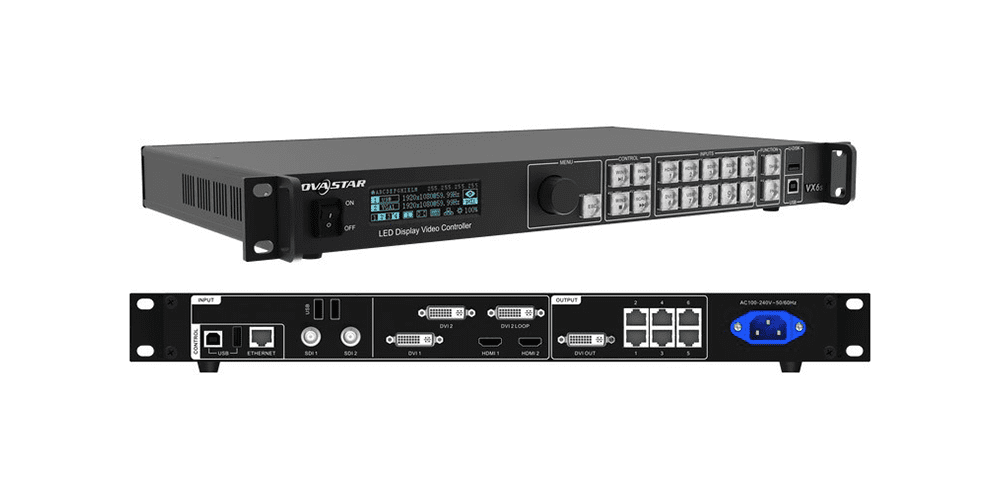
Do not add receiving-card delay again if the quoted figure already includes it. Equally, do not assume a camera’s capture delay is included in a measurement that starts at the processor input. When reviewing a particular unit, use its own documentation alongside the controller’s input and processing overview; a specification from another product family cannot fill a missing value.
For LED screen system latency, a simple signal-path drawing is often more useful than a longer equipment list. Mark the source, every processing stage, and the LED wall, then draw a bracket over the stages covered by each measurement. Any unbracketed stage remains unmeasured. Overlapping brackets identify numbers that should not simply be added together.
Frames are not a fixed number of milliseconds
A video frame period is 1,000 divided by the frame rate in frames per second, expressed in milliseconds. One frame at 60 fps lasts about 16.67 ms; one frame at 50 fps lasts 20 ms. Those are time conversions, not measured performance claims for a screen or controller.
| Assumed video rate | One frame period | Two frame periods | Comparison caution |
|---|---|---|---|
| 30 fps | 33.33 ms | 66.67 ms | Do not compare the frame count alone with a 60 fps result. |
| 50 fps | 20.00 ms | 40.00 ms | Keep the proposed source format consistent across bids. |
| 60 fps | 16.67 ms | 33.33 ms | Confirm whether the specification uses exactly 60 or 59.94 fps. |
| 120 fps | 8.33 ms | 16.67 ms | Verify support at the required canvas size and operating mode. |
At 59.94 fps, one frame lasts approximately 16.68 ms. Keep the actual rate in the test record even when rounding makes the difference look small. Also ask whether a manufacturer counts input frames or another timing reference. A rate conversion elsewhere in the chain can make a bare “one-frame” description ambiguous.
LED screen system latency should therefore be compared in milliseconds with the original frame-rate conditions retained. The panel’s high refresh-rate figure is a separate parameter; it is not a direct statement of how long a new source image takes to travel through the system. Repeatedly driving the LEDs does not prove that upstream capture or processing has become faster.
A low-latency mode can change other requirements
A faster mode is useful only if it remains compatible with the proposed source and screen configuration. Confirm the supported input connection, canvas resolution, frame rate, firmware, and any disabled processing features. Obtain the conditions in writing rather than treating the mode’s name as a universal performance guarantee.
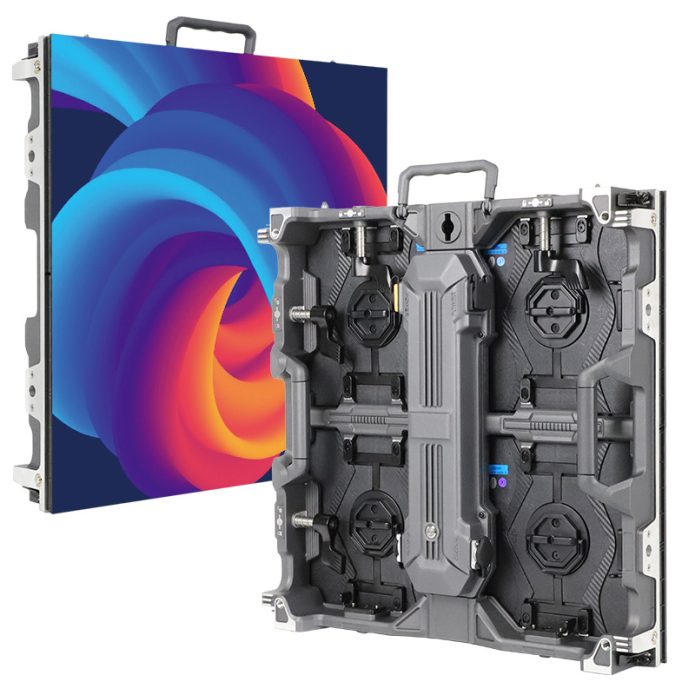
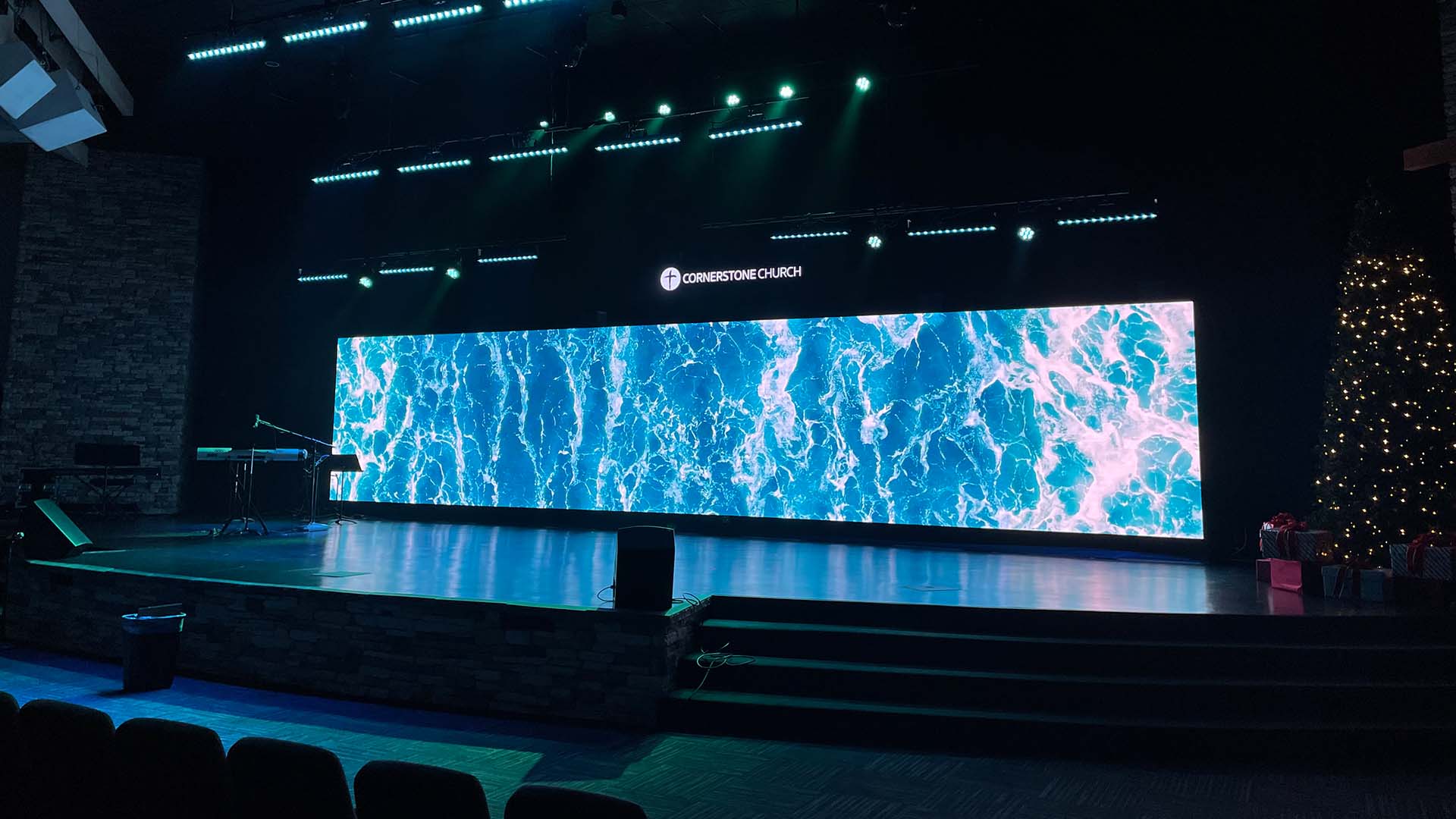
For example, Brompton’s Tessera Ultra Low Latency documentation describes a mode for the SX40 and S8 that requires compatible HDMI source behavior and changes pixel-capacity limits. It specifically recommends testing the actual source before production. These are conditions of that feature, not rules for every controller or promises for the equipment pictured here.
The purchasing implication is broader: a reduced-delay demonstration at a smaller canvas or different input format does not establish performance at your required settings. Compare LED screen system latency with the same useful image area and features enabled. If the supplier proposes a different mode, ask what changes elsewhere in the design and quotation.
For an indoor LED screen installation, preserve the planned content resolution in that discussion. Accepting a timing improvement without checking the resulting operating limits can leave the integrator with a configuration that no longer meets the original visual requirements.
Turn the delay claim into a useful acceptance statement
A useful acceptance statement for LED screen system latency defines the path, configuration, method, and required result. The project team should agree on the limit for its application; there is no single acceptable number for every live event, presentation, or interactive display. Explain which audience experience the limit is intended to protect.
For example, a live camera feed may need an overall camera-to-screen assessment as well as the supplier’s display-system specification. A prerecorded background has a different operational concern. Neither use case justifies importing an unrelated product’s advertised delay as the project’s acceptance threshold.
Include these items when requesting evidence for LED screen system latency:
- Endpoints: the precise input event and the screen event being compared.
- Configuration: source format, canvas, processor and receiver identities, firmware, and enabled modes.
- Method: measurement equipment, timing reference, test conditions, and known uncertainty.
- Results: repeated observations or a reported range, with any variation explained.
- Acceptance: the agreed maximum and who confirms the installed configuration matches the tested one.
A sample video can help explain a test, but request the measurement method behind the displayed number. A comparison monitor can introduce its own delay, and a recording’s frame interval limits the detail it can resolve. Treat evidence without those conditions as incomplete, even when the demonstration looks convincing.
Consider a hypothetical quotation that states two frames from processor input to visible output at 60 fps. That converts to about 33.33 ms within the stated boundary. If a second quotation measures from the camera instead, its larger figure cannot by itself prove that its LED processing is slower. First request matching endpoints or separate measurements for the missing stages. This comparison uses illustrative numbers only; neither value is a proposed product specification.
Frequently asked questions
Does delaying the audio reduce the video delay?
No. Adjusting audio timing can change its alignment with the picture, but it does not shorten the video path. Evaluate synchronization and video responsiveness as separate requirements, then agree on the combination that works for the room and program.
Does a zero-frame claim mean instantaneous light output?
Do not interpret it that way without the manufacturer’s definition. Ask whether the claim describes additional buffering, a particular processing stage, or a measured input-to-light interval. Require the boundary and a value or limit in time units before using it in an acceptance specification.
Should the backup signal path be checked too?
Yes, if it must meet the same operational requirement. A backup route may use different equipment or settings. Request a separate result or evidence that the relevant configuration is equivalent; a primary-path result alone does not establish the backup path’s performance.
Define the project signal path before requesting a quote
Send the installation country, screen dimensions, indoor or outdoor environment, viewing distance, source equipment, and required video format. State whether the screen will show live cameras, prerecorded media, or interactive content, and identify the delay boundary your team needs to assess.
Discuss the screen and control-system requirements with EagerLED and request configuration-specific evidence for LED screen system latency. Include any agreed acceptance limit so that the proposed hardware, operating mode, and test scope can be reviewed together.