

November 23, 2026|
November 20, 2026|
November 19, 2026|
A digital LED signage pilot is a one-store trial that checks whether a direct-view LED sign can do its job in a real storefront before you commit to a wider rollout. The trial should prove three things. Shoppers can read the message in actual lighting, store staff can publish it on schedule, and the sign behaves as expected when the network or power drops.
If you manage retail facilities and already have a candidate screen or two, use this test plan to write acceptance criteria for your pilot. One window, one real promotion, and a few repeatable checks can tell you more about that location than a showroom loop or a spec sheet alone.

1. Write a one-store digital LED signage pilot brief
01. Define what a passerby needs to see
Give the sign one job in the digital LED signage pilot. An easy test is a seasonal offer with a product image, a short headline, and a closing date. Decide which of those details a shopper must read from the sidewalk. If the offer matters more than the date at the first viewing point, record that priority up front so the team can judge the layout consistently.
Mark two viewing positions on a site photo. One should represent the closest spot where a shopper normally reads the sign. The other should represent the approach where it first needs to communicate. If people approach from both directions, record the more oblique view as well. Ask a colleague who has never seen the artwork to tell you what it says from those positions.
02. Document the digital LED signage pilot site
Direct-view LEDs form the visible image at the surface of the display. A typical LED-backlit LCD uses LEDs to illuminate a separate image layer. This distinction matters when a vendor calls both products an LED sign. For a modular direct-view screen, ask for the cabinet layout and native pixel dimensions. A programmable LED sign can also mean a simpler message board, so confirm it can play the creative formats you plan to use.
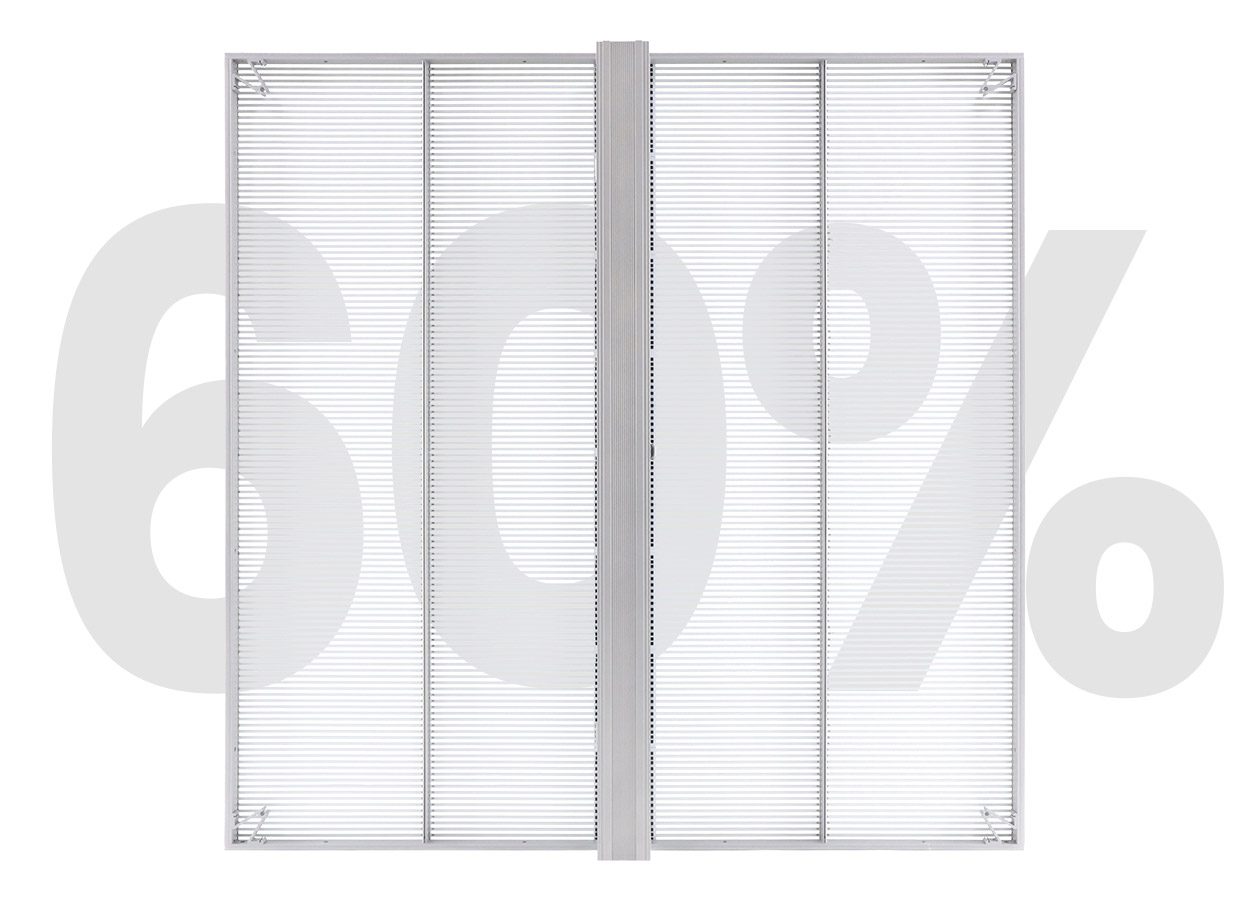
Write down the active image size, whether the screen faces out from behind glass or sits on the exterior, and any need to keep the merchandise visible through the window. A transparent display and a solid one can serve different jobs at the same storefront. You can use the site’s transparent LED screen guide to clarify that choice before the test.
2. Test your digital LED signage pilot from the sidewalk
01. Use the exact artwork and native resolution
Pixel pitch is the center-to-center spacing between pixels. At the same screen size, finer pitch gives the artwork more pixels. For an illustrative comparison, a 1,200 × 600 mm (47.2 × 23.6 in) active area at 2 mm pitch would have a 600 × 300 pixel canvas. At 3 mm, the same area would have 400 × 200 pixels. Ask for the real matrix because the final active dimensions depend on available module and cabinet sizes.
Use the LED pixel pitch calculator to compare candidate layouts. For your digital LED signage pilot, preview the same artwork on each proposed canvas, then test the smallest essential line at the actual approach distance. A full-size video can look clear while a price or date becomes hard to read. If the line fails, try simpler artwork before paying for a finer pitch.
02. Check bright, shaded, and after-dark conditions
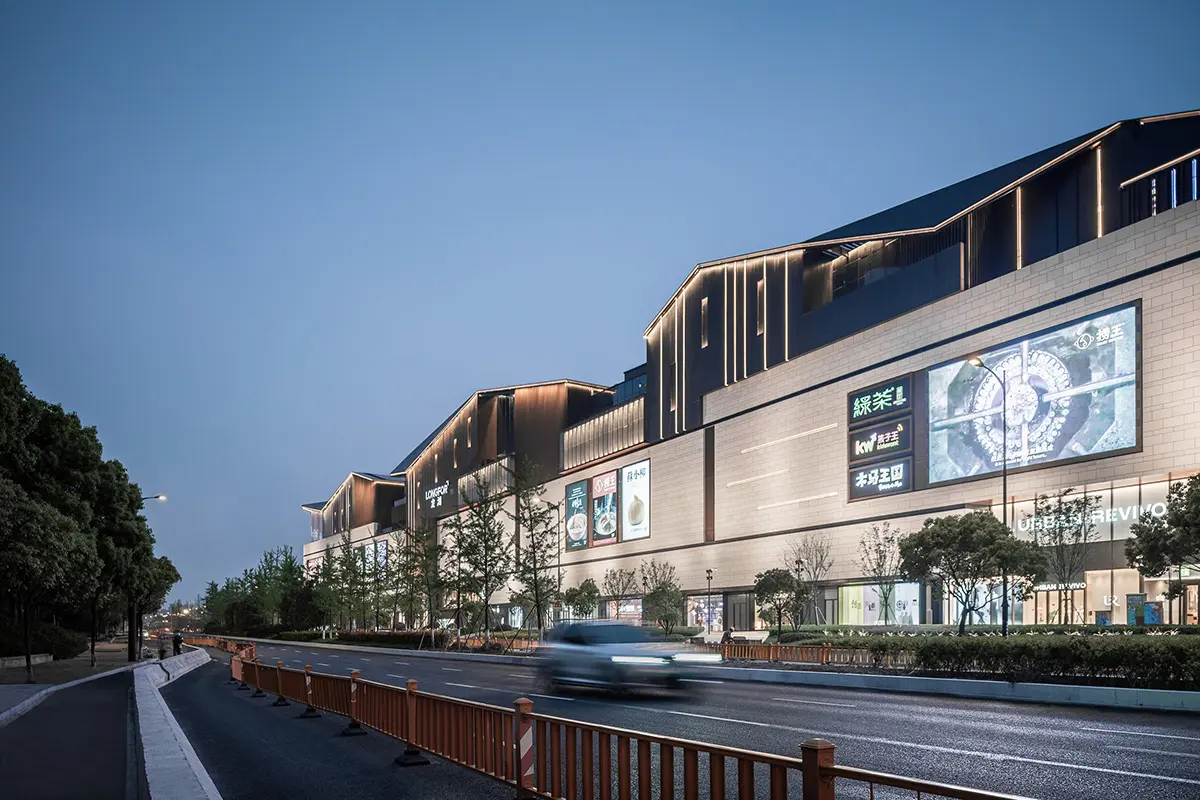
Run the sidewalk test with the lights and merchandising as they will be during business hours. Behind glass, reflections can cut the contrast shoppers see, even when the screen looks clear from inside. At the brightest relevant time, look for reflected buildings, vehicles, or sky across the area where the offer appears. Repeat the test after dusk at the agreed dimming setting. Keep camera exposure consistent if you use photos for comparison, and record what people can read in person.
If you compare two screens, give each the same position, artwork, and review sequence. Alternate the order so the second screen does not always benefit from a reviewer who already knows the offer. Record each unit’s settings. One sign may be easier to read because its preset lifts the background, while the other may suit the same window once its content and settings are adjusted. Keep a copy of the artwork and settings you approved so the installer can reproduce the result.
An exposed outdoor LED sign also needs a model and installation suited to the weather it will face. Ask the supplier to document the enclosure protection under IEC 60529 for the relevant sides in the proposed installation. Check who will verify mounting, power, and service access, and have qualified local professionals review those plans before installation.
| Test condition | Evidence to capture | When to repeat the test |
|---|---|---|
| Direct sun or strong reflections | Photo of the storefront from the marked approach and the time of the check | After changing screen angle, placement, or display brightness |
| Pedestrian approach at an angle | Which message the reviewer read before reaching the entrance | After changing text position or shortening the copy |
| Dusk or evening | Actual dimming setting and review from the opposite sidewalk where safe | After adjusting the brightness schedule or sensor location |
3. Verify scheduling and offline playback
01. Have the store team make a real change
Give staff two promotions and a default message. In the digital LED signage pilot, ask them to upload one promotion, schedule the other for a specific day, and set a clear end time. Watch from the sidewalk when the first change happens. Check the local time zone, what replaces an expired offer, and who approves changes. A prepared demo playlist cannot show whether a store team can operate its own account.
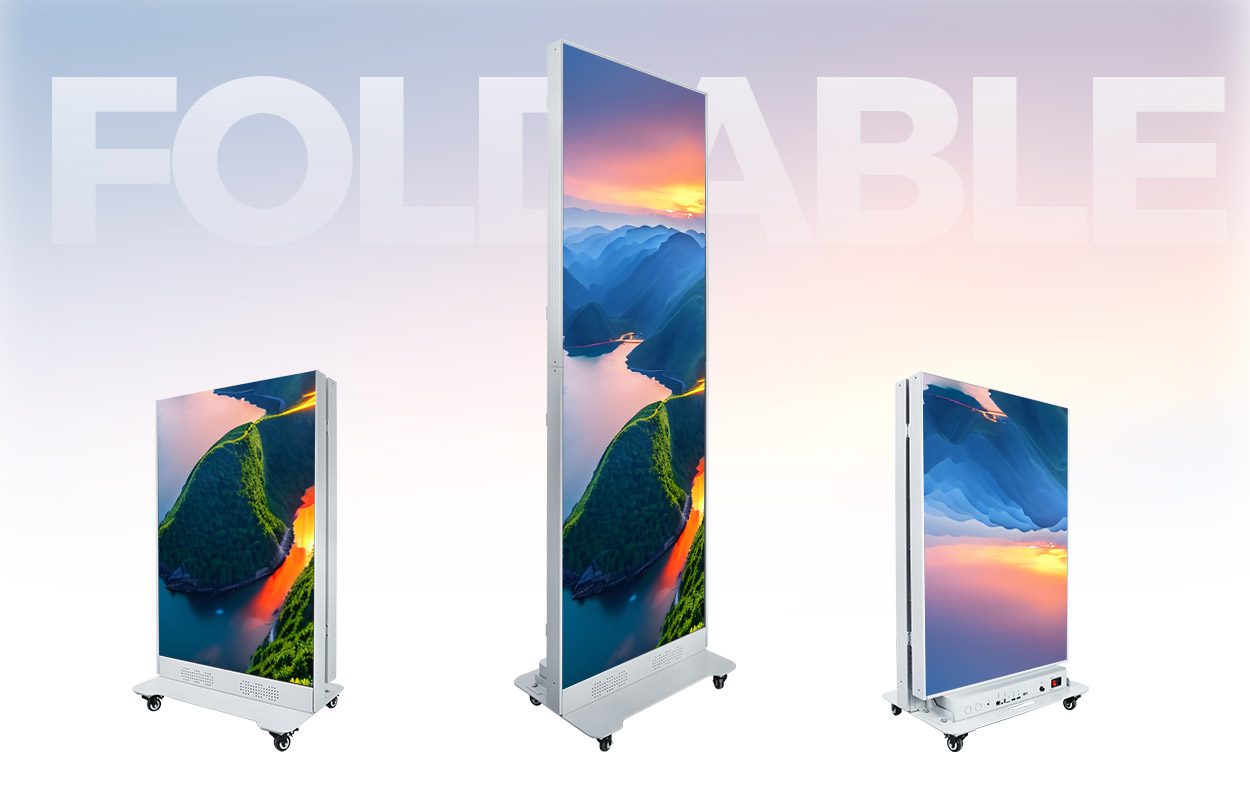
Ask which part of the proposed system handles the schedule. A player or content management system may publish playlists, while a controller maps the image to the LED cabinets. Some products combine those jobs. Get the player, software license, and supported file formats in writing so the quoted setup matches the one you tested.
02. Agree on the behavior when service is interrupted
Have the installer demonstrate what happens when the player loses its network connection while an approved playlist is running. Ask whether the device caches media and scheduled transitions locally. If it does, test a scheduled change while disconnected, then check whether the device reconnects on its own. Ask the installer to demonstrate recovery after a controlled power cycle using the proposed equipment.
In the digital LED signage pilot, record whether the right message returns and how long recovery takes. If an expired price returns when the player starts, have the vendor show how the default playlist or schedule can prevent that behavior. Track who receives an outage alert and how they tell a blank screen from an offline player.
Before the vendor leaves, ask a store employee to find the current playlist and identify the last time the player checked in. Run the same exercise with the head office user who will support the store. Each person should have the access they need for their role. If the platform offers playback logs, check whether it records a clip as played or merely records that it reached the device. Keep the result with your test notes so campaign reporting starts with a clear definition.
4. Price the pilot and the rollout separately
The cost of a digital LED signage pilot depends on the display, installation, and what the trial is meant to prove. Ask for a one-site price and a repeat-site price based on the same bill of materials. Mark charges you expect once, such as building a creative template, separately from those that recur, such as a per-player software subscription. For mounting, power, and site work outside the supplier’s scope, use the LED display installation cost guide to brief your local installer.
| Quote item | Pilot question | Rollout question |
|---|---|---|
| Mounting and removal | Who removes the demo and restores the site if the trial stops? | Which opening sizes, glass conditions, or mounting changes trigger a new site survey? |
| Licensing and training | When does the trial software license expire, and who receives training? | Can head office publish to store groups, and how do fees change as players are added? |
| Spares and service | Who supplies replacement parts during the trial? | Which spares are stocked locally, and who can change them without closing the entrance? |
| Delivery and handover | Can paid demo equipment be kept if approved? | Who stores units and checks each site’s configuration before handover? |
For energy budgeting, request estimated average operating power at the brightness schedule used during the digital LED signage pilot. Multiply average kilowatts by yearly operating hours and your local tariff per kilowatt-hour. Ask separately for maximum input power so the electrician can plan for the equipment’s rated load.
5. Make the rollout decision
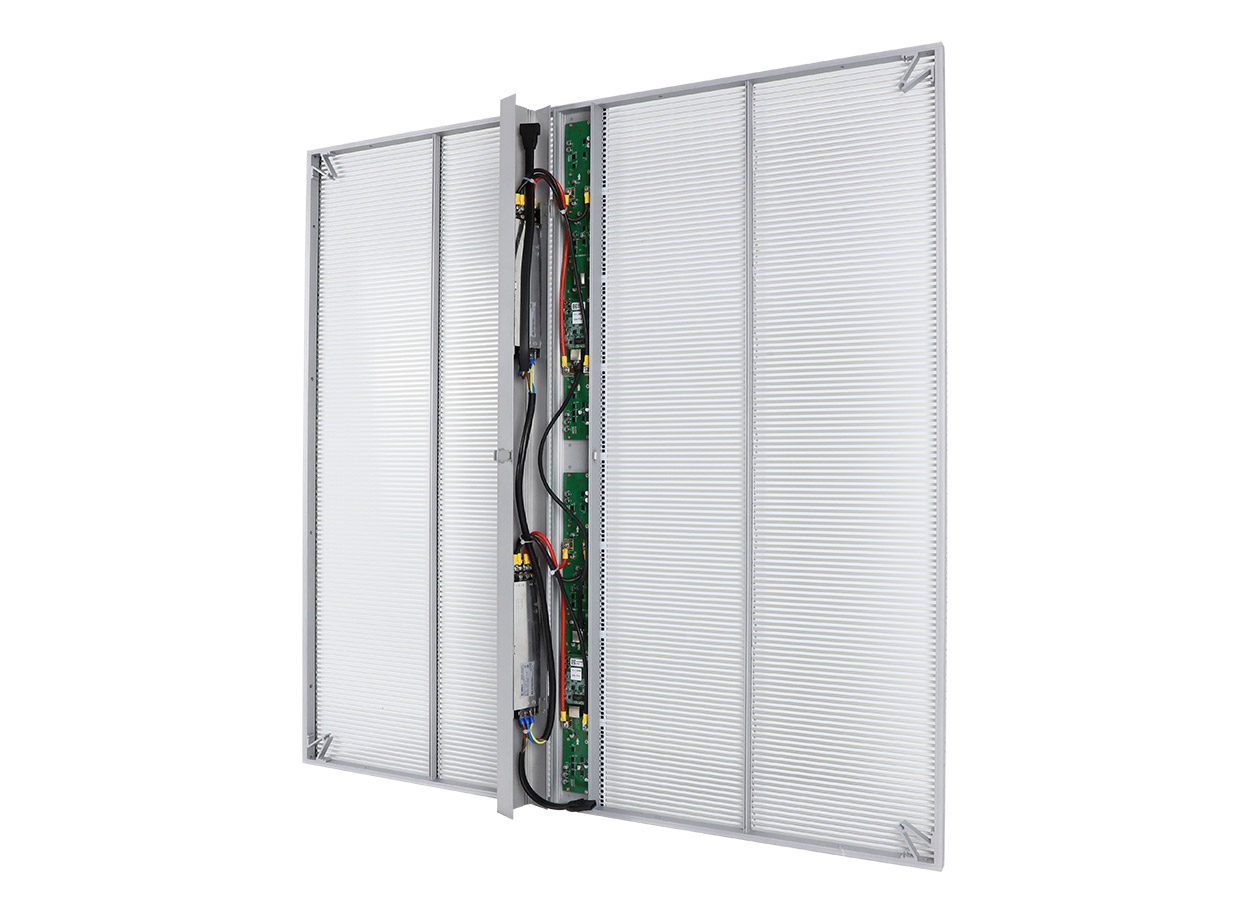
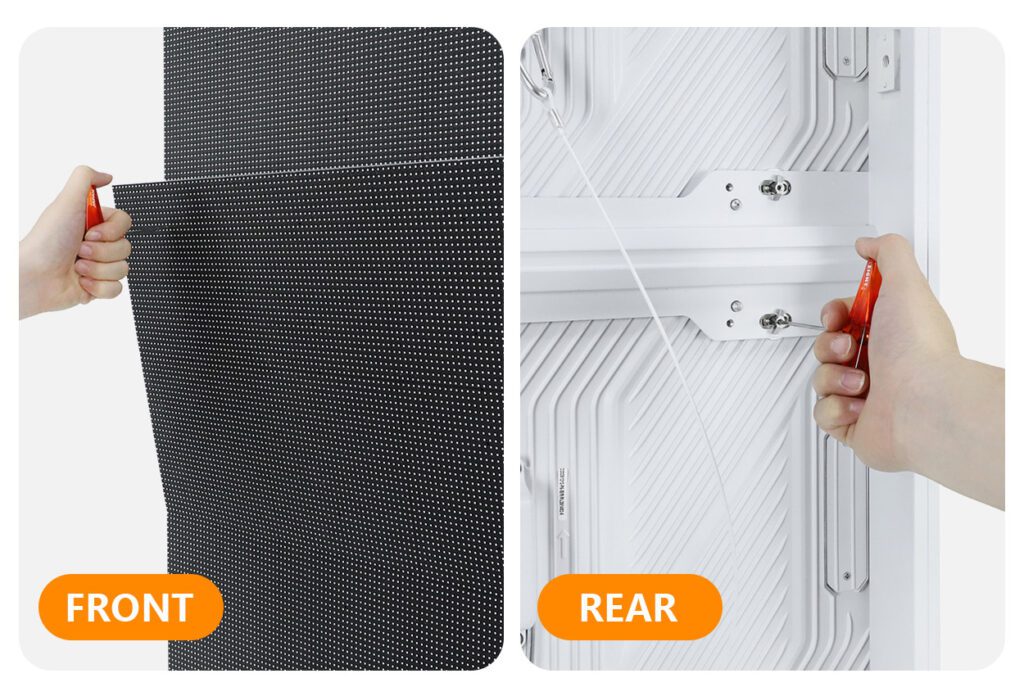
Approve a digital LED signage pilot against the brief you wrote before installation. Confirm that reviewers could read the critical message from the marked positions, staff could change and expire an offer, and playback recovered within the interval agreed with the vendor. Ask the installer to demonstrate the route to a serviceable component and note what has to be moved or removed to reach it.
When a check fails, log the condition, the proposed fix, and the test you will repeat. If the digital LED signage pilot passes at the first store, note which assumptions travel with it. A shaded mall entrance and a street window that catches afternoon sun may need different settings or equipment. Group stores by exposure, viewing path, and mounting condition before you reuse the quote.
You can also track a store outcome, such as redemptions of a unique offer code. Log the promotion dates and any other channels that use the code. A short digital LED signage pilot can establish whether the playback and reporting process works. Estimating a sales lift requires a comparison that accounts for differences in promotions, traffic, and store conditions.
Frequently asked questions
01. How long should a digital LED signage pilot run?
Set the duration around the conditions you need to observe. Include a bright viewing period, an after-dark check if the sign runs at night, and at least one normal promotion change by store staff. Extend the test if weather prevents you from seeing the window in the conditions that made it a difficult site.
02. Can I use a TV to test digital signage content first?
Yes. An existing TV can help test headlines, timing, and playlist logic. For a direct-view LED installation, verify the same creative separately on the proposed hardware and canvas. The TV has its own brightness, surface reflections, and native resolution.
03. Will an ambient light sensor solve glare behind glass?
A sensor can help automate dimming when the controller supports it. Its reading depends on where it sits and where light hits it. Reflected glare can still cover part of the image, so check the sensor’s response from the sidewalk as well as inside.
04. Can I reuse my printed poster artwork on an LED sign?
Start with the original design file and export for the actual pixel canvas. Print layouts often have fine text that needs to be enlarged or removed. Leave margin for the screen’s edges and check whether the player crops, stretches, or letterboxes your file.
05. What should I keep after the trial ends?
Save the approved configuration, exportable playlist or artwork files, brightness schedule, cabinet layout, and sign-off notes. Confirm who owns the software account and who can restore player settings. These details make the next installation easier to reproduce and support.
Request a demo built around your storefront
To scope your digital LED signage pilot, send a photo of the storefront, proposed image dimensions, the closest and angled viewing positions, and the hours when the glass catches the strongest light. Include a real promotion and the playback platform you intend to use. Contact LED Display Price to discuss a test configuration and get an itemized quote for the pilot site.
 Front Service LED Cabinet vs. Rear Maintenance: Cost and Access