
2026-10-25T15:12:48+00:00October 25, 2026|
2026-10-25T14:51:00+00:00October 25, 2026|
2026-10-25T14:41:18+00:00October 25, 2026|
LED screen black level describes how dark the screen looks while displaying black under stated viewing and lighting conditions. A black video signal does not prevent room light from reflecting off the display surface. Consequently, a wall that looks deep black in a dark demonstration can look gray when venue lighting or daylight reaches its face.
For an AV integrator selecting an indoor presentation screen, the useful question is how dark content will look in the operating room. Peak brightness, a published contrast ratio, and a photograph each tell only part of that story. Compare the proposed configuration at its intended brightness and under representative lighting before approving the image-quality requirement.
LED screen black level includes the viewing environment
The light reaching an observer from a black image can include residual emitted light and reflected ambient light. Turning down the image signal addresses the emitted component; it does not switch off light arriving from windows or fixtures. The display surface, light direction, and observer position therefore matter alongside the electronic configuration.
This is why the appearance of a powered screen showing black should be assessed in the venue rather than inferred from the pixels being off. Direct light on the surface can make the dark background look brighter. A reflection may also be localized, so one viewing position can reveal a problem that is less obvious from another seat.
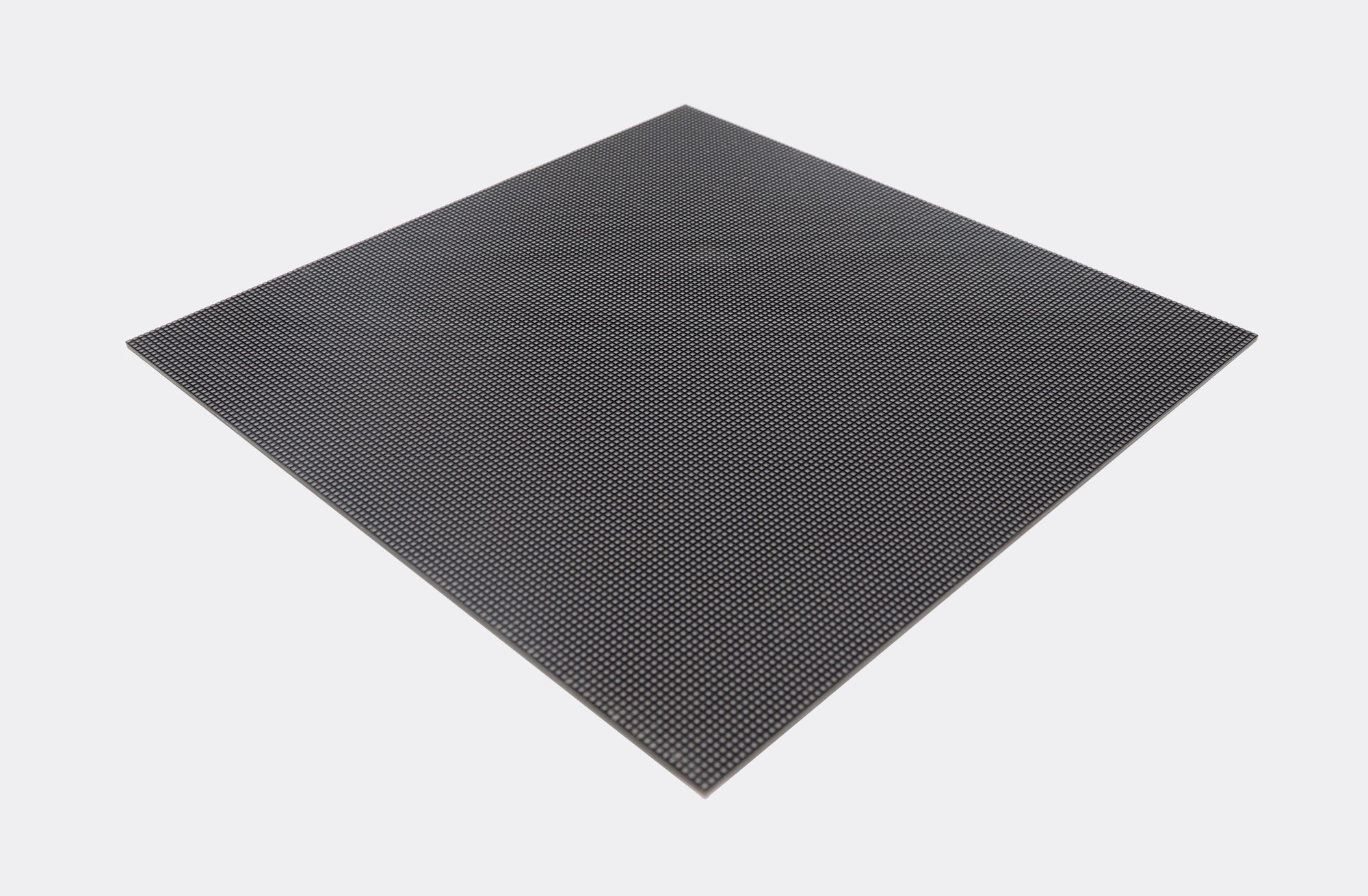
A darker-looking package or mask can be relevant, but a packaging label alone does not establish performance for every product. The site’s SMD and COB comparison discusses packaging differences. Here, the decision is narrower: verify the actual screen’s dark appearance under the room conditions that the project will use.
Keep LED screen black level separate from the brightness needed for legible white text. Increasing white output can change the contrast relationship, but it does not remove a reflected image of a window. Where possible, review the lighting layout and screen position with the venue team as part of the visual assessment.
Compare LED screen black level using a stated method
A luminance contrast ratio compares a brighter state with a darker state. If measured white is 500 cd/m² and measured black is 1 cd/m² under the same specified procedure, the ratio is 500:1. These are hypothetical values to explain the arithmetic, not specifications for any EagerLED screen.
Holding that illustrative white value at 500 cd/m² while the observed black increases to 5 cd/m² gives 100:1. The example shows why a change in the dark measurement matters. It does not predict the black luminance in a particular room or imply that all ambient-light effects follow a simple fixed rule.
Konica Minolta’s display-metrology explanation describes measuring the white and black regions of a checkerboard pattern and notes that pattern-block size affects the result. A number obtained from separate full-screen images should therefore not be treated as interchangeable with a checkerboard result. Ask how the quoted ratio was produced.
| Condition | Why it affects comparison | Evidence to request |
|---|---|---|
| Pattern and measurement positions | Different image arrangements can produce different results. | Pattern file or description, block size, and sampling positions. |
| Ambient illumination | Room light can alter the observed dark surface. | Lighting state, daylight conditions, and instrument arrangement. |
| Operating brightness | A maximum-output test may differ from the intended room setting. | White-luminance setting and the configuration used. |
| Screen and processing configuration | A result belongs to the tested hardware and settings. | Panel version, control system, firmware, and active modes. |
LED screen black level is most useful when its measurement conditions accompany the result. A brochure contrast number without those details is incomplete evidence for a venue decision. Request matching test conditions across candidates rather than treating the largest published ratio as an automatic winner.
Dark black does not prove visible shadow detail
A screen can show a very dark black patch while failing to distinguish nearby dark shades in the source image. Black appearance and shadow detail answer different questions. Include low-gray gradients and representative dark content in a demonstration so that subtle changes are assessed alongside a black field.
Brompton Technology’s Dark Magic documentation explains that running LED panels below maximum brightness can reduce effective bit depth and reveal banding or lost dark detail. Its described processing features apply to compatible hardware. This supports testing at the intended brightness; it does not establish that any particular receiving card or mode is included in a proposed screen.
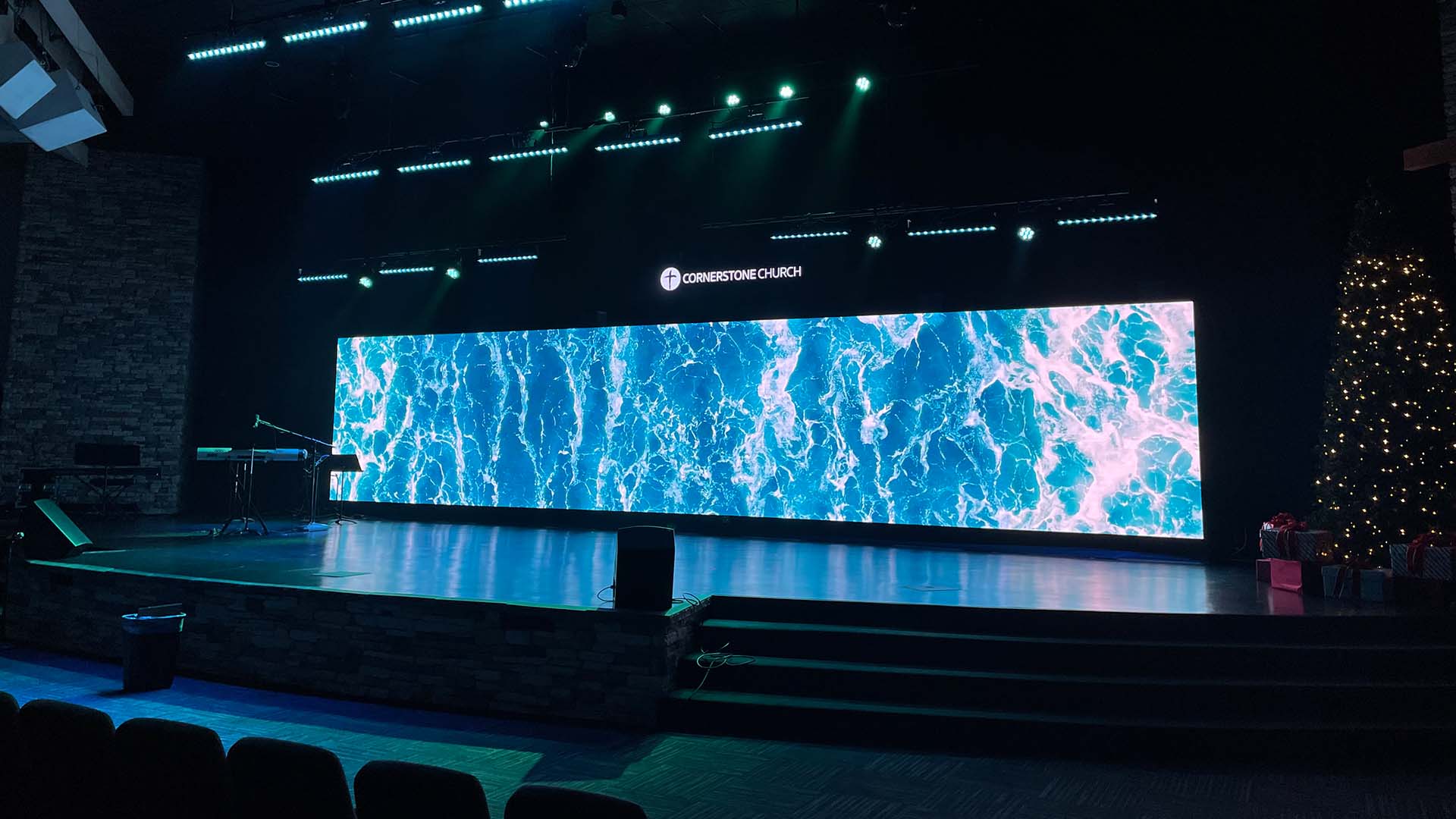
Do not approve LED screen black level solely from a dramatic bright image. A dark slide background with a small logo, a low-light video scene, and a gentle gray ramp can expose different limitations. Use the same files and playback path when comparing samples, and keep the lighting state visible in the test record.
For an indoor LED screen proposal, ask for the brightness range and the behavior of the complete proposed configuration at the selected room setting. A demonstration with a different receiver, processor, or panel version cannot automatically stand in for the ordered combination.
Make the demonstration representative of the room
Specify the conditions that matter before the supplier prepares a demonstration. A presentation room with daylight and a dimmed auditorium are different operating environments. If the venue uses more than one lighting scene, assess the relevant scenes separately and identify the one used for acceptance.
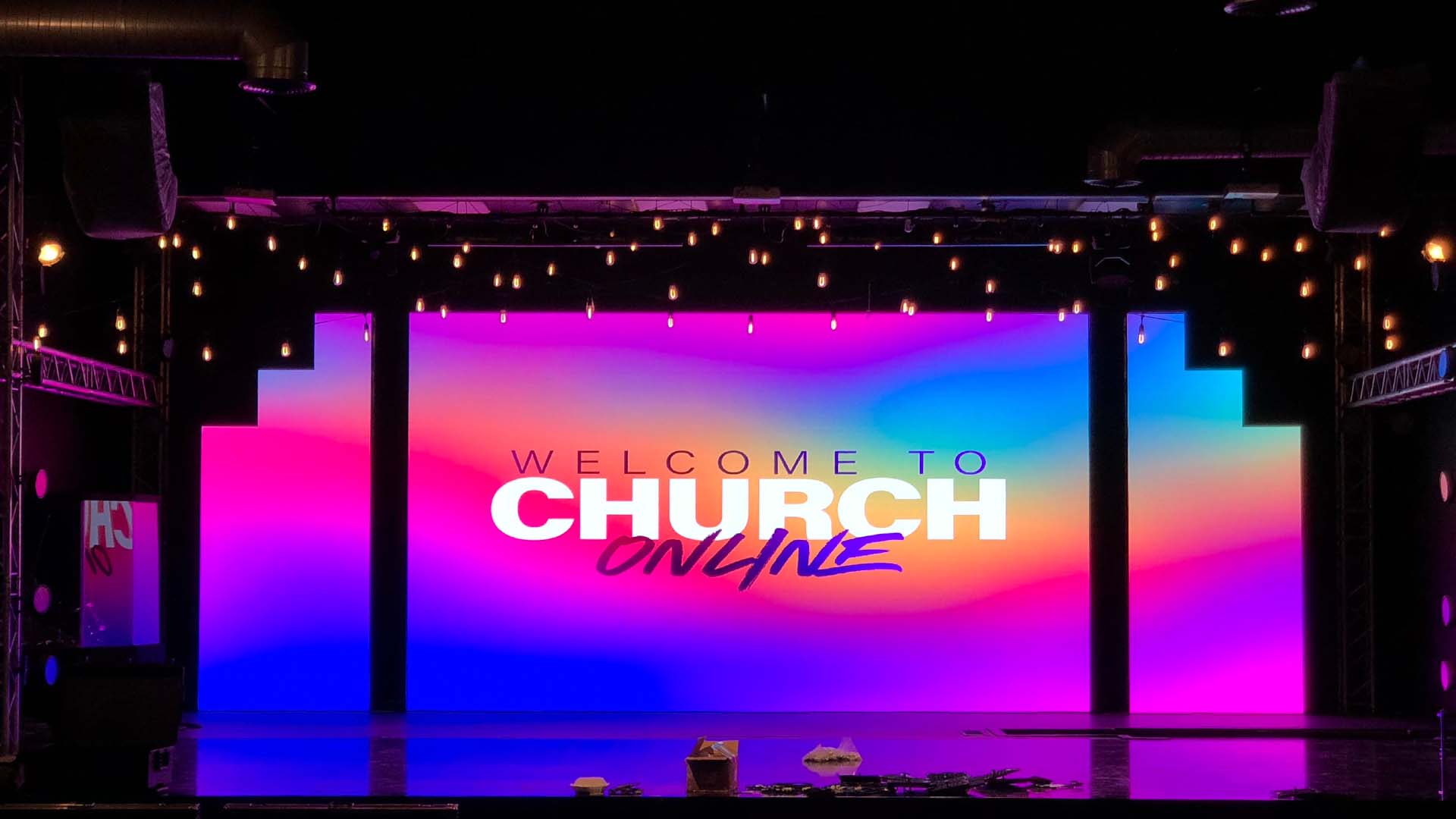
Prepare this information when discussing LED screen black level with the supplier:
- Light sources: windows, fixtures aimed toward the screen, and expected daylight changes.
- Viewing positions: the nearest and farthest audience locations, plus seats likely to see reflections.
- Content: black backgrounds, low-gray gradients, dark video, and the smallest required text.
- Settings: the intended brightness, signal format, and complete processing configuration.
- Evidence: the agreed visual or instrument-based criteria, with the method and limitations recorded.
Camera photographs can document the setup, but exposure and image processing can alter the apparent black and white levels. A photograph that looks impressive on another display is not a substitute for an agreed viewing assessment or measurement. Avoid comparing unrelated promotional images as if they were a controlled test.
Frequently asked questions
Will a finer pixel pitch automatically make black look darker?
No. Pitch describes pixel spacing, not a complete reflectance or low-gray specification. Compare the actual surface, configuration, lighting, and operating settings. A pitch change alone is insufficient evidence of better dark-image performance.
Can a phone light-meter reading replace a black-luminance measurement?
Do not assume so. Illumination arriving at a surface and luminance observed from that surface are different quantities. Ask the measurement provider to identify the instrument, geometry, and uncertainty appropriate to the intended test.
Should the system be tested with the intended source device?
Yes. Source output and processing settings can affect dark tones. Use the intended playback chain or document any substitutions, then confirm that the final installation retains the accepted settings before attributing a difference to the screen surface.
Describe the lighting before requesting a screen
Send the installation country, active screen size, viewing distance, indoor use conditions, and photos or drawings showing nearby windows and lighting. Include representative content and the planned operating hours so that daylight conditions can be discussed.
Discuss the room and image requirements with EagerLED and request evidence for LED screen black level at the proposed settings. State the acceptance conditions beside the brightness and resolution requirements so that the demonstration answers the question your project actually needs to resolve.