
2026-10-23T15:45:02+00:00October 23, 2026|
2026-10-23T15:33:45+00:00October 23, 2026|
2026-10-23T15:22:05+00:00October 23, 2026|
LED screen viewing angle describes the range of viewing directions covered by a display specification. It does not guarantee that every person within that range can read your smallest text or see identical colors. For an indoor venue, compare the stated horizontal and vertical angles with the actual audience positions, then test representative content from the seats that matter.
This explanation is for a venue owner checking whether one proposed screen can serve a wide audience. The decision comes before approving the wall position and cabinet layout. A broad specification can help shortlist equipment, but a successful demonstration from the center aisle alone leaves the side seats and front rows untested.
What an LED screen viewing angle number tells you
Start by asking what the supplier means by its number. Is it the full span across the display’s centerline, or a one-sided angle away from straight ahead? Does it apply horizontally, vertically, or both? What measurement threshold defines its limit? Without these details, two apparently similar specifications may describe different conditions.
For example, a hypothetical symmetric full horizontal span of 160 degrees would extend 80 degrees to either side of the perpendicular centerline. It would not mean 160 degrees to each side. This example explains notation only; it is not a specification for a particular EagerLED model. Keep the supplier’s original notation with the project record.
Also separate a product’s rated angle from an installation’s usable audience area. A column, balcony edge, stage set or speaker can block the screen even when a seat falls within the stated angular range. Mechanical orientation matters too. Rotating or tilting a display changes the relationship between its face and the audience.
Translate seating positions into a useful check
Assess LED screen viewing angle using the room plan rather than the distance from the screen alone. For a flat wall, mark the screen center and draw a line perpendicular to its face. A seat’s sideways offset and its perpendicular distance from that plane give an initial horizontal angle. This simple geometry helps identify the seats to include in a demonstration.
In a hypothetical plan, a seat 6 m sideways from the centerline and 10 m back from the screen plane has a center-point horizontal angle of arctan(6/10), approximately 31 degrees. If it is only 3 m back with the same sideways offset, that angle is approximately 63 degrees. Both calculations assume a flat screen and ignore elevation.
These are screening calculations, not proof that the complete image will look acceptable. A wide wall presents different angles from its near and far edges. A tall wall also creates a vertical difference between its top and bottom. For close side seats, ask the integrator to examine the whole active image area and the actual eye position.
| Position | What to inspect | Useful evidence |
|---|---|---|
| Outer side seats | Color consistency and compressed-looking text | Same slide viewed from both sides |
| Closest front row | Vertical angle and view of the upper edge | Seated eye-height observation |
| Rear row | Smallest required text and diagram labels | Actual presentation content at final scale |
| Balcony or raised seating | Downward angle and physical obstructions | Elevation drawing plus an on-site check |
Visibility is not the same as readability
A satisfactory LED screen viewing angle does not replace the resolution and content checks. From a side position, the visible width of a flat rectangular screen is foreshortened. Small text can become harder to read even if the LEDs remain visible. Simply selecting finer pixel pitch does not remove that geometric effect.
Use the smallest text that the audience genuinely needs, such as a schedule entry, presentation label or translated caption. Test it at its intended size within the full image. A large logo or full-screen video can look convincing while hiding a weakness in fine labels. Decide which information must be understood from every designated seat.
Color and contrast deserve separate checks. Compare skin tones, neutral gray, dark scenes and important brand colors from several positions. Keep room lighting and display settings consistent during the comparison. Do not treat a phone photograph with automatic exposure as a calibrated measurement or as a substitute for viewing the content in person.
Check the difficult seats before approval
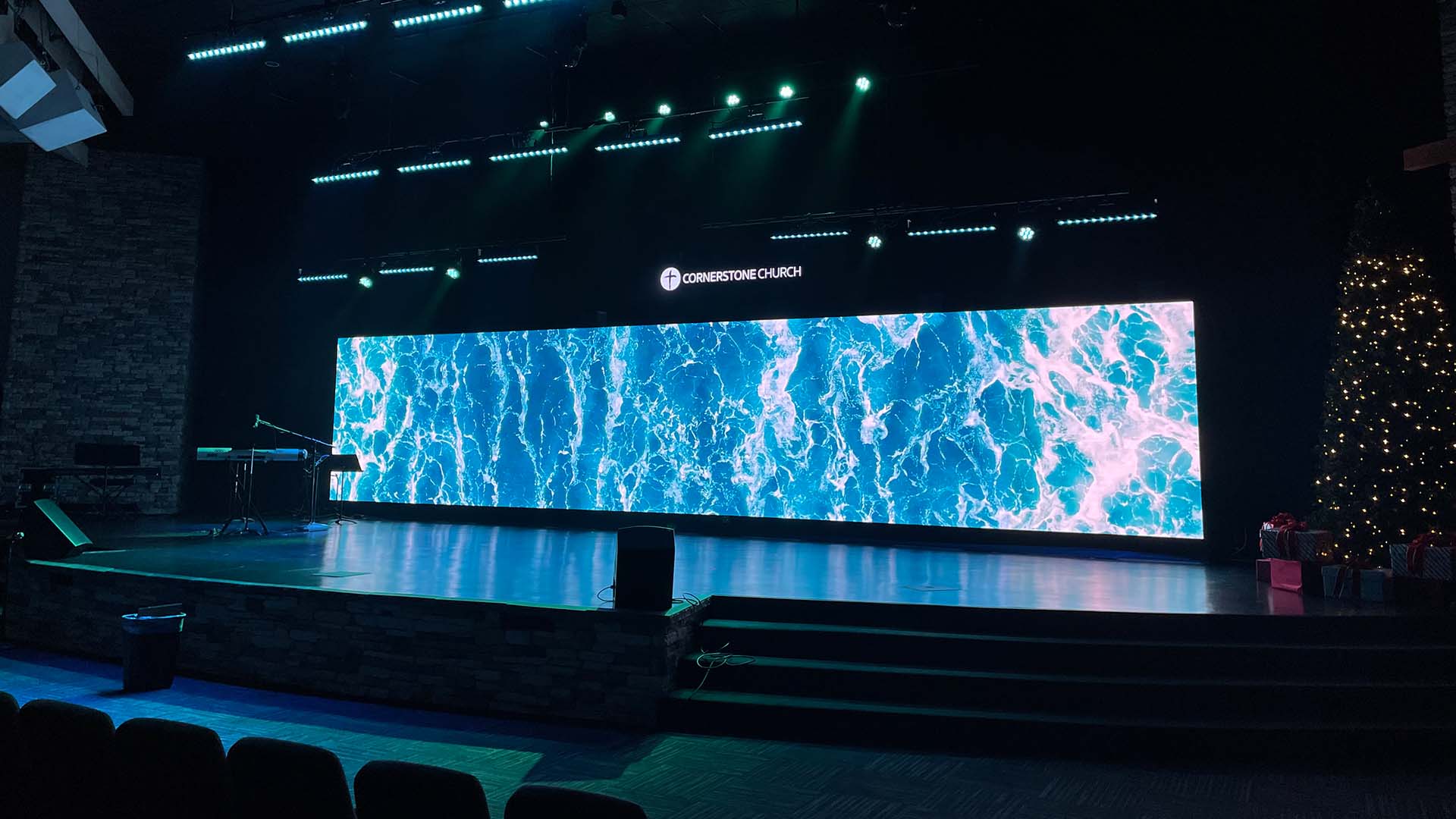
A practical LED screen viewing angle test starts with an agreed audience map. Mark the required seating area and identify any positions that are intentionally excluded. Record the screen dimensions, mounting height, proposed tilt, test brightness and room lighting. Keep these conditions stable so the team is comparing the display rather than changing the test.
Show a short test sequence containing real slides, normal video, dark material and simple color fields. Inspect the left and right extremes as well as the center. Use both seated and standing positions if the venue serves those audiences. Check that fixed furniture and production equipment do not hide essential information.
Ask the supplier to explain any mismatch between the sample and the proposed installation. A small sample can reveal some directional behavior, but it cannot reproduce the sightlines of a much larger wall. A demonstration with another pixel pitch or surface treatment should be documented as a partial comparison, not final acceptance.
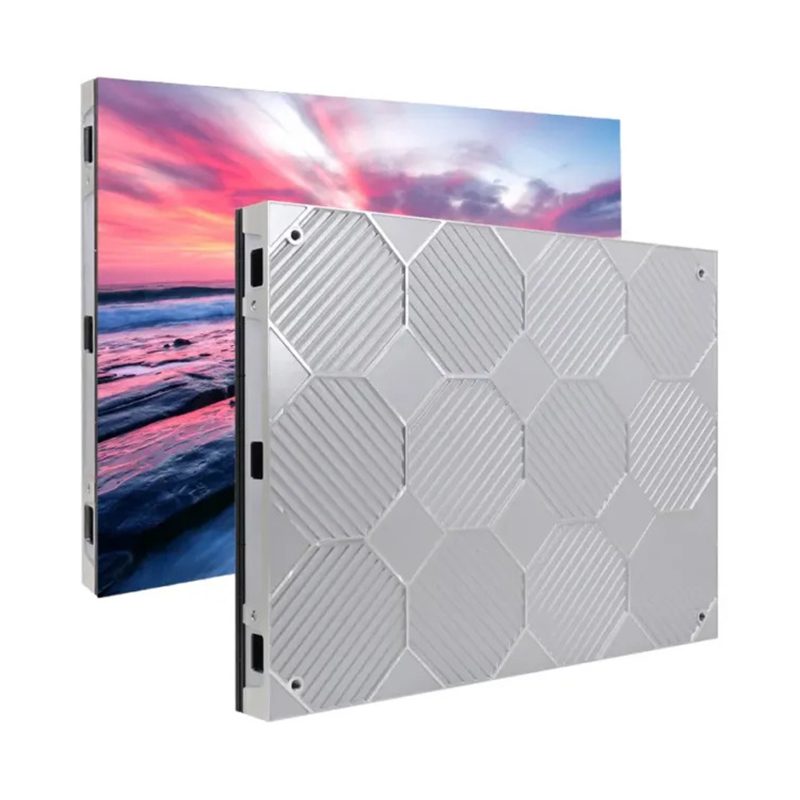
For the broader specification process, use the site’s stage backdrop specification guide. For an indoor cabinet discussion, the EA640F2 product page is a starting point. Request the current angle data and measurement definition for the exact configuration under consideration.
Respond to a failed side-seat check
If LED screen viewing angle or readability is inadequate, identify the cause before ordering a different product. An obstructed view needs a layout change. Text that is too small may need a simpler content design. A visible color difference needs a product-level demonstration and an agreed tolerance. These problems call for different responses.
Possible layout responses include changing the wall position, revising the designated seating area, or adding a separately aimed display for another audience zone. None is automatically the best solution. Compare the viewing result with structural feasibility, operating complexity, service access and the project budget before accepting the revised design.
Frequently asked questions
Should a camera position be checked separately?
Yes. Record the intended camera location and test the actual filming setup. Audience visibility alone does not establish acceptable camera results. Exposure, shutter settings and the display configuration can introduce separate requirements that belong in the production test.
Can a curved wall solve every side-view problem?
No. Curvature changes the orientation of individual sections and therefore requires its own sightline review. It can also affect how content is mapped. Ask for a drawing and a demonstration matched to the proposed curve rather than carrying over acceptance from a flat sample.
What should be written into the handover record?
The LED screen viewing angle handover record should list the tested seats, content files, lighting state, brightness setting, approved layout and any excluded audience zones. Include the date and the people who observed the demonstration so later questions can be traced to the same test. Attach agreed observations and remaining limitations. This gives the operating team a usable reference when the room or presentation format changes later.
Prepare an audience drawing for your project
To evaluate LED screen viewing angle, send the installation country, wall dimensions, screen height, nearest and farthest audience positions, side-seat offsets and the required content type. Include a floor plan and elevation if available. Share your venue requirements with EagerLED and request a configuration-specific viewing demonstration before approving the layout.