
November 5, 2026|
November 5, 2026|
November 5, 2026|
An LED screen burn-in test runs modules or an assembled display under a defined procedure to help reveal faults before shipment. Its useful result is a traceable record of what operated, under which conditions, and how problems were resolved. A duration printed on a quotation does not establish service life, prove every performance claim, or replace acceptance at the installation site.
For an AV integrator reviewing a supplier’s pre-shipment package, the practical question is whether the test evidence matches the equipment being delivered. Separate the production stage, operating conditions, observations, repairs, and release decision before approving the record.
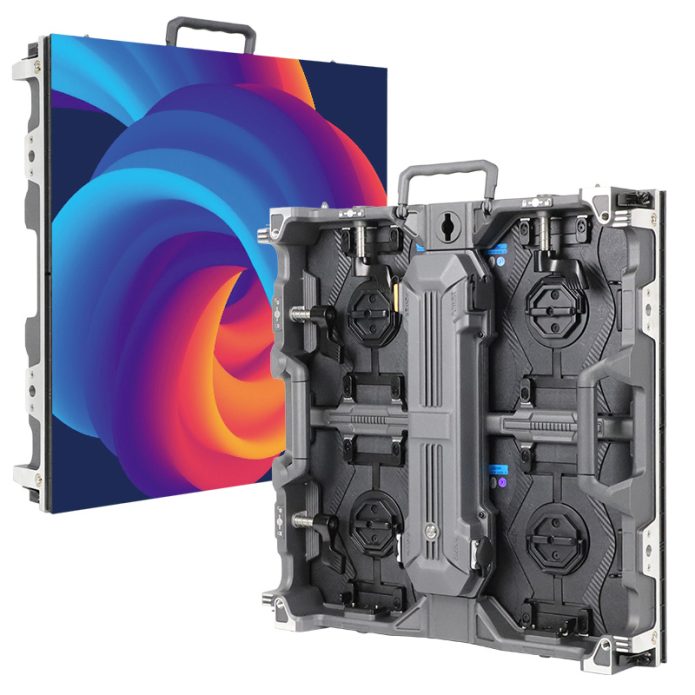
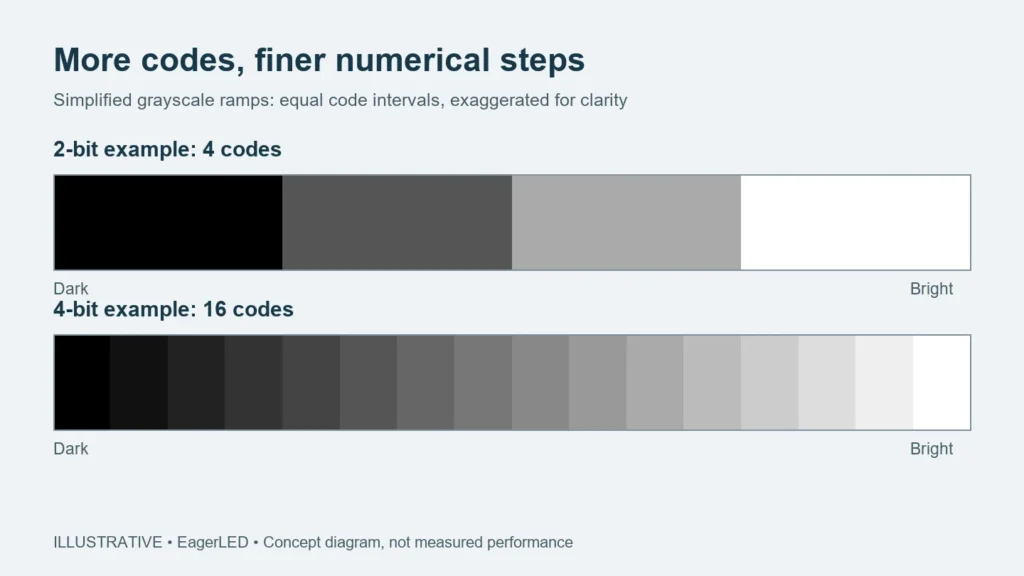
This explanation concerns production screening of direct-view LED displays. It does not describe a consumer television test for persistent images. The illustrations explain concepts; they are not photographs of EagerLED equipment or evidence from a customer’s order.
What does an LED screen burn-in test establish?
It establishes an observed operating history for identifiable equipment within the documented test conditions. Read the result as evidence about that run. A screen that operated successfully in a factory still needs the other checks specified for the project.
The word aging often describes this production stage. EagerLED’s factory process overview presents module aging and screen aging as separate steps. Its quality-control overview also identifies brightness, color consistency, power stability, and accessories as inspection areas. These public descriptions explain the workflow; request the applicable procedure and records for the actual order.
Start by asking the supplier to identify the screen model, hardware configuration, quantity, and production references in the report. Serial numbers are useful where available; otherwise agree on batch references and a cabinet map that connect the record to the packing list. A generic workshop photograph cannot make that connection by itself.
Module testing and assembled-screen testing cover different stages
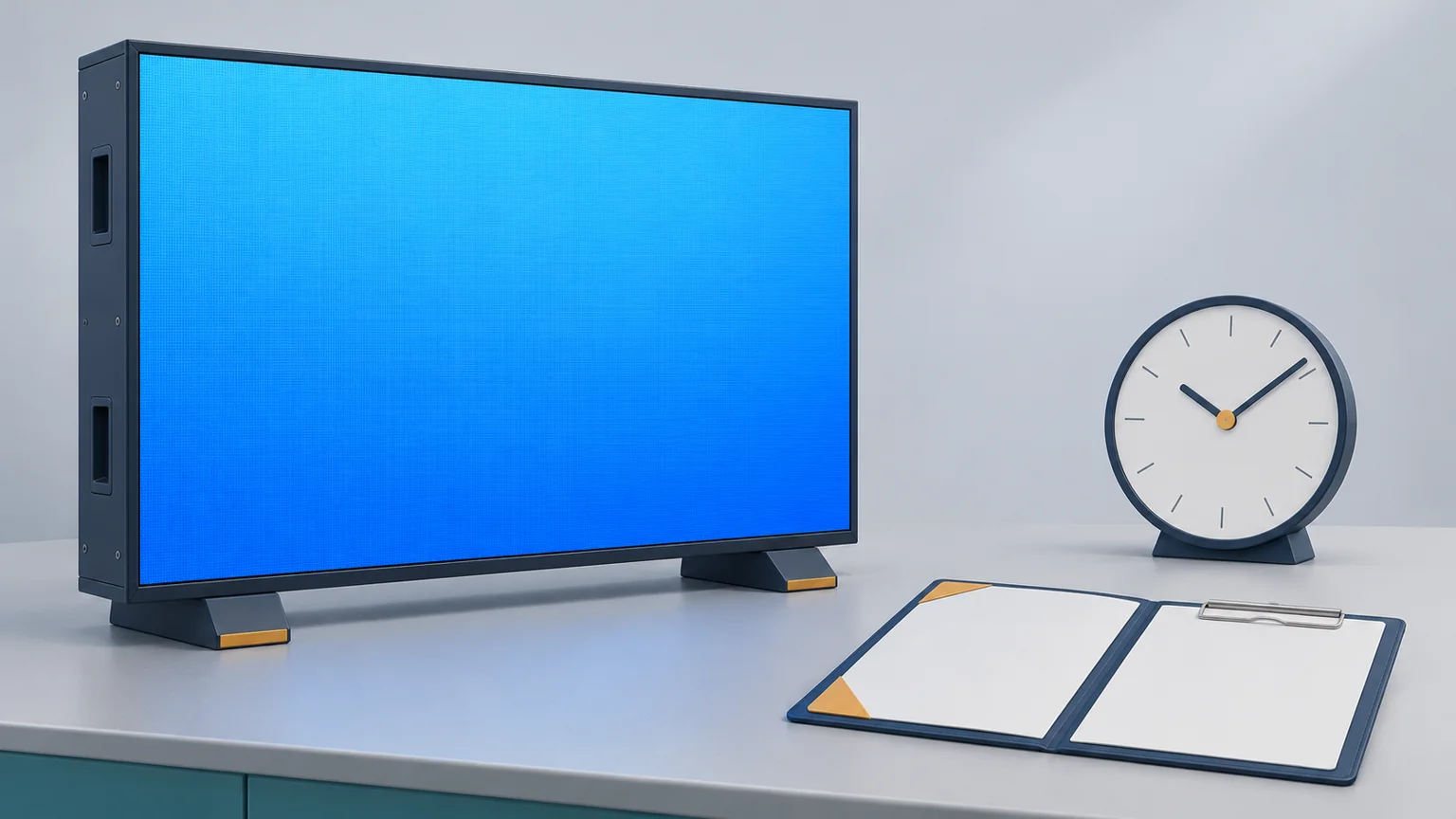
A module-stage record relates to the modules tested at that stage. An assembled-screen record relates to the screen configuration assembled for the run. Ask which equipment was present rather than assuming the two records cover identical hardware.
For example, confirm whether the assembled display included the ordered power supplies, receiving cards, inter-cabinet connections, and processing equipment. If the supplier used a workshop source or controller, record that substitution. It may suit the factory procedure, but it does not demonstrate operation with the integrator’s final sources and signal path.
Keep the LED screen burn-in test scope separate from the inspection population. A complete screen assembled for demonstration does not automatically establish that every shipped spare module or additional cabinet received the same checks. Request a clear list of included units and separate references for spares when those records matter to the order.
This distinction also helps with changes. If a component revision changes after inspection, ask the supplier to identify the affected units and explain which checks must be repeated. Carry the approved revision into the shipment documents instead of accepting a report describing the earlier configuration.
Why a number of hours is insufficient
There is no single duration in this guide that approves every LED screen. Use the agreed model-specific procedure and acceptance requirements. EagerLED’s published material includes different descriptions for different production stages; obtain the current procedure applicable to the selected configuration rather than combining unrelated time figures.
For a meaningful LED screen burn-in test review, ask what ran during those hours. Record brightness settings, displayed content or patterns, power conditions, ambient conditions, and monitoring intervals. Where temperature cycling or another environmental check is specified, obtain its own sequence and scope. Do not assume normal workshop operation includes it.
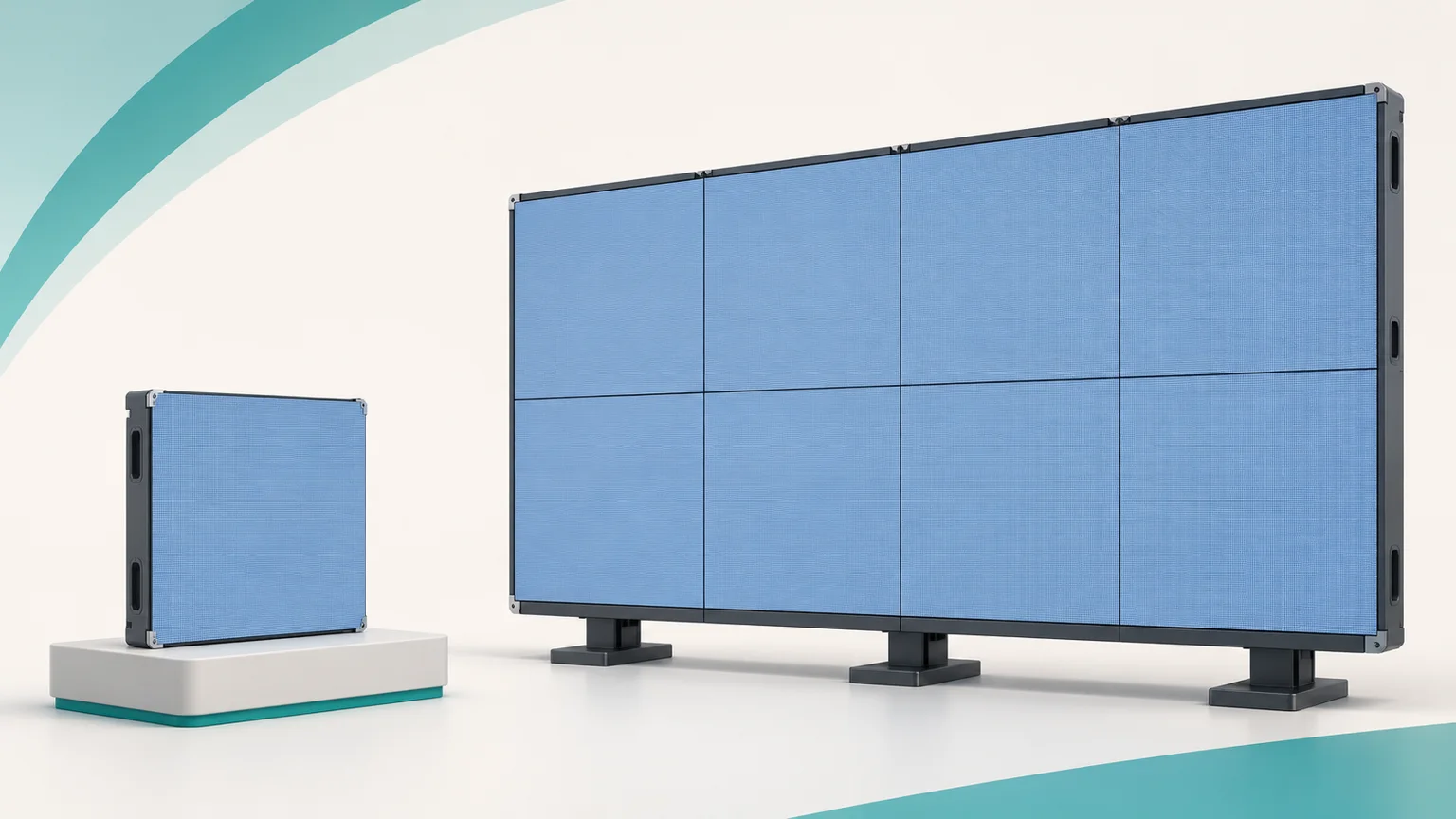
Distinguish elapsed calendar time from recorded operating time. As a hypothetical example, a schedule covering three days could include a powered-down repair interval. The report should show the interruption and subsequent operation so the buyer can judge compliance with the agreed procedure. This example does not prescribe a required test duration.
Longer operation under unspecified conditions does not automatically provide stronger evidence than a shorter, documented procedure suited to the product. If two quotations advertise different durations, first compare their test stages and conditions. Keep any claim about expected lifetime supported by its own evidence and stated assumptions.
Review identity, observations, corrections, and release together
A useful LED screen burn-in test record lets another person follow the sequence without guessing. Agree the reporting format before production, especially when shipment approval depends on an independent inspection or a remote review. The following table organizes questions for the supplier; it is not a claim that every listed document is included in a standard purchase.
| Missing item | Clarification to request | Decision affected |
|---|---|---|
| Unit identity | Connect serial or batch references to the cabinet and packing lists. | Whether the report covers the delivered equipment. |
| Procedure revision | Name the test stage, method, operating conditions, and acceptance criteria. | Whether the run meets the agreed requirement. |
| Interruption history | Identify stops, their causes, and actual operating intervals. | Whether duration and continuity have been demonstrated. |
| Fault disposition | Identify affected units, findings, corrective work, and repeat checks. | Whether reported problems remain unresolved. |
| Release responsibility | Name the authorized reviewer and reference the final approved record. | Whether the documented release process is complete. |
Describe observations precisely. A report saying “image abnormal” gives little help during later troubleshooting. Request the affected cabinet or module reference, the symptom, when it appeared, and the action taken. Ask for supporting photographs or video where they clarify the finding; visual media should supplement the written record.
Also check how repairs were closed. Replacing a part is an action, while a successful repeat check is evidence about the corrected unit. Ask whether the repeat check followed the agreed procedure and whether any unresolved deviation still needs the buyer’s decision.
Consider a hypothetical review in which a report covers an assembled wall, but the packing list includes two additional spare cabinets. Ask for the references covering those cabinets before treating the LED screen burn-in test package as complete. If the report also lists a replaced receiving card, follow that cabinet’s identity through the repair and repeat-check records. The aim is to close a specific evidence gap, not to reject an otherwise useful report because it uses a different document layout.
Keep the accepted report revision with the commissioning and handover files. Record who reviewed it and which exceptions were accepted through the project’s agreed process. An email attachment named “final” is less useful later if the equipment list changed and nobody retained the revision that actually supported shipment.
Keep factory screening separate from project acceptance
An LED screen burn-in test does not replace every item in the project’s acceptance plan. Treat the approved specification as the reference for deciding which optical, mechanical, electrical, environmental, and operational checks are required and who performs them.
For installation planning, review the actual room, sources, mounting arrangement, service access, and power interfaces. The LED wall site survey guide explains what to document before the configuration is finalized. Factory operation does not establish that the building structure, electrical installation, or ventilation design is suitable; those questions require the responsible qualified project professionals.
Plan arrival checks separately, too. Match cabinet labels and quantities to the packing list, record visible transport damage through the agreed process, and coordinate commissioning under the supplier’s instructions. Keep the factory record as a baseline if a later symptom needs investigation. A passed factory run does not mean a transport or site issue cannot arise.
Frequently asked questions
Can I review the factory test remotely?
Ask the supplier to agree a remote review format. A live call can connect equipment labels, the operating display, and the record under discussion. Camera footage cannot substitute for every measurement or inspect every concealed part, so identify which evidence must be supplied separately and whether an on-site inspector is required.
Should an inspector accept a report with confidential component information removed?
Agree the minimum information needed to verify your configuration and trace the equipment. Redaction should not remove the identity, procedure, findings, or disposition needed for acceptance. Where commercially sensitive details matter, discuss an appropriate review arrangement rather than treating an unreadable report as complete evidence.
What if the supplier reports no faults?
A no-fault result can be valid. Review it against the documented scope, operating intervals, conditions, and observations. Do not request invented defects to make a report appear credible, and do not treat the absence of recorded faults as proof that every possible failure has been excluded.
Prepare an inspection request that matches your order
Send the proposed model, screen layout, destination, intended use, configuration revision, and your shipment approval requirements. Identify the records you need and the person responsible for reviewing them. Before ordering, discuss your inspection requirements with EagerLED and ask which LED screen burn-in test procedure applies, what evidence can be supplied, and how deviations and repeat testing will be documented.