
November 5, 2026|
November 5, 2026|
November 5, 2026|
Use this LED display warranty checklist before signing: compare the written warranty by covered component, remedy, claim evidence, logistics, exclusions, and start date—not only by the number of years shown in a quotation. For an AV integrator buying a project system, the practical test is whether the warranty tells the owner what to do when a named module, power supply, receiving card, cabinet, or control component fails, and who is responsible for each step.
A warranty is a supplier-specific contractual document. EagerLED’s public product pages do not establish one universal warranty period or service promise for every model and project, so this LED display warranty checklist helps buyers request and compare the actual written terms for the configuration being quoted. The signed documents and applicable local law control.
Use the LED display warranty checklist to map covered components
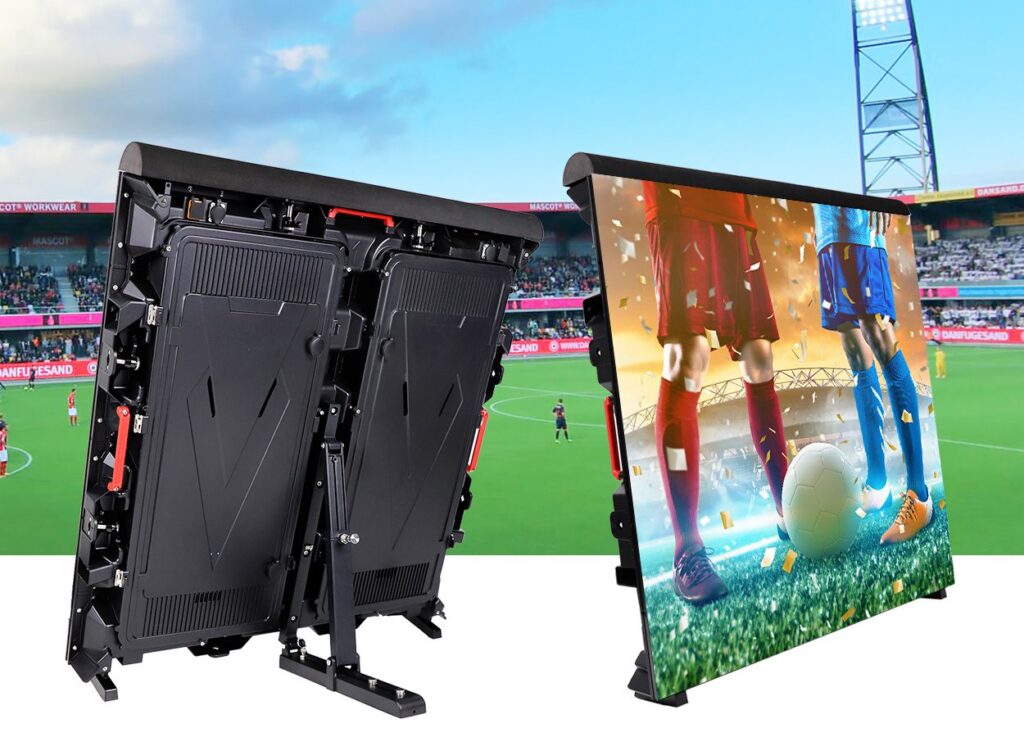
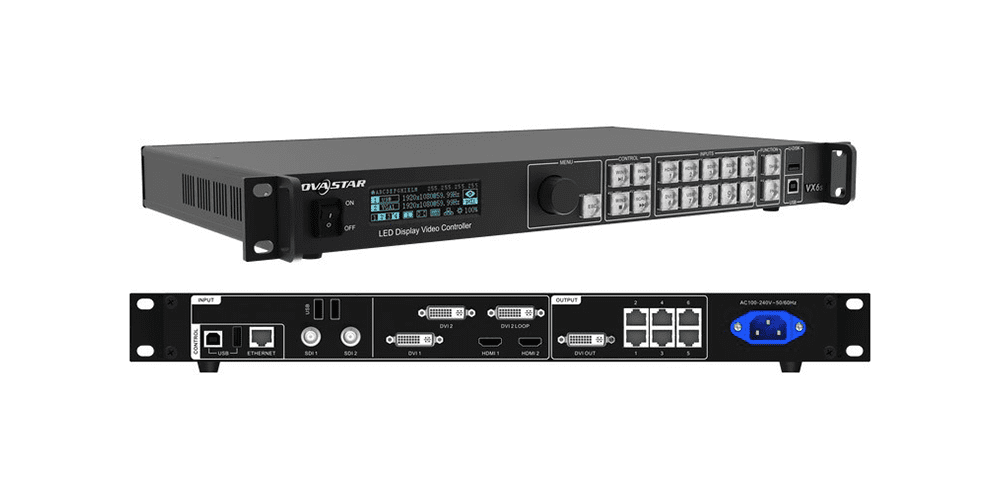
An LED display warranty checklist should begin by identifying the products and components to which the written terms apply. A phrase such as “the screen is covered” may leave uncertainty about the modules, cabinet, power supplies, receiving cards, processing equipment, cables, software, or installation labor. Ask the supplier to name the equipment covered and attach the schedule to the quotation or contract.
Use the bill of materials as the cross-check. Match each covered item to its description, model or part number, quantity, and project location. If multiple cabinet types, pitches, control systems, or screen locations appear in the design, identify which warranty terms apply to each. A general warranty statement should not silently substitute for a component list.
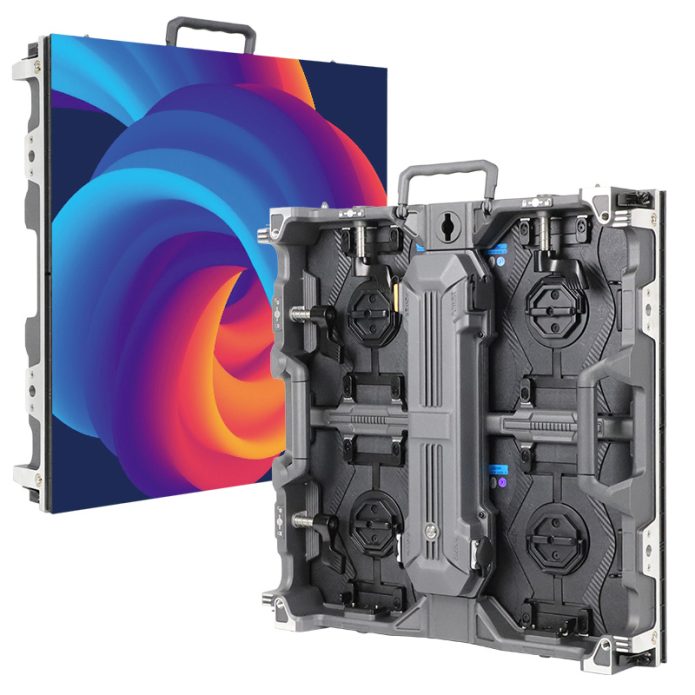
For modular displays, record how a failed module or electronic component is identified and matched to the installed configuration. A replacement part may need the correct physical size, electrical interface, firmware or configuration file, and color or brightness calibration. These are compatibility questions for the quoted model, not benefits guaranteed by the word “warranty.” Add the required replacement identity to the LED display warranty checklist, then use the existing spare-parts quote checklist to compare replacement items separately from warranty coverage.
Define the remedy and service boundary
Ask the supplier to state what happens after an eligible defect is confirmed. The document should say whether the response may be repair, replacement of a component, replacement of a larger assembly, or another remedy. It should also clarify whether the remedy applies to parts only or includes labor, travel, access equipment, removal, reinstallation, configuration, and testing. Do not assume those costs are included unless the written terms say so.
The service boundary matters for displays installed at height, outdoors, or at a venue with limited access. A part may be covered while the labor or equipment required to reach it is not. The buyer should ask who arranges and pays for site access, a lift, local technicians, return freight, customs charges, and shipment of replacement parts. If the supplier’s obligation stops at dispatch, record who handles the remaining steps.
Keep response time distinct from resolution time. A stated time to acknowledge a claim does not necessarily mean a repaired or replacement screen will be operating by that time. For a venue with event deadlines, agree in writing on the service steps and any target dates the supplier can actually support. If no guaranteed restoration period is offered, do not infer one from a general support statement.
Make the claim process usable at the job site
A usable claim process names the contact route, information to submit, required evidence, and next decision point. Ask whether the claim must include the purchase order, serial or batch identifiers, installation date, photos or video, fault description, cabinet position, configuration files, and troubleshooting results. Confirm whether the supplier must authorize a return before a part is shipped.
Clarify what happens while a claim is being assessed. Is the display safe to keep operating, should the affected area be isolated, and who provides that technical direction? The warranty should not encourage an unqualified operator to open an energized cabinet or alter equipment. Follow site safety procedures and the manufacturer’s service instructions.
Agree how replaced parts are handled. The supplier may require return of a faulty component, photographs before removal, or a record of the replacement serial number. Ask who pays each shipping leg and whether the replacement carries the remaining original term or a different written term. Do not assume that repair or replacement restarts the warranty period.
Use one LED display warranty checklist for every quotation
Ask each bidder to complete the same fields in the LED display warranty checklist. This makes differences visible even when the offers use different labels. An empty field is a question to resolve before award; it is not evidence that the more generous option applies.
| Term | What the written offer should state | Buyer follow-up |
|---|---|---|
| Covered equipment | Components, models, quantities, locations, and any exclusions by item | Does the list match the final bill of materials and approved configuration? |
| Coverage period | Start event, end date or duration, and any different periods by component | Does coverage start at shipment, delivery, commissioning, acceptance, or another defined event? |
| Remedy | Repair, replacement, or other agreed corrective action | Who decides the remedy and how is an approved replacement matched? |
| Labor and logistics | Parts, labor, travel, access equipment, packing, freight, and customs responsibilities | Which costs remain with the buyer at the installation country? |
| Claim process | Contact route, evidence, return authorization, assessment steps, and updates | Can the local operator collect the required evidence and follow the process? |
| Exclusions | Specific conditions and the evidence used to assess them | Are site power, environment, installation, maintenance, and unauthorized changes addressed clearly? |
Check that the warranty document and quotation do not conflict. If the quote refers to a separate policy, request the actual version and date before signing, and attach or identify it in the purchase documents. Also clarify precedence if the quote, warranty, purchase order, and service agreement use different language. This is a commercial document review checklist, not legal advice; have counsel review terms where appropriate.
For a system with several screen types or locations, a second table can separate the service scenario from the headline warranty promise. The table below focuses on what must be coordinated, not on an assumed coverage outcome.
| Scenario | Confirm in writing | Project record to retain |
|---|---|---|
| One module shows a fault | Diagnostic evidence, replacement identity, configuration or calibration steps | Cabinet map, module position, photos, part ID, and final test result |
| Fault occurs during an event | Safe operating instructions and the escalation route available to the operator | Incident time, affected area, content state, and approved actions |
| Part must be shipped internationally | Return authorization, shipment payer, declared information, and destination responsibilities | Tracking, customs paperwork, serial numbers, and receipt condition |
| Repair occurs on site | Authorized technician, site access, labor scope, and who approves work | Work report, replaced-part record, configuration backup, and acceptance check |
Frequently asked questions
How should a buyer use an LED display warranty checklist?
There is no single coverage schedule that can be assumed for every supplier or model. Use the LED display warranty checklist to request the actual written document and check the named components, remedy, labor, logistics, exclusions, claim steps, and start date.
Does a parts warranty include installation labor?
Not unless the applicable written terms include it. Ask whether diagnosis, removal, replacement, travel, access equipment, configuration, and testing are included or billed separately.
When should the coverage period begin?
The document should define the start event. Compare the stated event—such as shipment, delivery, commissioning, or acceptance—against the project schedule and contract documents. Do not infer a start date from a general brochure.
What evidence should an integrator keep for a claim?
Follow the supplier’s stated process. Commonly useful records include the order and equipment schedule, serial or batch details, installation and commissioning records, dated fault photos or video, cabinet location, configuration backup, and troubleshooting notes.
Request project-specific warranty terms with your quote
Before award, send the supplier the screen model and configuration, component schedule, destination country, installation location, intended operating conditions, commissioning or acceptance plan, and any event or access constraints. Ask the quotation to identify the applicable warranty document and to complete the LED display warranty checklist comparison fields above. For an EagerLED proposal, use the contact page and include the project destination, screen dimensions, application, and required equipment. You can also review the relevant EA960SP4 product configuration when that model is under consideration. The warranty commitments for your purchase must come from the project-specific written offer.