
November 5, 2026|
November 5, 2026|
November 5, 2026|
For an outdoor LED display quote, compare the stated front and rear ingress-protection ratings separately, then ask which finished assembly and exposure conditions the evidence covers. Treat the LED display IP rating as a claim with a defined scope, not a blanket promise. A number such as IP65 is useful only when it is tied to the exact cabinet or screen configuration being quoted. It does not, by itself, prove that every surface, connector, seam, or installed structure has the same protection.
This checklist is for an AV contractor or project engineer reviewing a supplier quote before approving an outdoor screen. The goal is to turn a headline rating into clear, comparable submittal questions.
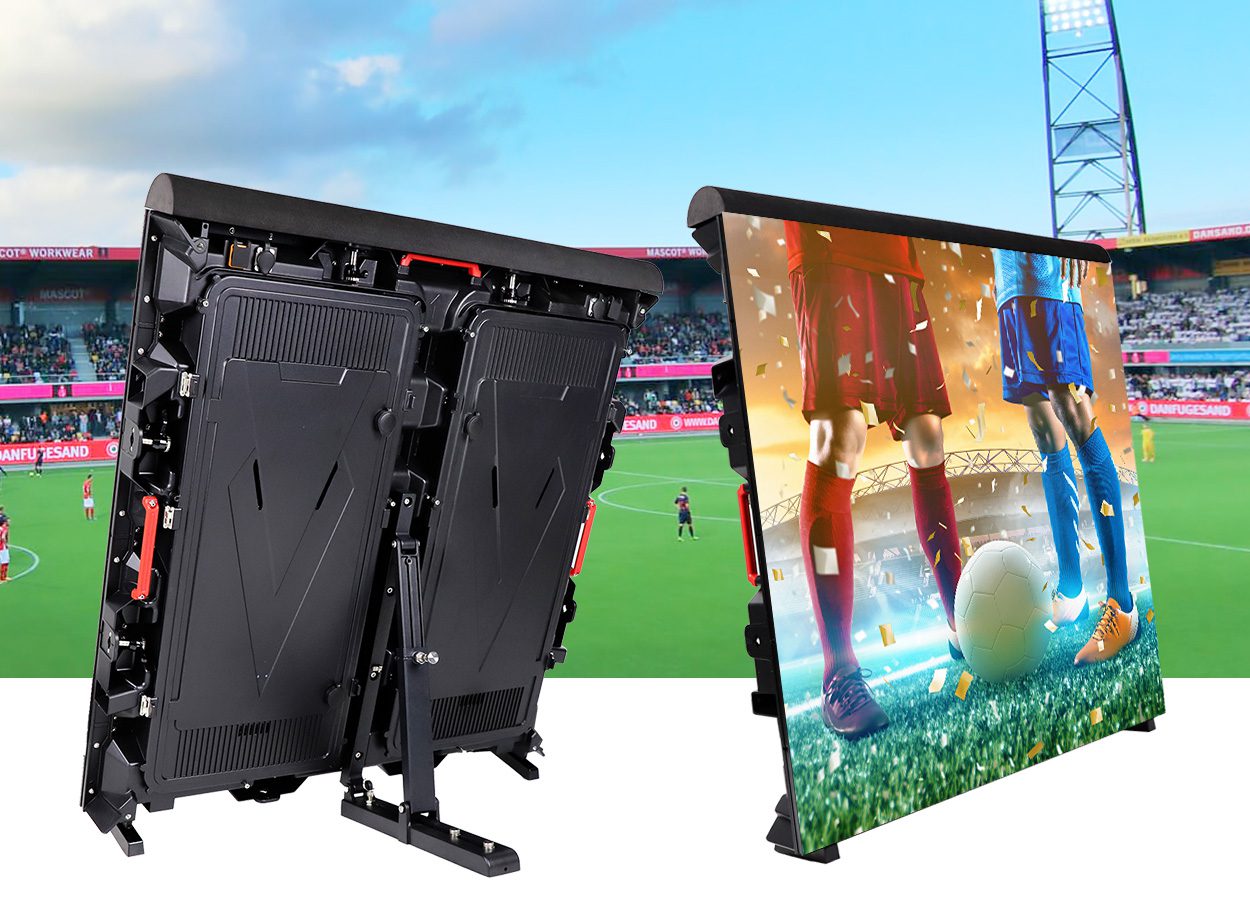
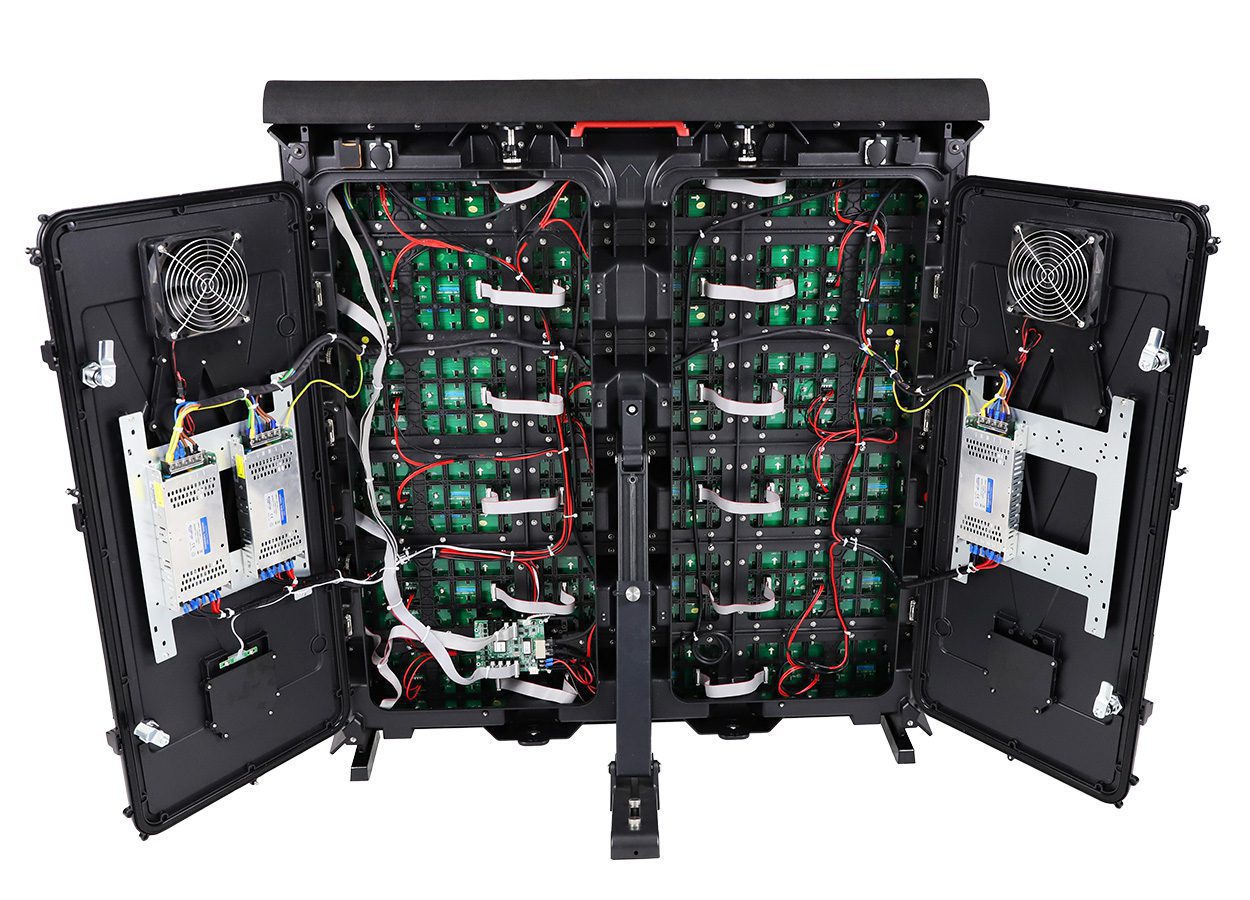
For example, the published EA960SP4 sports-display configurations list IP65 at the front and IP54 at the rear. That is a model-specific published specification, not a substitute for the project’s approved test documents or installation review. See the EA960SP4 product page for its current configuration details.
Read the LED display IP rating on each side separately
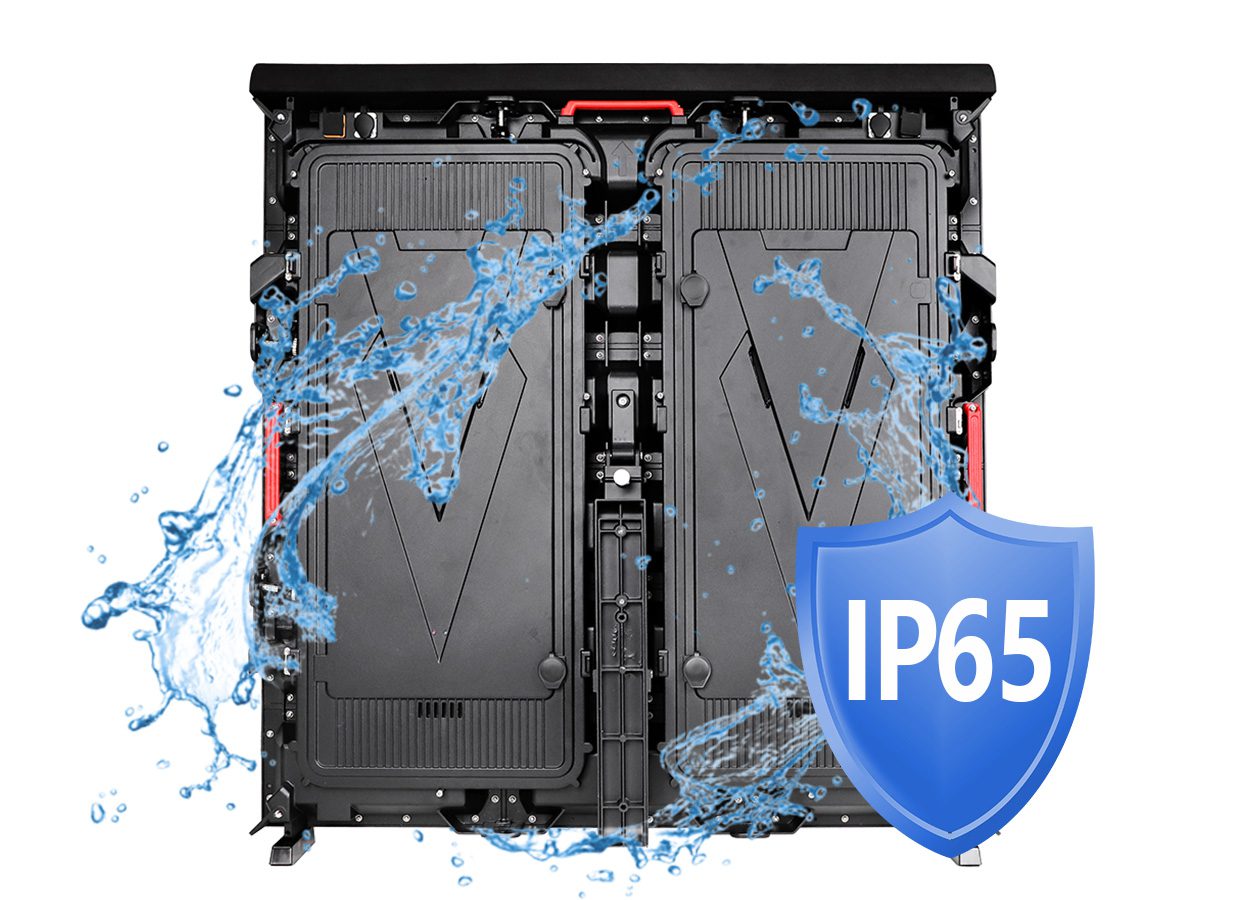
An ingress-protection code uses two numerals after “IP.” The first numeral describes protection against access to hazardous parts and ingress of solid foreign objects; the second concerns water ingress under specified conditions. A buyer should read the complete code and its documented scope rather than treating “weatherproof” as a test result. The LED display IP rating should be matched to the supplier’s documentation and the exact product configuration. The rating system is based on IEC 60529; exact claims should be matched to the supplier’s documentation.
On a large screen, front and rear surfaces can face very different exposure. The front may receive wind-driven rain or cleaning spray. The rear may sit under a canopy, behind a service corridor, or in an exposed structure. A single number on a brochure may refer to one face, a particular cabinet, or a defined product configuration. Ask the supplier to state which.
For an LED display IP rating comparison, record front and rear values in separate columns. This simple split keeps the quote review tied to the actual face and exposure. Do not assume the lower value is a mistake or that the higher value applies everywhere. Instead, identify the exposure at each face and confirm that the stated design fits it.
Confirm what the rating covers
The label may describe a cabinet sample, a module, a sealed enclosure, or a completed display configuration. When comparing an LED display IP rating, ask the supplier to name that object in writing and link it to the quoted bill of materials. Those are not automatically interchangeable. A finished screen also has seams, service doors, power and signal connections, cable entries, ventilation paths, and installation interfaces. A buyer should ask which of these were present in the evaluated configuration and what changes would make the documentation inapplicable.
Ask the supplier to identify the model and configuration on the report, the rated face, the document issuer, the test date, and the test scope. Check that the model code, cabinet dimensions, door arrangement, and connector option match the submitted quotation. If a report describes a sample that differs from the sale configuration, ask the technical team to explain the difference and confirm whether it changes the stated protection. Keep the response with the submittal so reviewers can trace the claim later. If a document is confidential, a redacted report or signed technical declaration may still identify the model, rating, test basis, and limitations. Do not treat a marketing graphic as equivalent evidence.
Compare quote evidence
| Quote item | What to request | Why it matters |
|---|---|---|
| Front face | Declared code, model/configuration, and supporting document | Shows whether the viewing face matches the expected exposure |
| Rear face | Separate declared code and whether rear access doors were included | Prevents a front-face claim from being applied to the service side |
| Tested object | Cabinet, module, or completed screen configuration | Clarifies the boundary of the claim |
| Openings and connections | Coverage of cable entries, connectors, vents, and service interfaces | These interfaces can differ from a sealed cabinet sample |
| Project conditions | Mounting orientation, exposure, drainage, and maintenance assumptions | Connects product evidence to the installed design |
Match the rating to the site
An IP code does not choose the product for the project. Before approving an LED display IP rating, document the actual exposure: direct or sheltered rain, wind direction, coastal spray, dust, cleaning method, roof runoff, standing water risk, and access for inspection. Also note whether technicians will open the cabinet while the system is energized or in service; maintenance procedures must follow the supplier’s instructions.
Ratings are not a general promise against corrosion, UV exposure, condensation, temperature cycling, impact, or poor drainage. These concerns may need separate material, environmental, or structural specifications. Where conditions are unusual, request written confirmation from the supplier and the project engineer instead of inferring coverage from the IP code.
Compare the installation design as well as the screen. A canopy, rear clearance, drip edge, drainage path, cable routing, and mounting angle can change exposure. Confirm that any proposed protection does not block cooling, safe access, or the manufacturer’s maintenance requirements.
Request an approval package
Ask for a compact package that lets the design team compare like with like:
- Exact product series, cabinet size, module, and configuration being quoted.
- Front and rear rating stated separately, with each value tied to the relevant face.
- Evidence that identifies the tested or declared object and its limitations.
- Installation instructions for orientation, connections, drainage, and service access.
- Written answers for project-specific exposure or cleaning conditions.
- A list of any options or site changes that affect the stated specification.
Keep the package with the approved submittal and purchase order. If the supplier revises the cabinet, connector, access door, or cable arrangement, ask whether the existing evidence still applies. This makes later substitutions easier to review and reduces ambiguity between a proposal and the delivered configuration.
When comparing an LED display IP rating across bids, put unanswered questions in the commercial clarification log. Mark a rating “not verified” until the supplier supplies the requested evidence; do not silently fill gaps with assumptions.
Frequently asked questions
Does IP65 at the front mean the back is also IP65?
No. A product can publish different values for different faces. Verify the rear rating separately for the exact configuration in the quote.
Is an IP code proof that the entire installed screen is waterproof?
No. It identifies a defined degree of enclosure protection under specified conditions. The document may cover a sample or configuration, and the installation’s seams, cabling, mounting, and drainage still need review.
What should I do if a quote says only “IP65”?
Ask which face and product configuration the value describes, what evidence supports it, and whether doors, connectors, and cable entries were included. Request separate front and rear values before accepting the LED display IP rating in the equipment schedule.
Can a published product-page rating replace project approval documents?
Use the page to identify the supplier’s stated specification, then request the submittal evidence required by the project. A web specification alone may not answer scope, test object, or installation questions.
Next step: align the specification with the quote
Send the supplier the screen model, front and rear exposure, mounting orientation, site conditions, cleaning method, and any required approval format. Ask for a configuration-specific response before the purchase order is finalized. For a project review, see the stadium LED screen application information and LED display buying guide, then contact the team with your country, screen dimensions, viewing distance, installation environment, and required front/rear protection. The supplier can then respond against the project details rather than a generic rating label.