
NovaStar
Find setup answers for NovaStar LED controllers, receiving cards and video processors. Start with the NovaStar software downloads, the VX600 manual and setup guide, or the ViPlex Express guide for compatible multimedia players.
Which software should I use?
Match the software to the exact controller and receiving-card model. NovaLCT is used for supported screen configuration tasks, while V-Can manages supported video controllers. ViPlex Express serves compatible multimedia players; these tools are not interchangeable. Check the model manual and supported software version before connecting.
What should I check when the LED screen stays black?
Confirm screen and controller power, a valid input signal, input selection, output brightness and the Ethernet cable path. Test one known working cable and cabinet at a time. Back up the current configuration before changing receiving-card parameters, loading a configuration file or updating firmware.
ColorLight
This section focuses on Colorlight LED controllers, including popular models like Colorlight Z5, offering powerful and reliable control solutions for all types of LED screens. Here you’ll find practical guides covering Colorlight Software Download, features, setup, specifications, and common questions, helping you better understand how Colorlight controllers work in real LED display applications.
HuiDu
This section is dedicated to HUIDU LED control solutions, covering controllers, control cards, and related software such as HDPlayer, HDSet, and HDSign. Here you’ll find practical FAQs and guides that explain features, setup steps, software usage, and common issues for HUIDU LED display systems.
LED Display Knowledge
Plan an LED screen using its physical dimensions, resolution and viewing distance. Use the LED display size guide to understand cabinet layouts and the pixel pitch calculator to compare resolution and distance.
Does a larger screen always need a finer pixel pitch?
No. Screen size determines the physical area, while pixel pitch determines the spacing between pixels. Select pitch for the nearest viewer and the smallest text in your content, then calculate the total pixel count and check controller capacity. For temporary events, review the rental LED wall planning guide before confirming the layout.
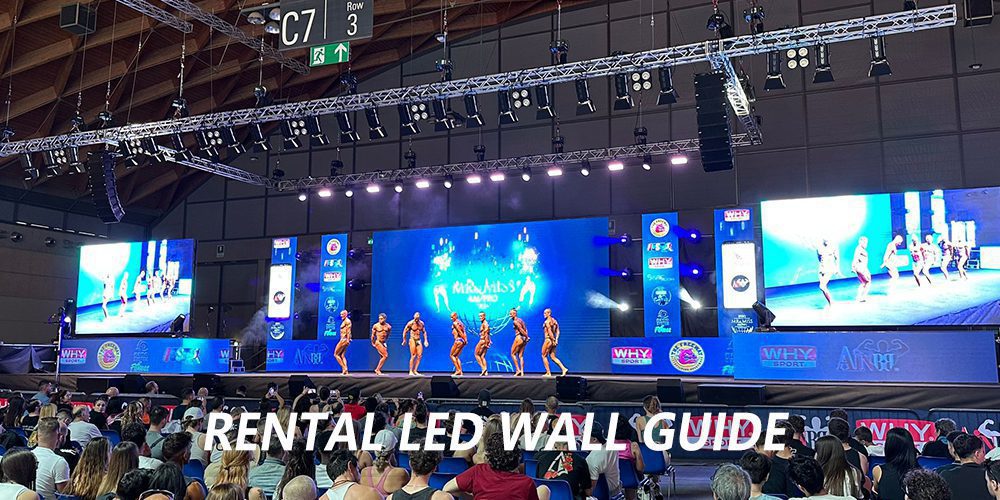
Rental LED Wall Guide: Screen Specs and Booking Checklist
A rental LED wall is a modular screen assembled for a temporary event. Before booking, match the screen dimensions, pixel pitch, brightness and support system to the venue, audience and content. This guide explains the technical checks and booking details to agree with your event provider. Compare rental LED screen options, then use the pixel [...]
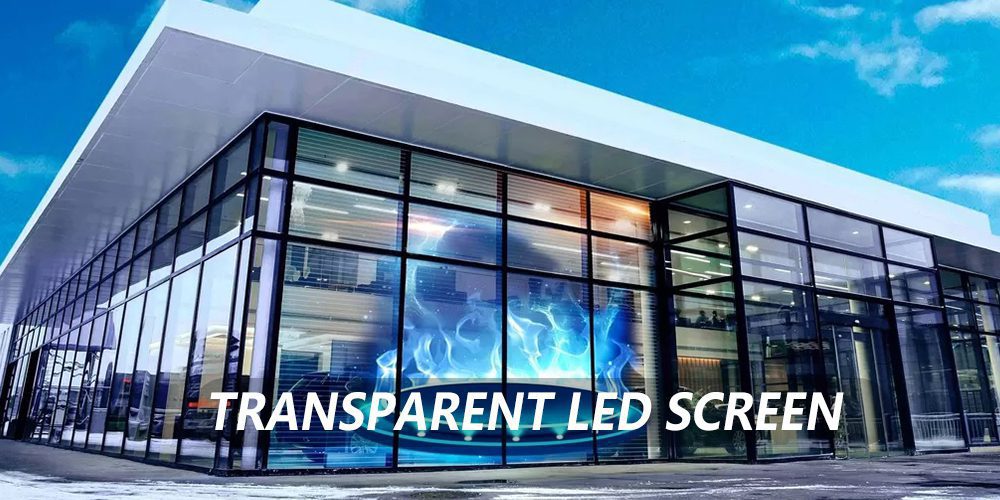
Transparent LED Screen: Retail Window Selection and Installation
A transparent LED screen can place digital content across a shop window while retaining a partial view into the store. The result depends on the display construction, glass, ambient light, content and installation method, not just the advertised transparency percentage. This guide covers retail window selection, site checks and commissioning. Compare transparent LED screen options [...]
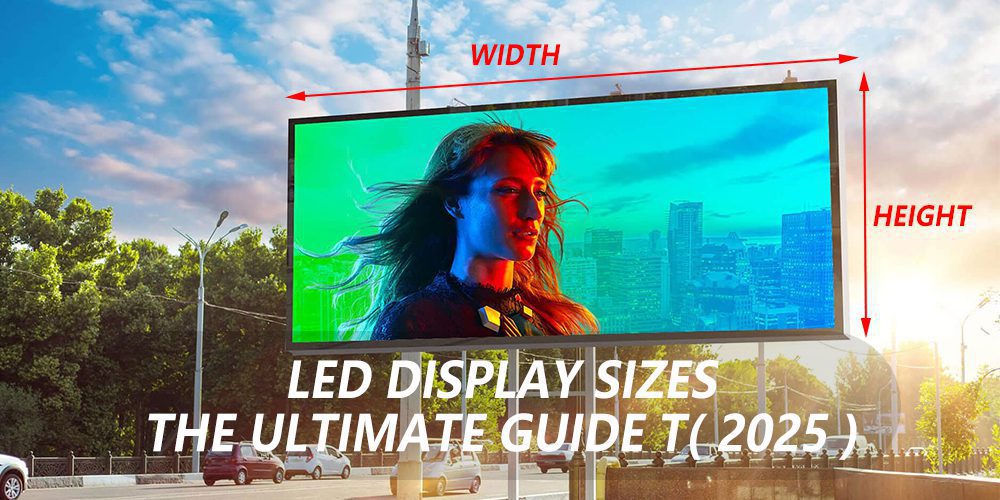
LED Display Sizes: Dimensions, Pixel Pitch and Resolution
LED display sizes are the active width and height of a screen, usually specified in meters or millimeters. Choose a cabinet grid that fits the venue, then use its pixel matrix to calculate resolution. A larger wall is not automatically sharper, and a 16:9 screen is not automatically Full HD or 4K. This guide compares [...]